Introduction – Scan to BIM as a response to the real needs of construction sites
Scan to BIM technology addresses one of the key challenges in construction and infrastructure – the lack of up-to-date, accurate and reliable documentation of existing facilities. In practice, design and construction decisions are often made on the basis of incomplete or outdated data, which generates the risk of errors and costly corrections.
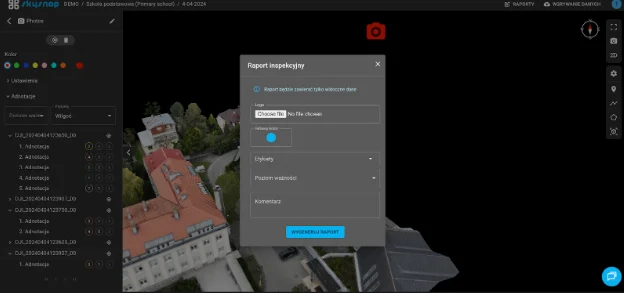
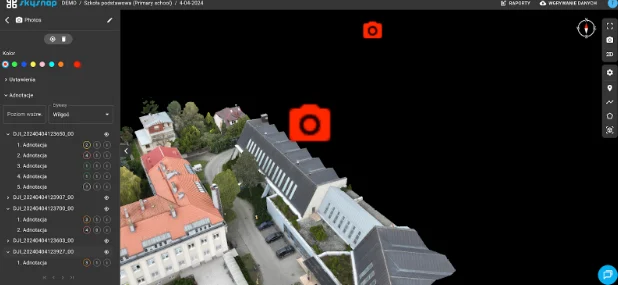
The Scan to BIM process involves converting survey data acquired from 3D scanning into a digital BIM model that reflects the actual condition of the facility with specific, measurable accuracy. When combined with the SkySnap Portal, Scan to BIM ceases to be solely a design stage and becomes a practical tool for on-site data control and analysis. SkySnap makes it possible to work with survey data, BIM models and site information in a single, consistent digital environment.
Stage 1 – 3D scanning as a data source for SkySnap
The Scan to BIM process begins with 3D scanning of the site. Depending on the nature of the investment, the data may come from ground-based laser scanners, mobile scanning systems or photogrammetry, including measurements taken with drones.
A key aspect at this stage is awareness of the accuracy of the input data. It is worth remembering that laser scanners and drones offer different resolution and precision, depending on, among other things, the measurement technology, terrain conditions or the surveying matrix used. The result of scanning is a point cloud, which is a geometric representation of the object, which can be treated as a reliable reference point for further analysis – provided that the data is properly prepared and interpreted.
Stage 2 – point cloud development and data preparation
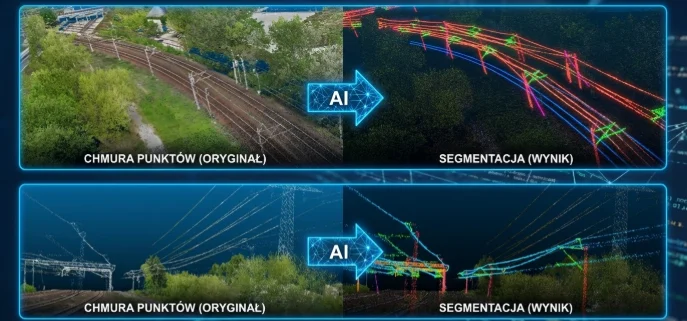
Raw scanning data needs to be processed before further use. The point clouds are combined, organized and cleaned to remove noise and temporary elements. At this stage, it is crucial to obtain a consistent and readable data set that faithfully represents the object’s geometry.
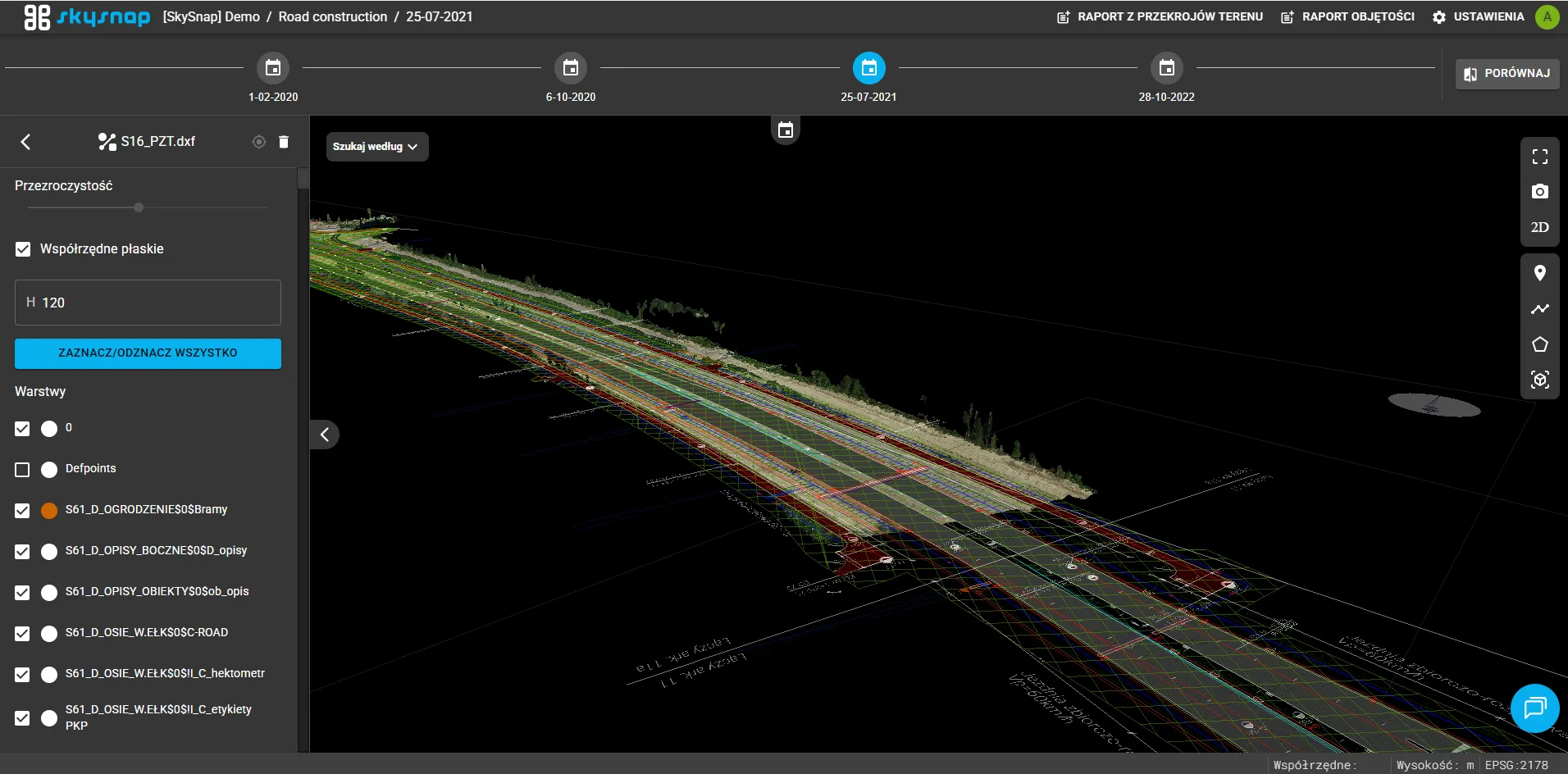
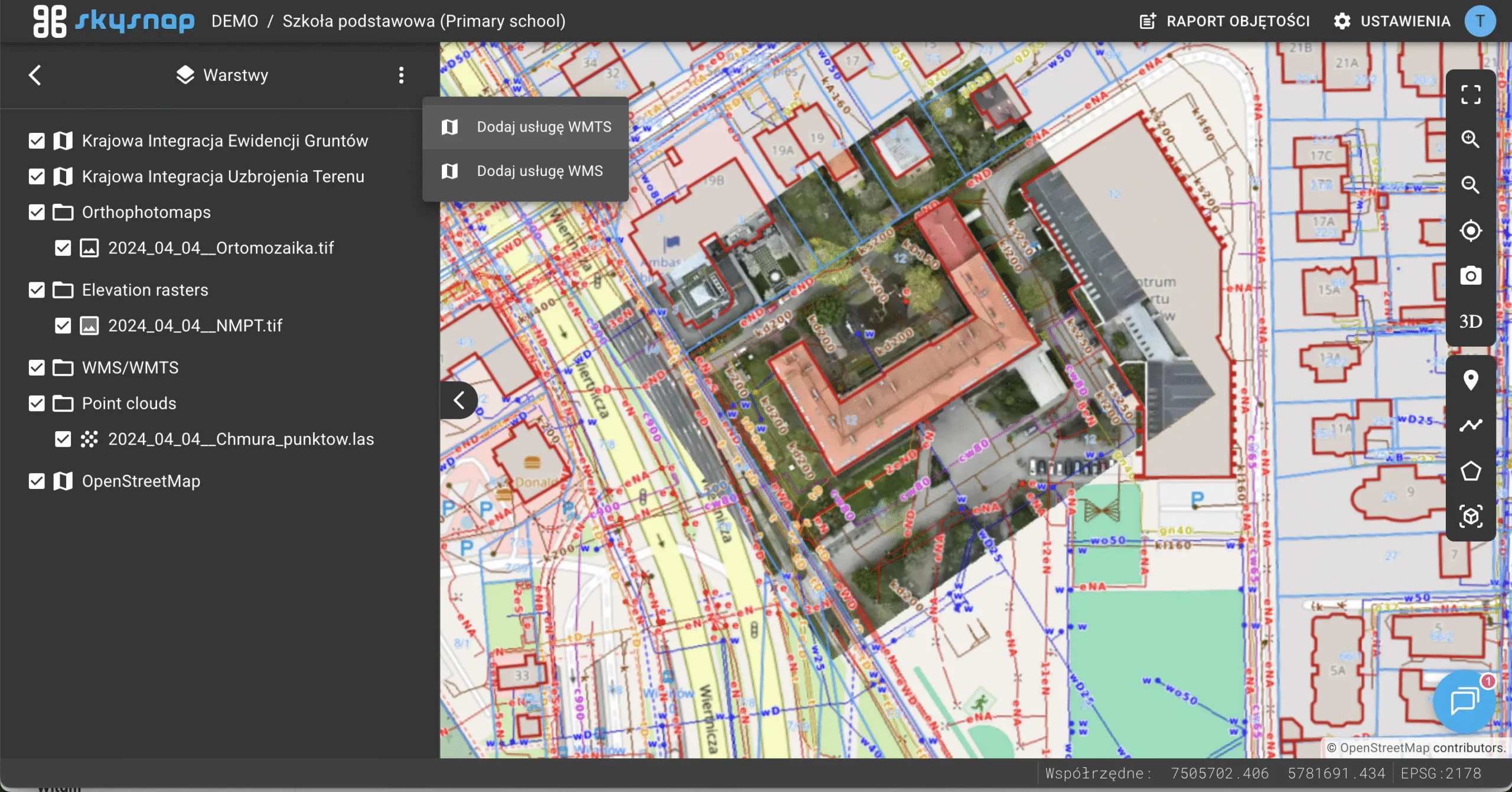
The point cloud prepared in this way can then be used for BIM modeling or collated with other spatial data. In practice, SkySnap allows working with different data sources simultaneously, which facilitates the analysis of the existing state and the subsequent verification of the BIM model.
Stage 3 – creating a BIM model based on real data
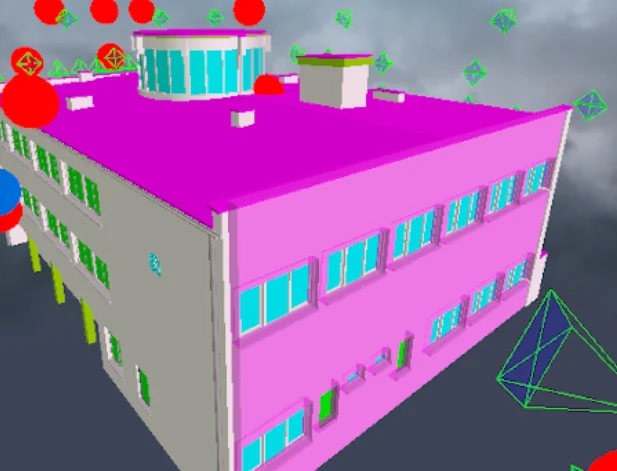
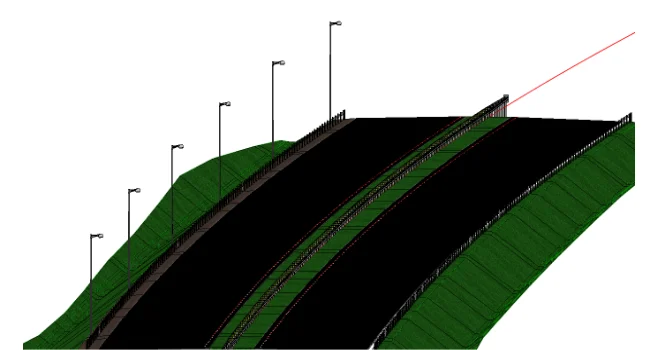
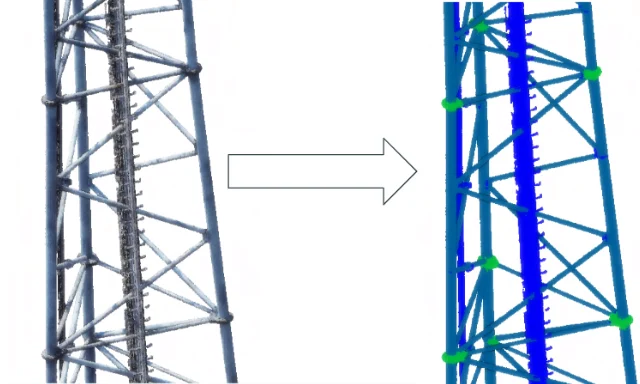
Based on the developed point cloud, a BIM model is created, which reproduces the actual layout and geometry of the building. Individual structural and architectural elements are modeled as BIM objects, enriched with technical, material and descriptive information.
The extent of model detail (LOD) is always derived from the purpose it is intended to serve. For spatial analysis or work planning, a simplified model may be sufficient, while for retrofits, reconstructions or collision analyses, a high correspondence between the model geometry and reality is crucial. Regardless of the level of detail, the foundation remains actual survey data of known accuracy, not design assumptions.
Stage 4 – BIM model in IFC format as “source of truth” in SkySnap Portal
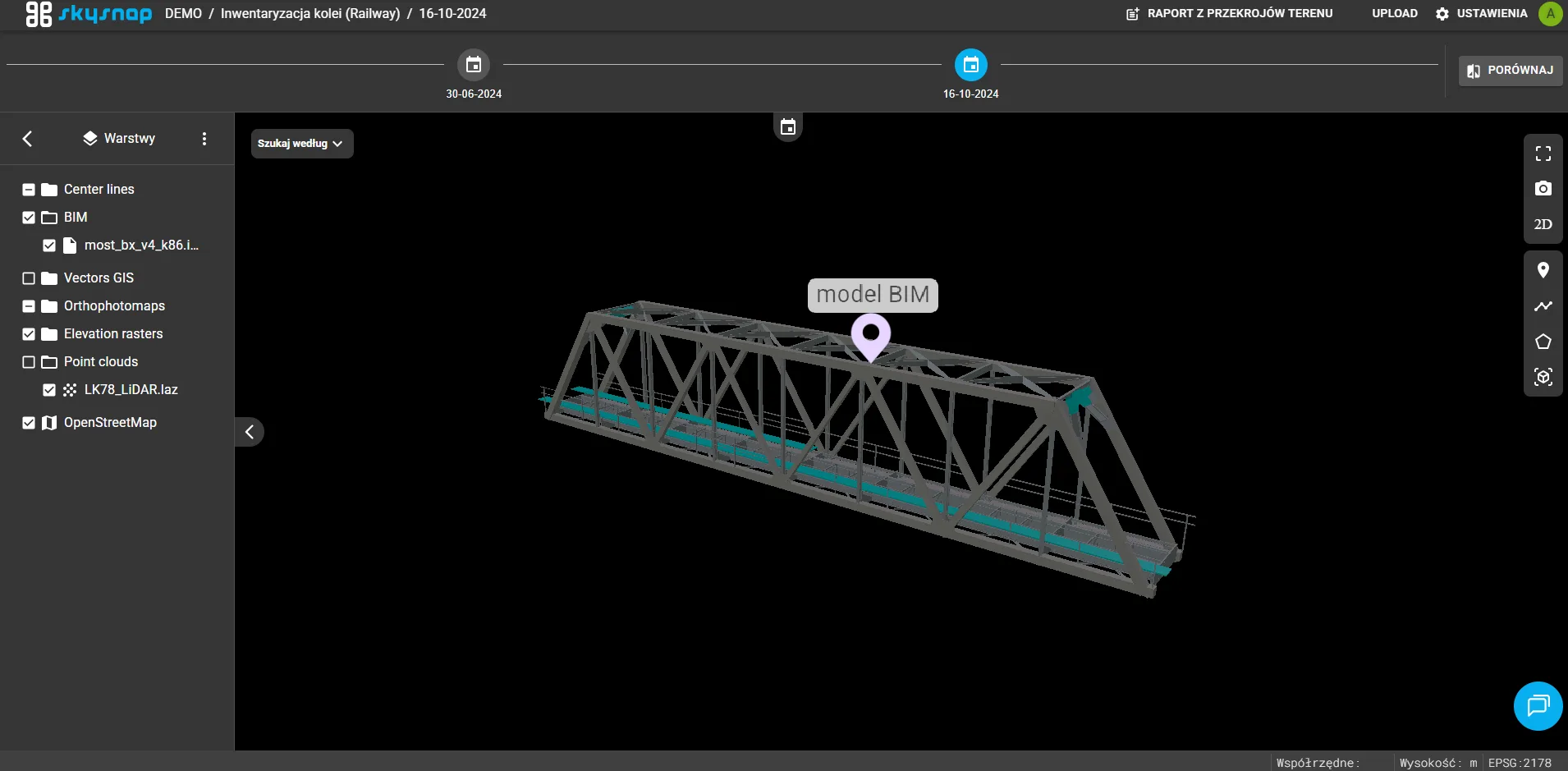
The finished BIM model is exported to IFC format, which is an open standard for data exchange. SkySnap allows you to import and view IFC files directly in the portal, without the need for dedicated BIM software.
This makes the BIM model accessible to all participants in the investment process – from designers to construction managers to investors. Importantly, the IFC model in SkySnap does not function in isolation from reality, but is analyzed in the context of up-to-date data from the field, which makes it possible to better assess its compliance with the actual state of affairs.
Scan to BIM in SkySnap – comparing model to reality
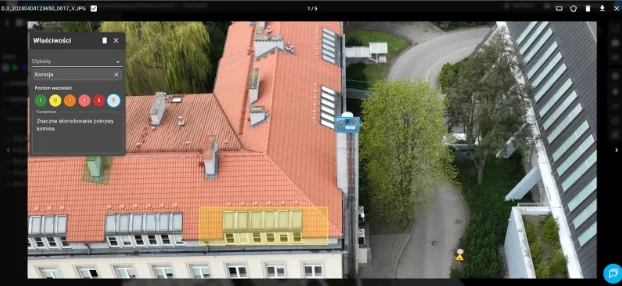
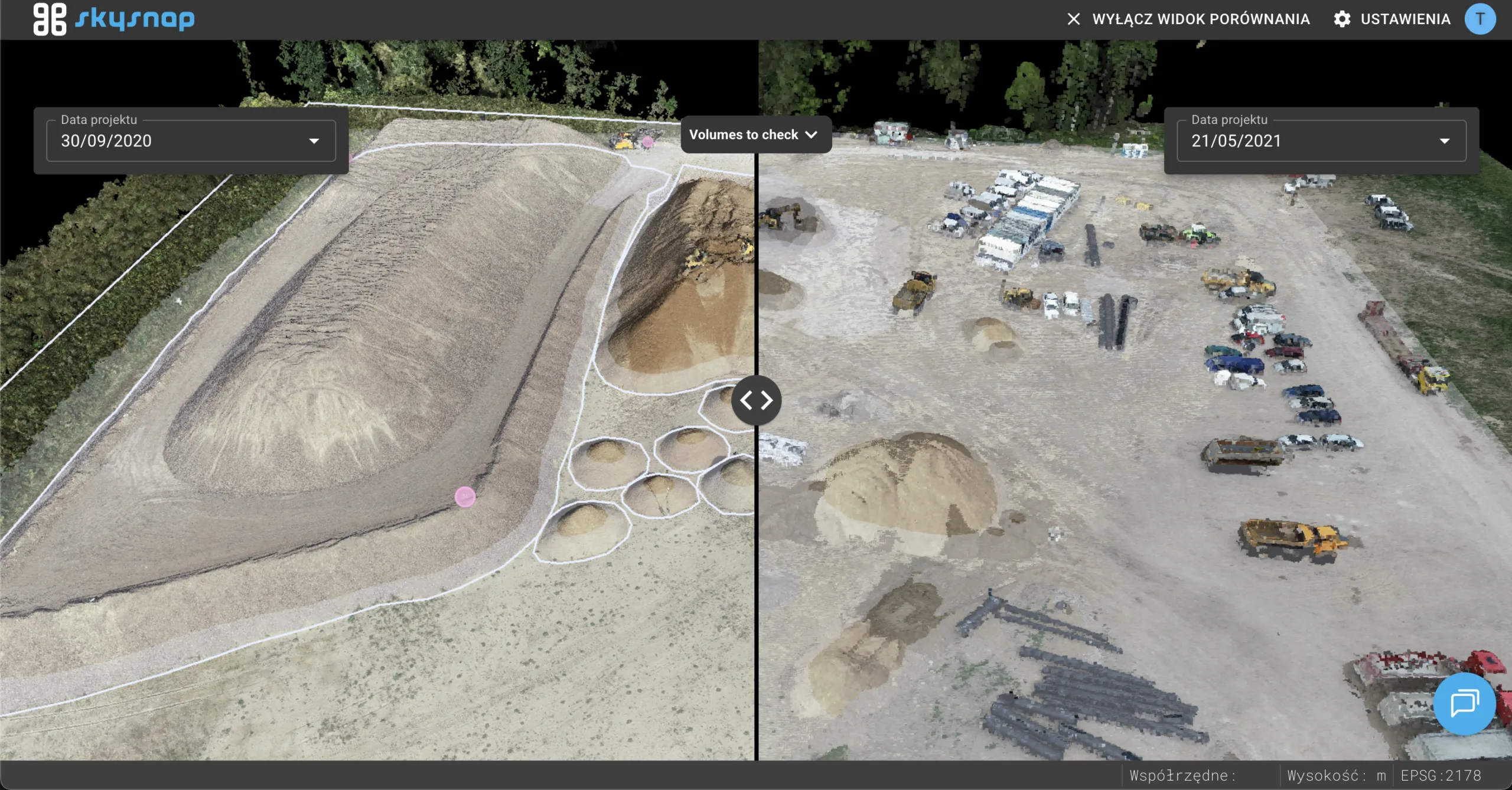
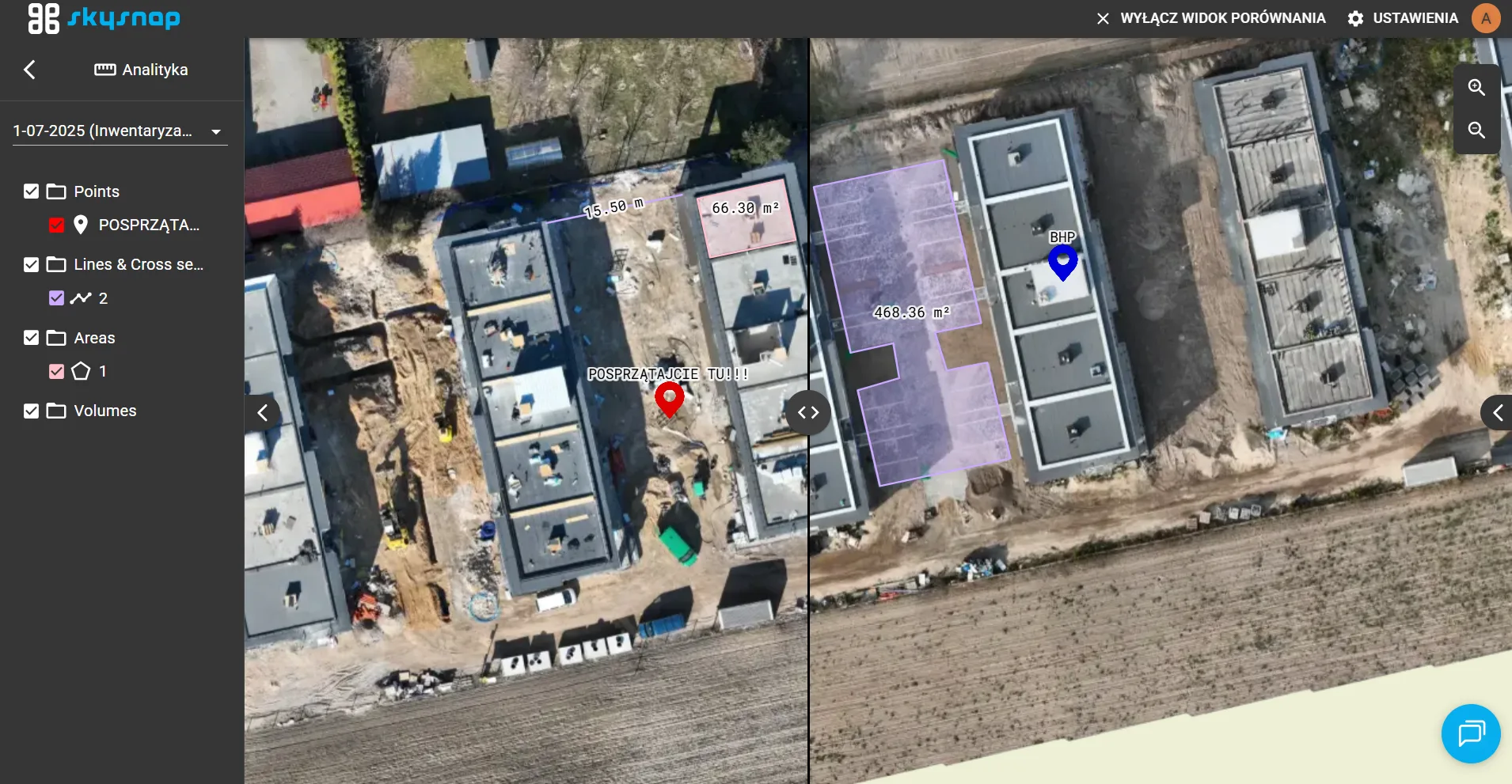
One of the key advantages of working in SkySnap is the ability to collate the BIM model with current construction data. The IFC model can be compared with drone orthophotos, point clouds and photographic documentation.
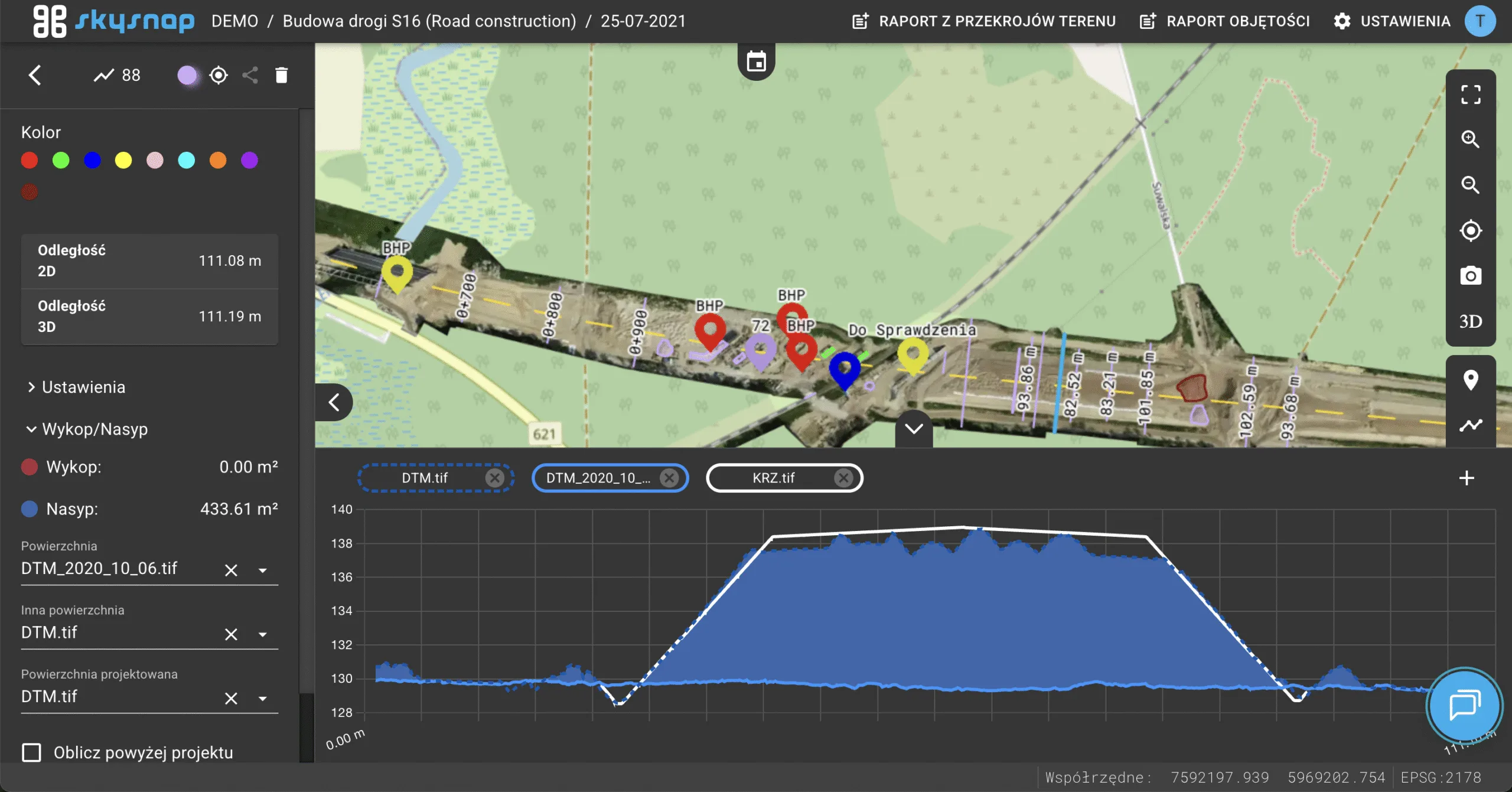
This approach makes it possible not only to visually assess the progress of the work, but also to analyze geometric deviations between the model and the actual execution. Thanks to the high accuracy of the drone data, the user can consciously subtract design decisions and order additional verification.
Benefits of Scan to BIM in the SkySnap ecosystem
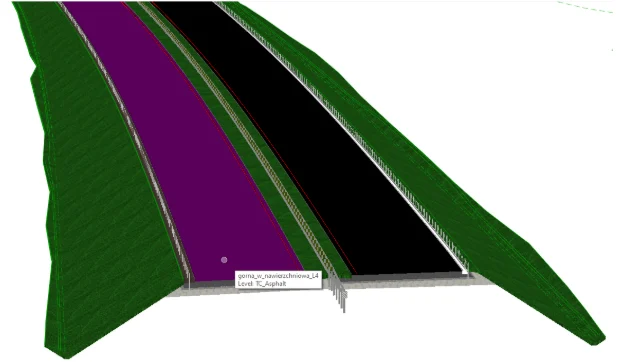
Combining Scan to BIM technology with the SkySnap platform translates into real benefits for participants in the investment process. The most important of these is the ability to work on up-to-date, verified data that reflects the actual condition of the facility with a certain degree of accuracy.
An additional value is the centralization of information in a single environment – from survey data, to BIM models, to visual drone footage. This approach reduces the risk of errors resulting from working with outdated or ambiguous data and supports informed decision-making on site.
| The on-site challenge | Scan to BIM + SkySnap solution |
|---|---|
| Outdated documentation | Precise point cloud from scanning |
| No specialized software | IFC viewer available online for everyone |
| Discrepancy with design | Superimposition of BIM model on 2D/3D orthophotos |
Summary – Scan to BIM as part of digital construction in SkySnap
Scan to BIM is a process that starts with precise data acquisition and ends with a functional BIM model used in practice. When combined with the SkySnap platform, the BIM model ceases to be just documentation and becomes an active tool for analyzing, controlling and verifying the accuracy of data.
Integrating IFC files with drone and surveying data creates an environment where the user not only sees the model, but also understands the quality of the data on which he bases his decisions. It is this aspect – an informed approach to data accuracy – that is the foundation of modern digital construction.

Free E-book
Measuring the volume of materials, aggregates and earthworks on a construction site is one of the most important uses of drones. Why? Because it’s time and money! Download our short e-book and learn how you can monetize your passion with drones.
Table of Contents:
Do you like the article? Share it with others!
Do you like the article? Share it with others!
Tips, news, insights
Related articles
Check out our articles and get the latest industry news.