SkySnap Portal
Recent Changes (29-01-2026)
Improvements
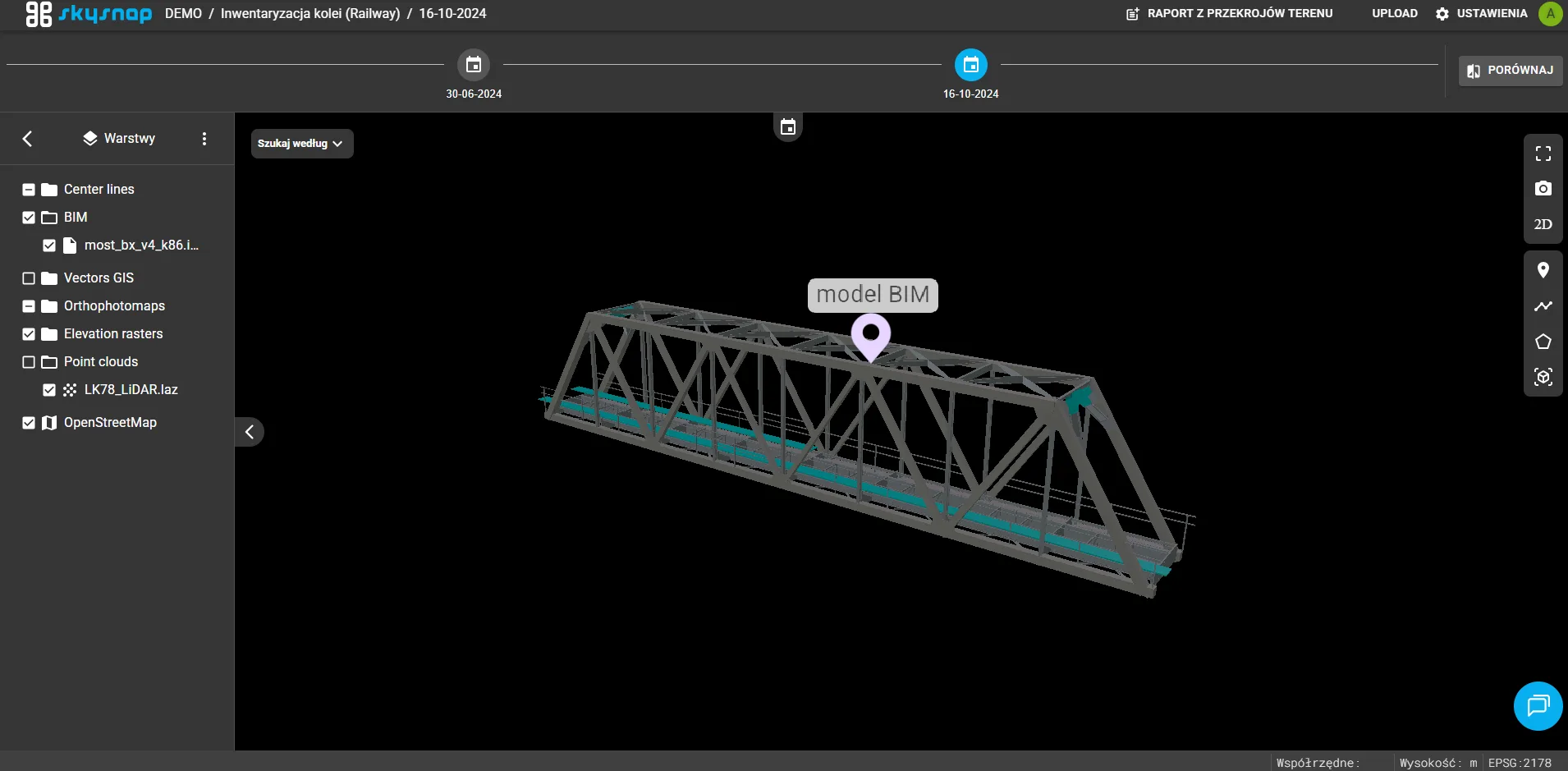
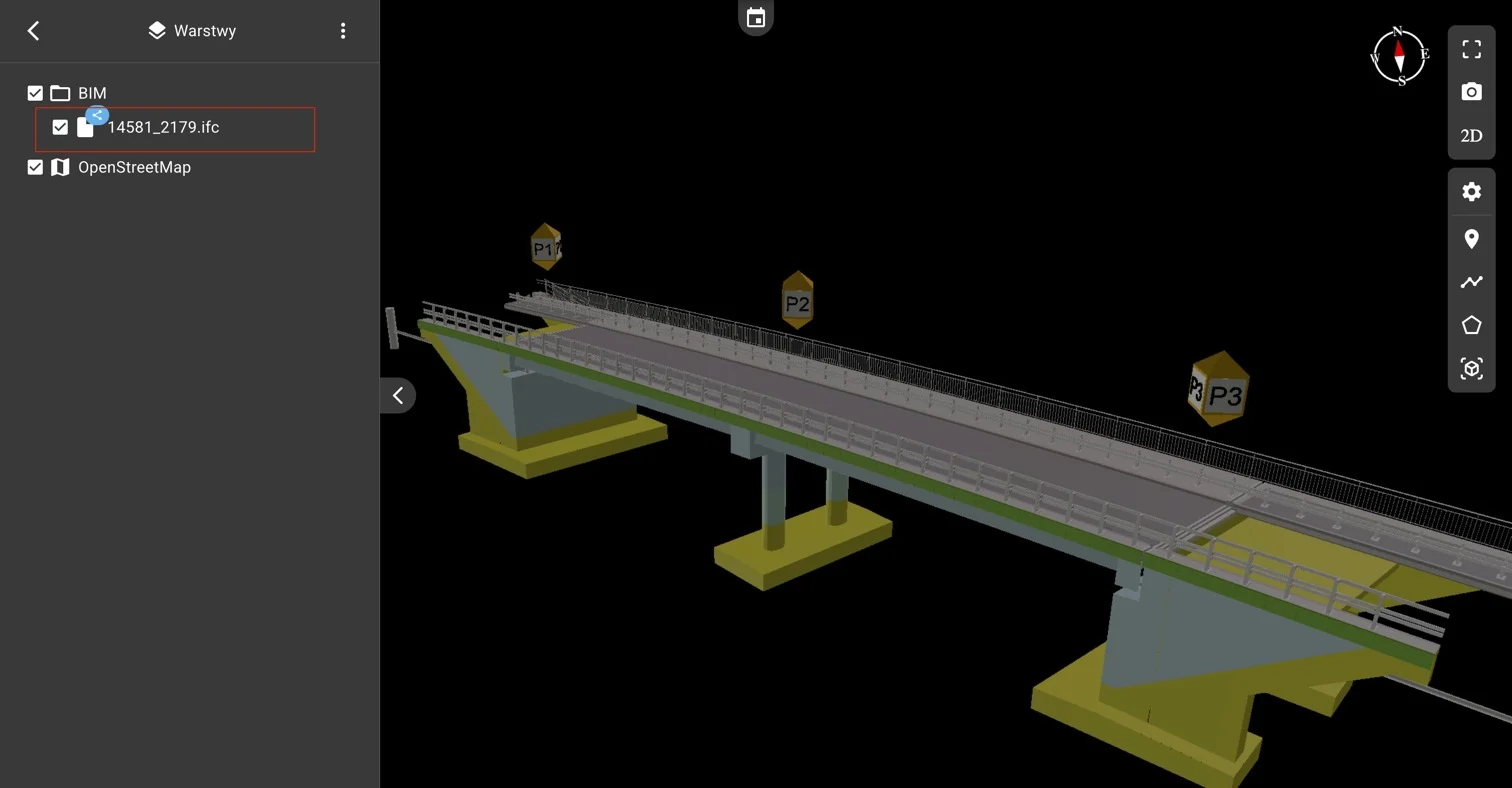
Support for BIM models (.IFC) on the investment
Support for IFC files as shared files at the investment level has been introduced. As a result, project models are visible and accessible in every project included in a given investment.
New space for attachments and links
A function for attaching non-geospatial files and external links has been added. They can be added directly to the project or at the investment level.
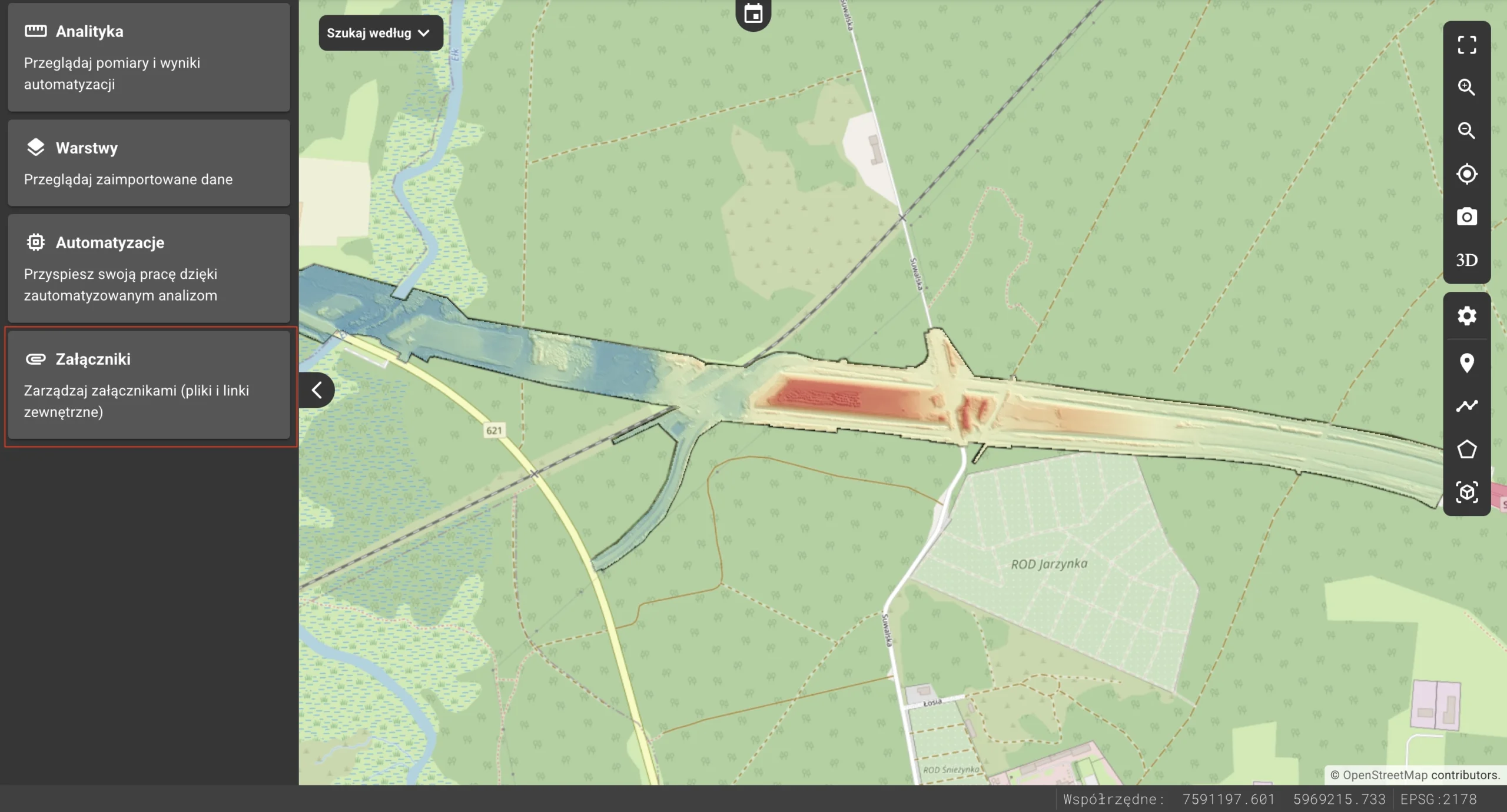
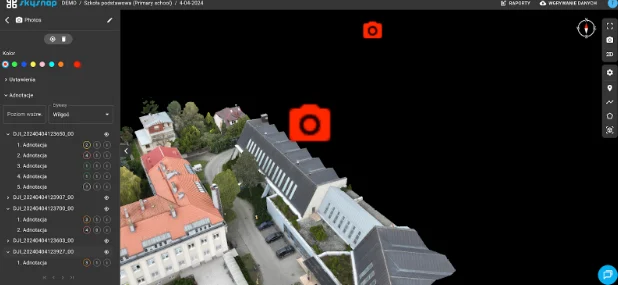
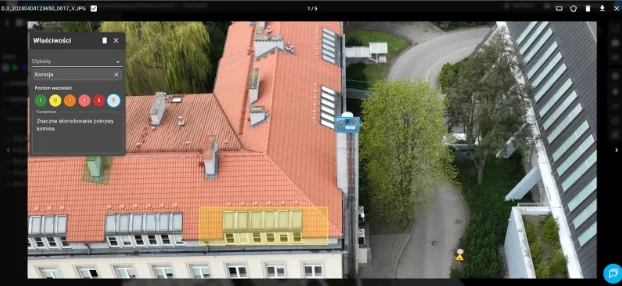
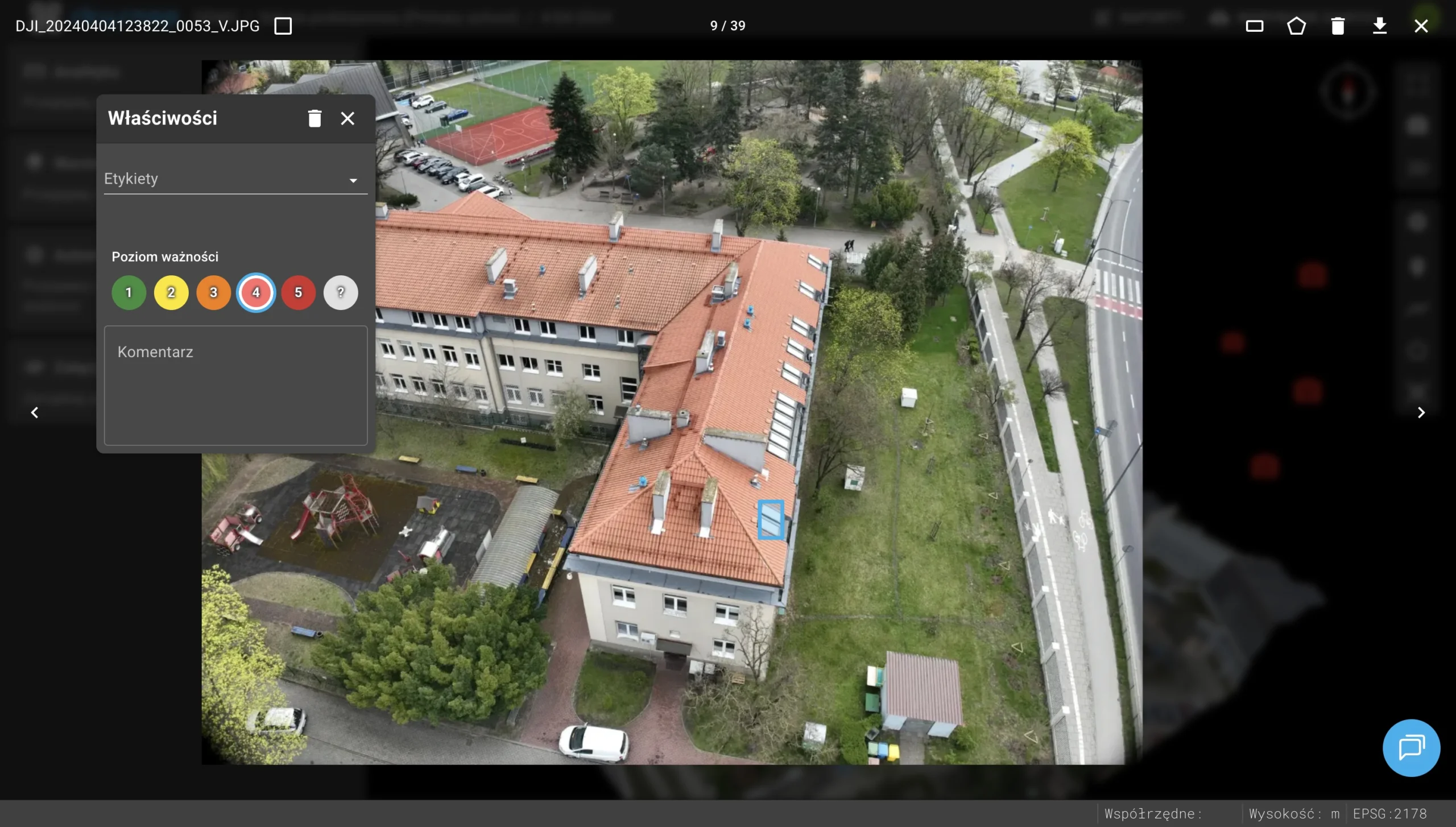
Annotation management
Annotation management tools have been introduced for photo properties. Users can now annotate photographs with comments and markings, significantly improving the process of documenting inspections.
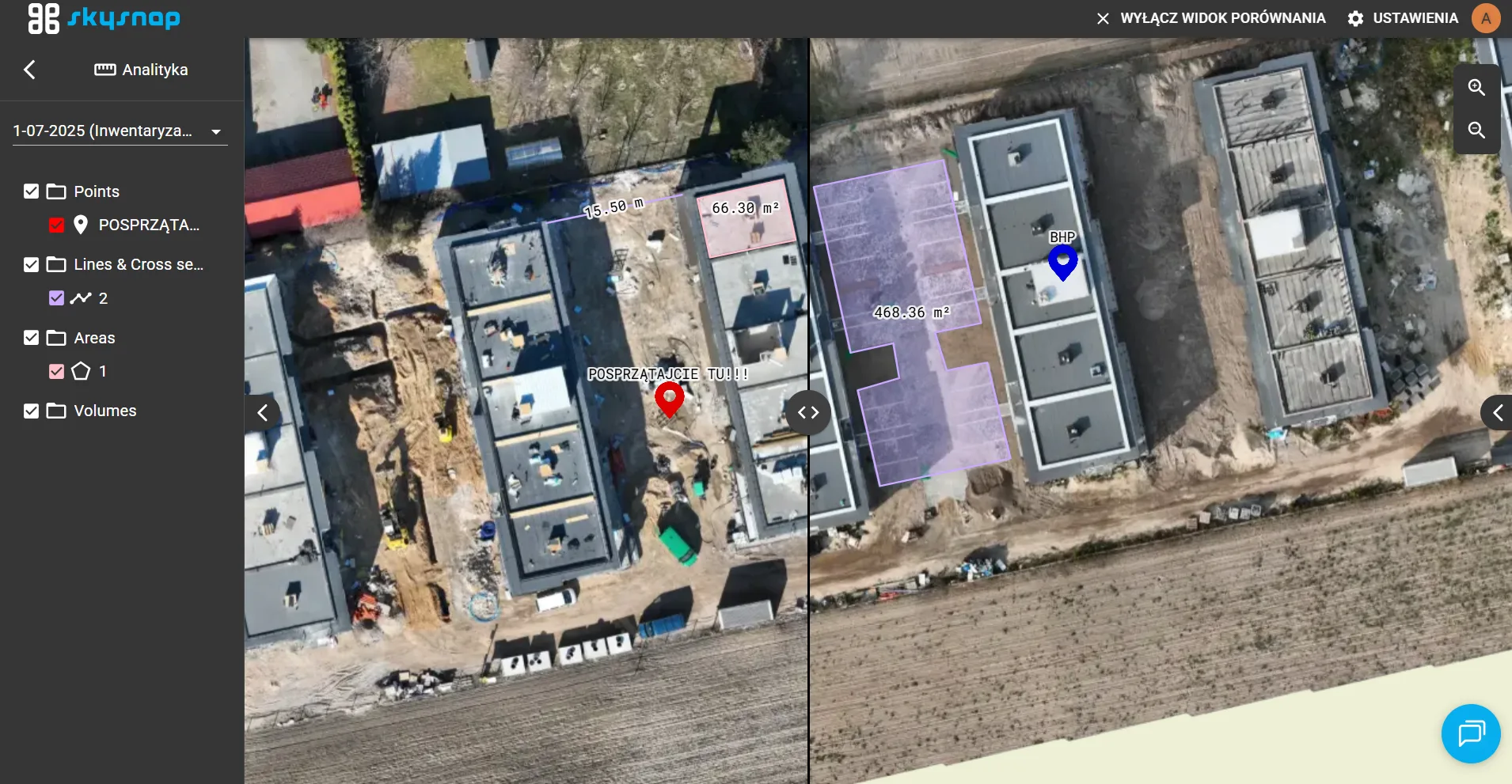
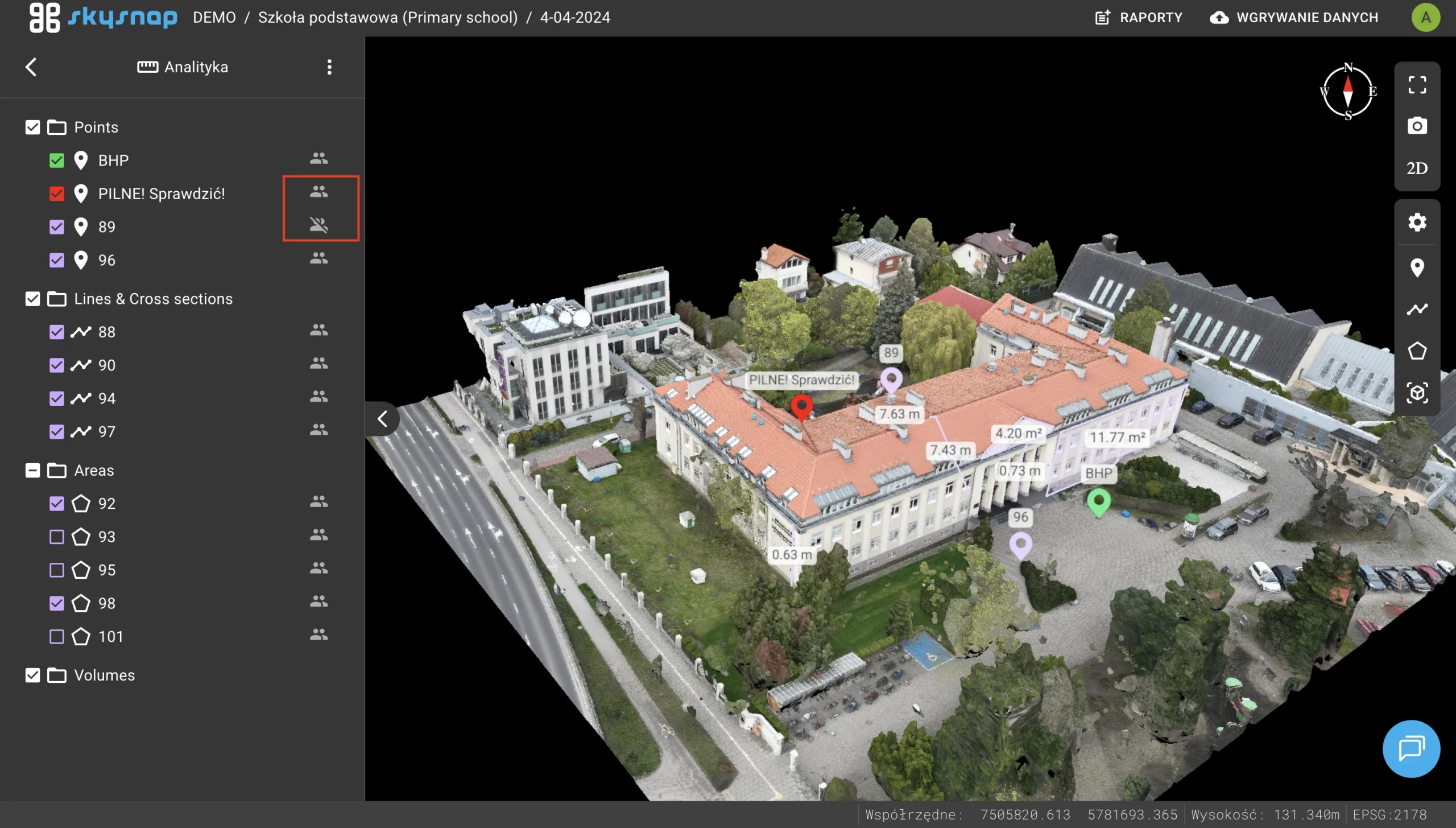
Adding the option to add private or public measurements
A measurement visibility selection function has been added – the user can choose whether the object is visible only to him or to everyone.
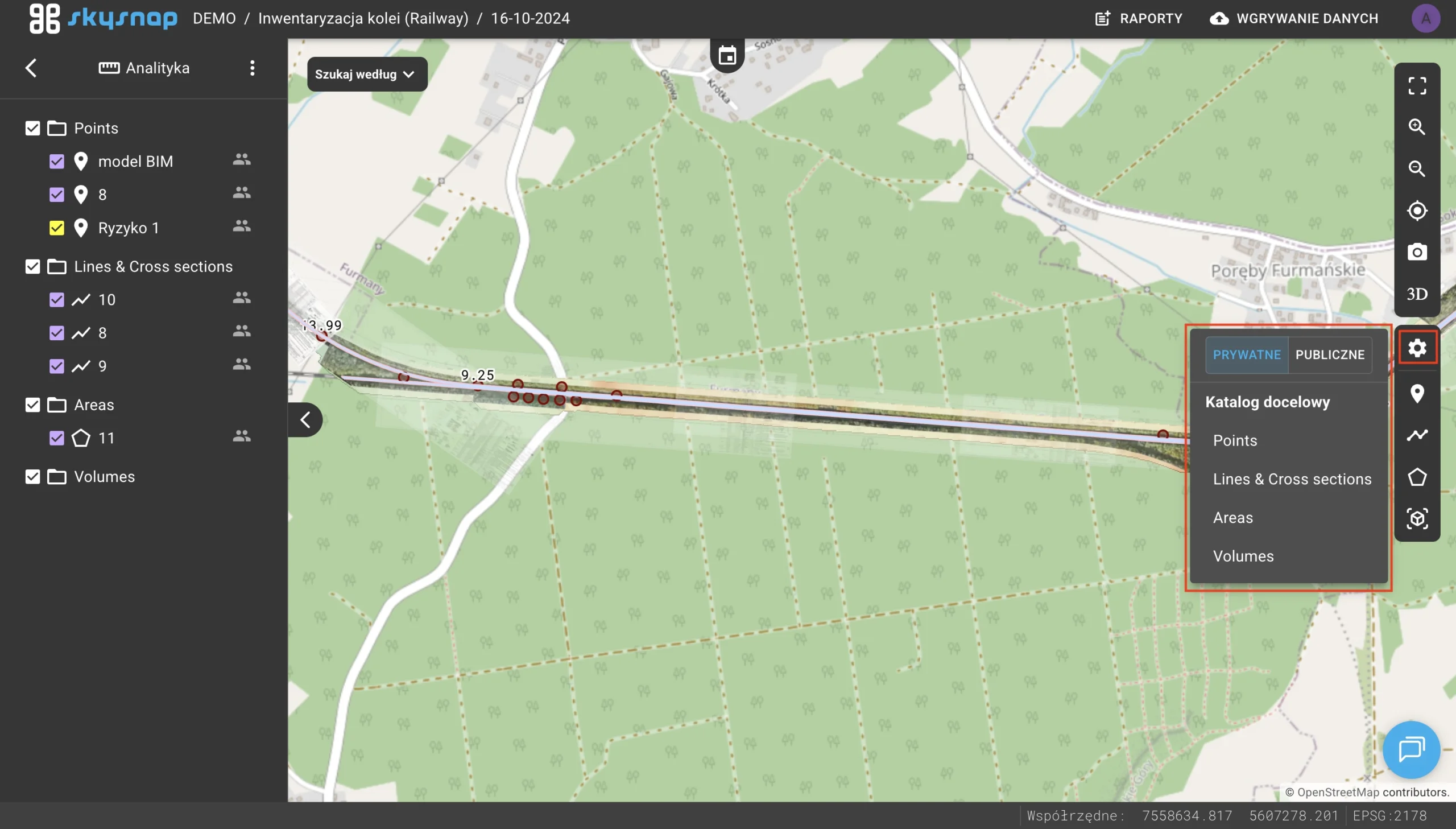
Organizing measurements in folders
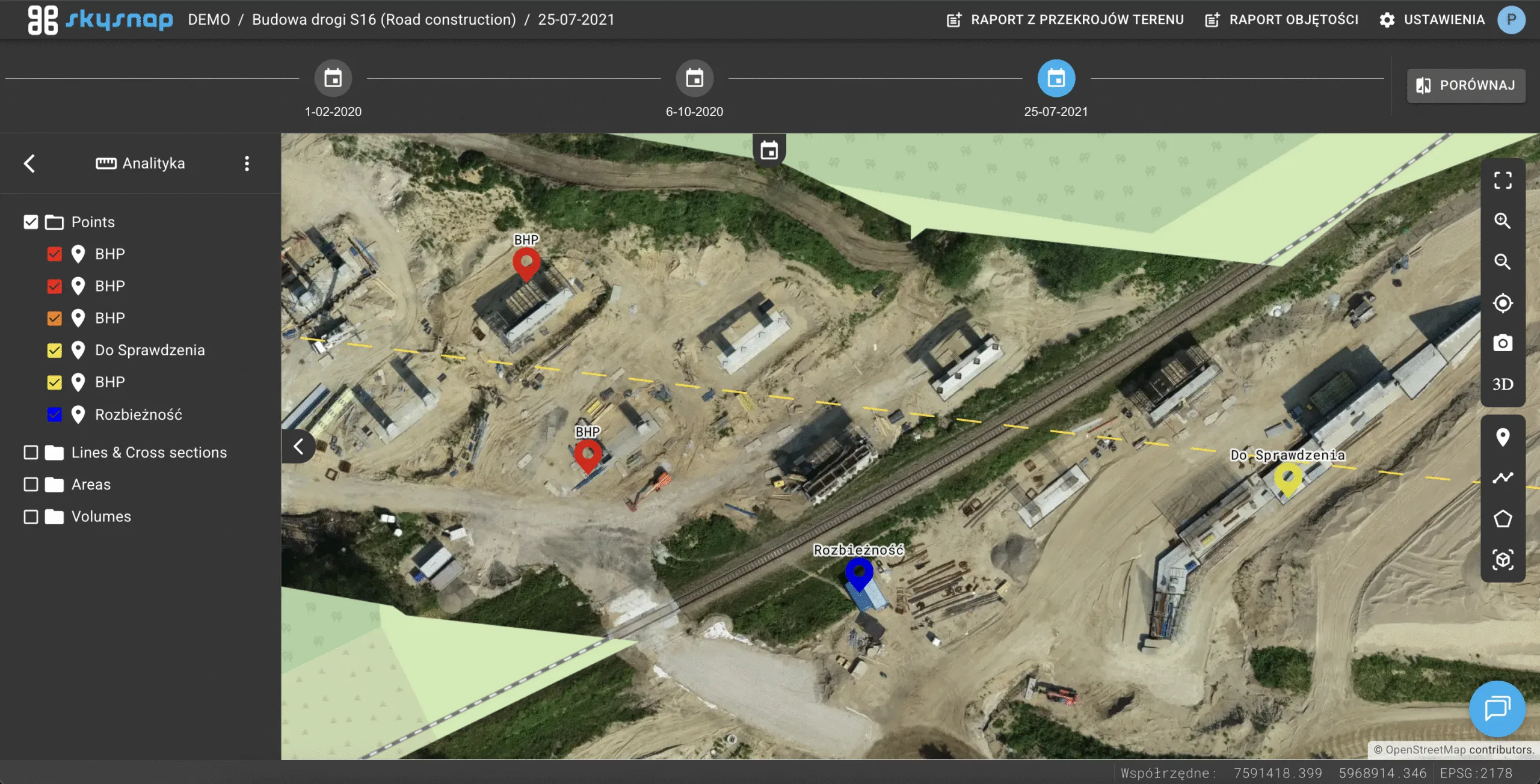
The ability to assign measurements to dedicated folders has been introduced, allowing projects to maintain a better data structure.
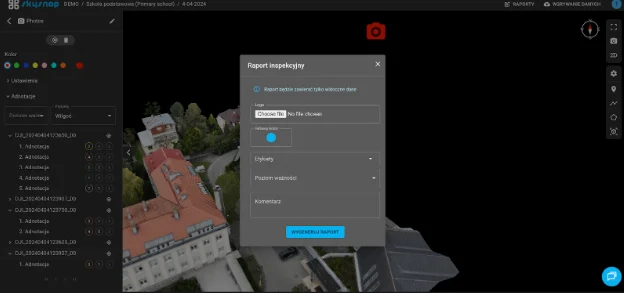
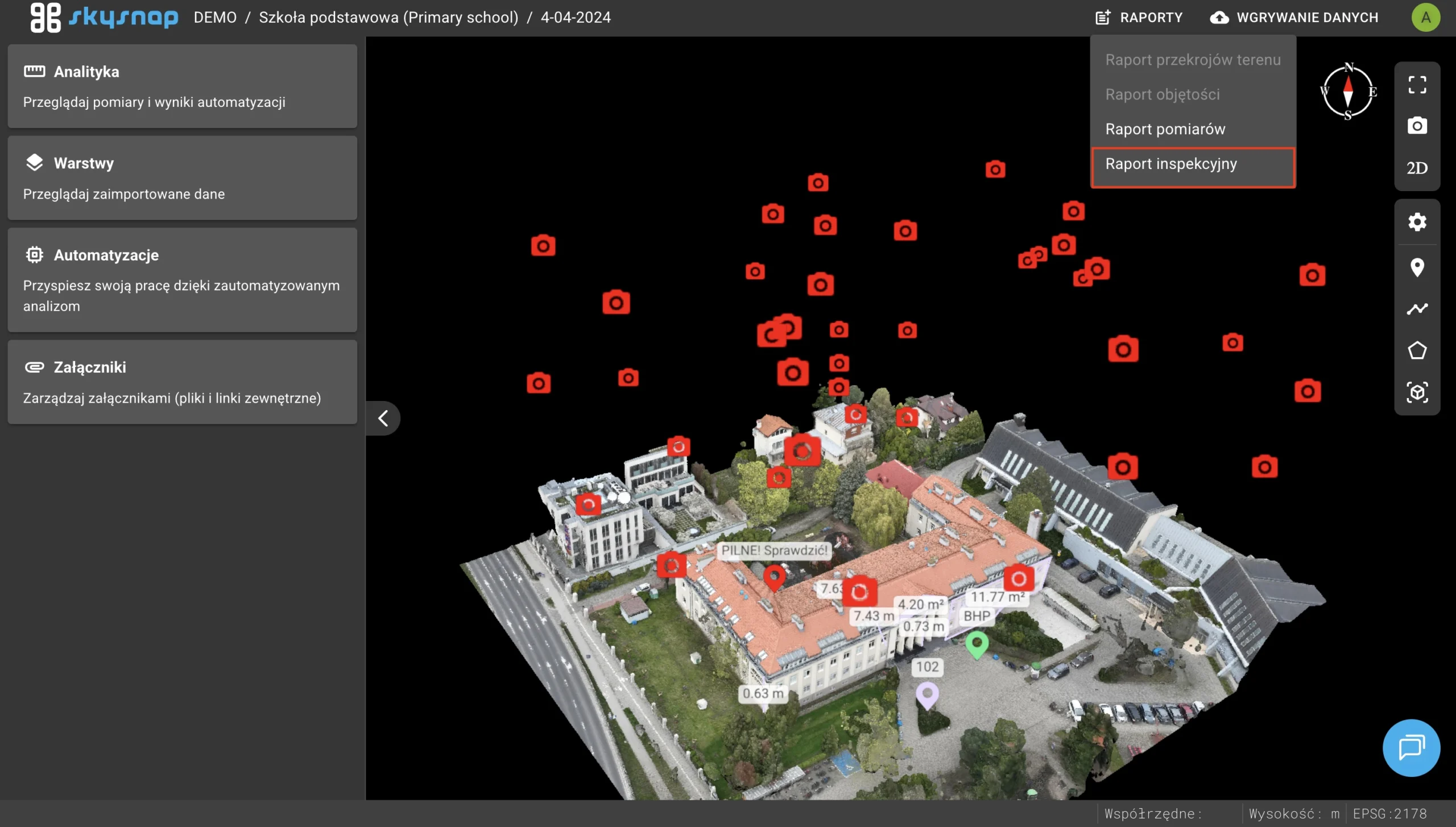
Adding support for inspection report
Full support for generating and viewing professional inspection process reports has been introduced.
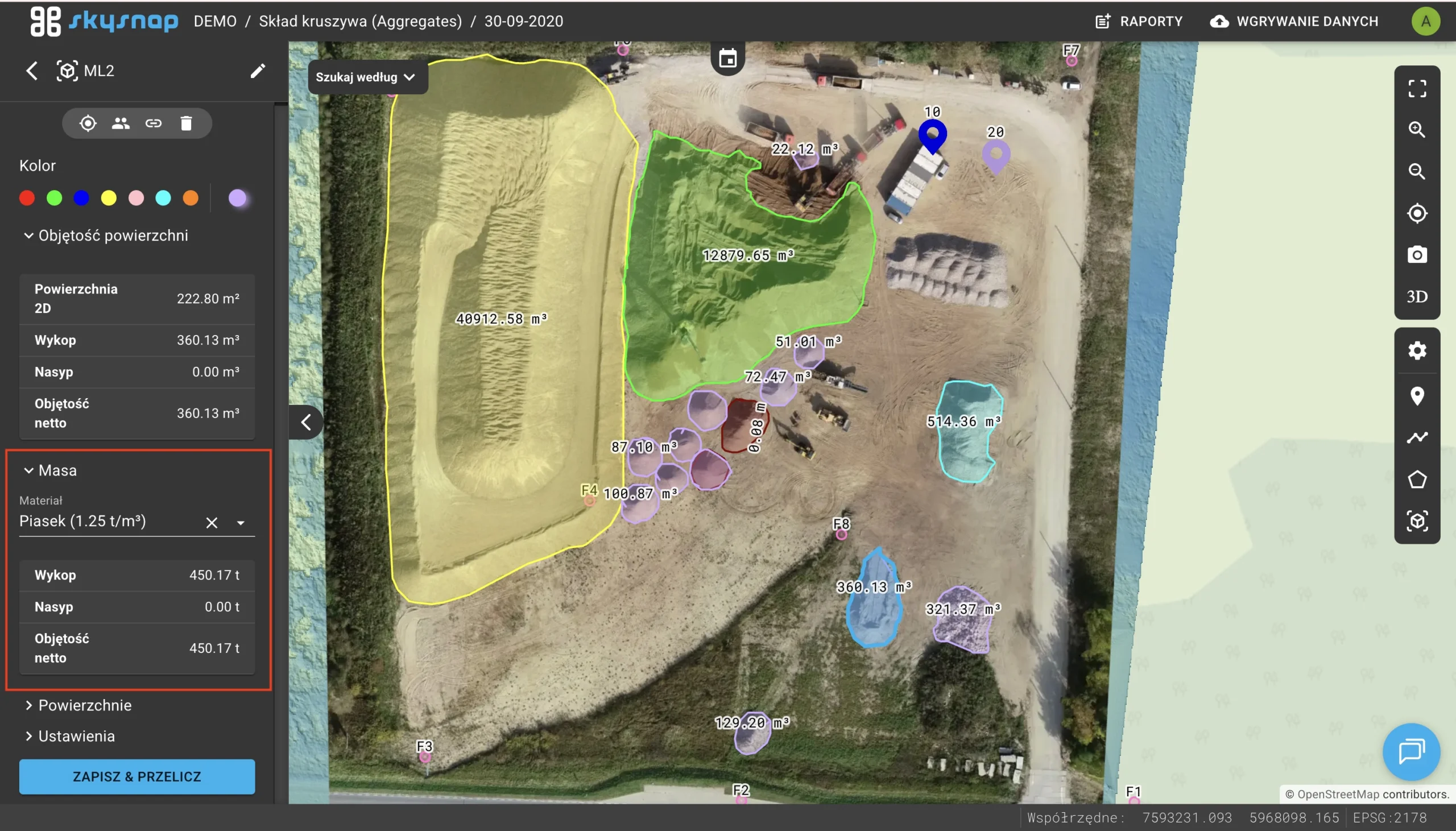
Mass and density in volumes
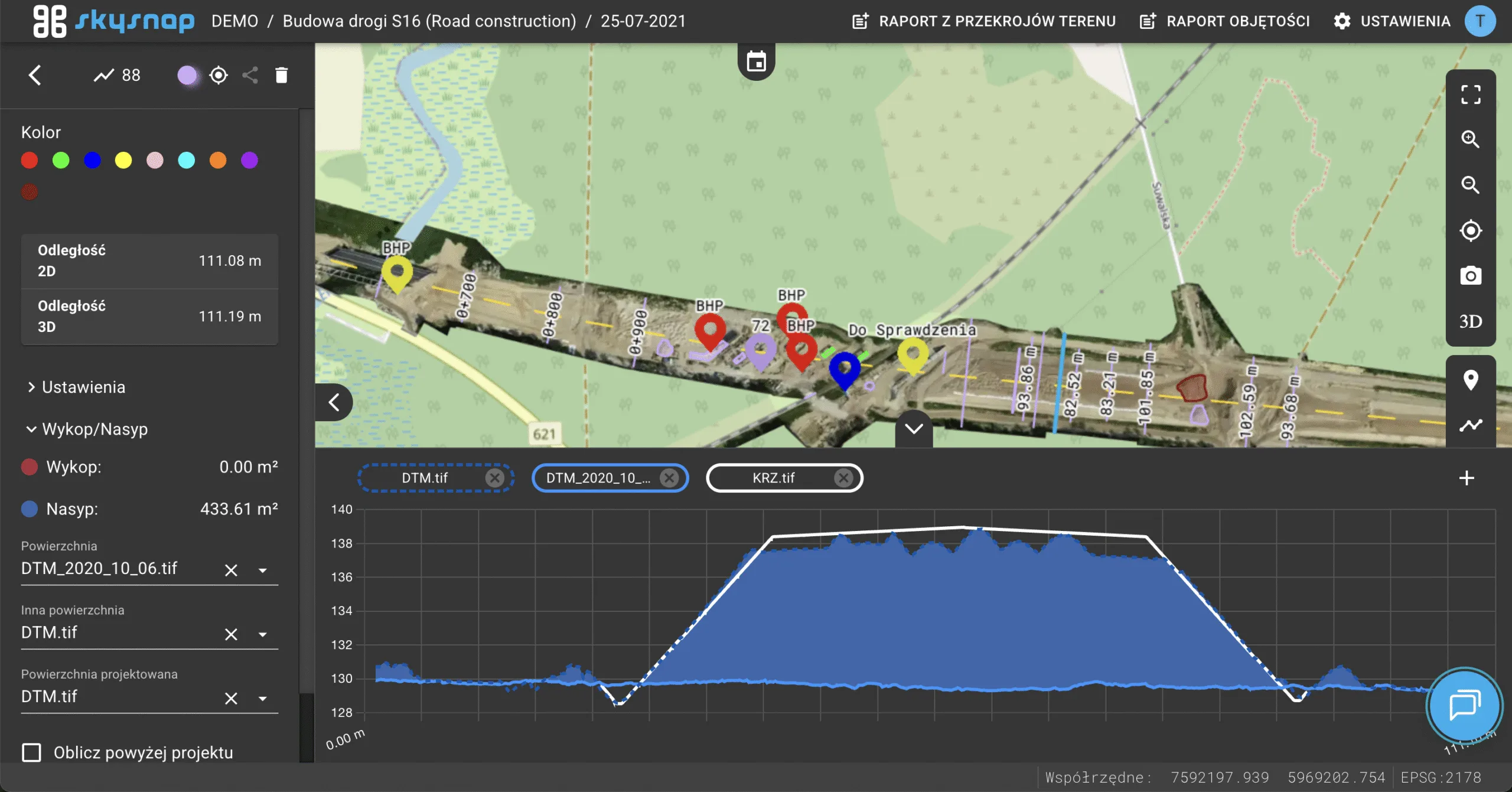
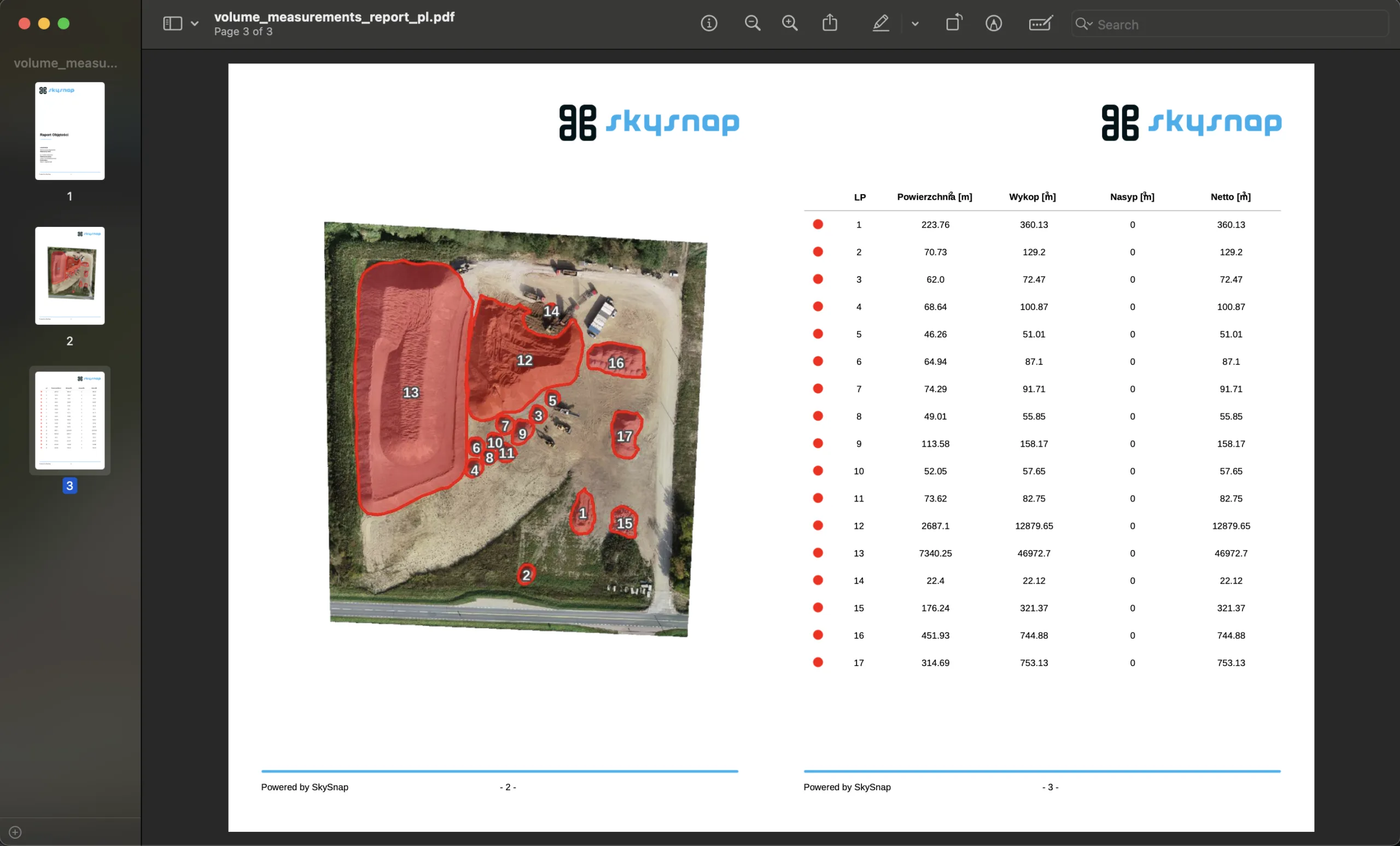
A material dictionary with density has been introduced. The system automatically converts volume to material weight, and the volume report has received a refreshed layout.
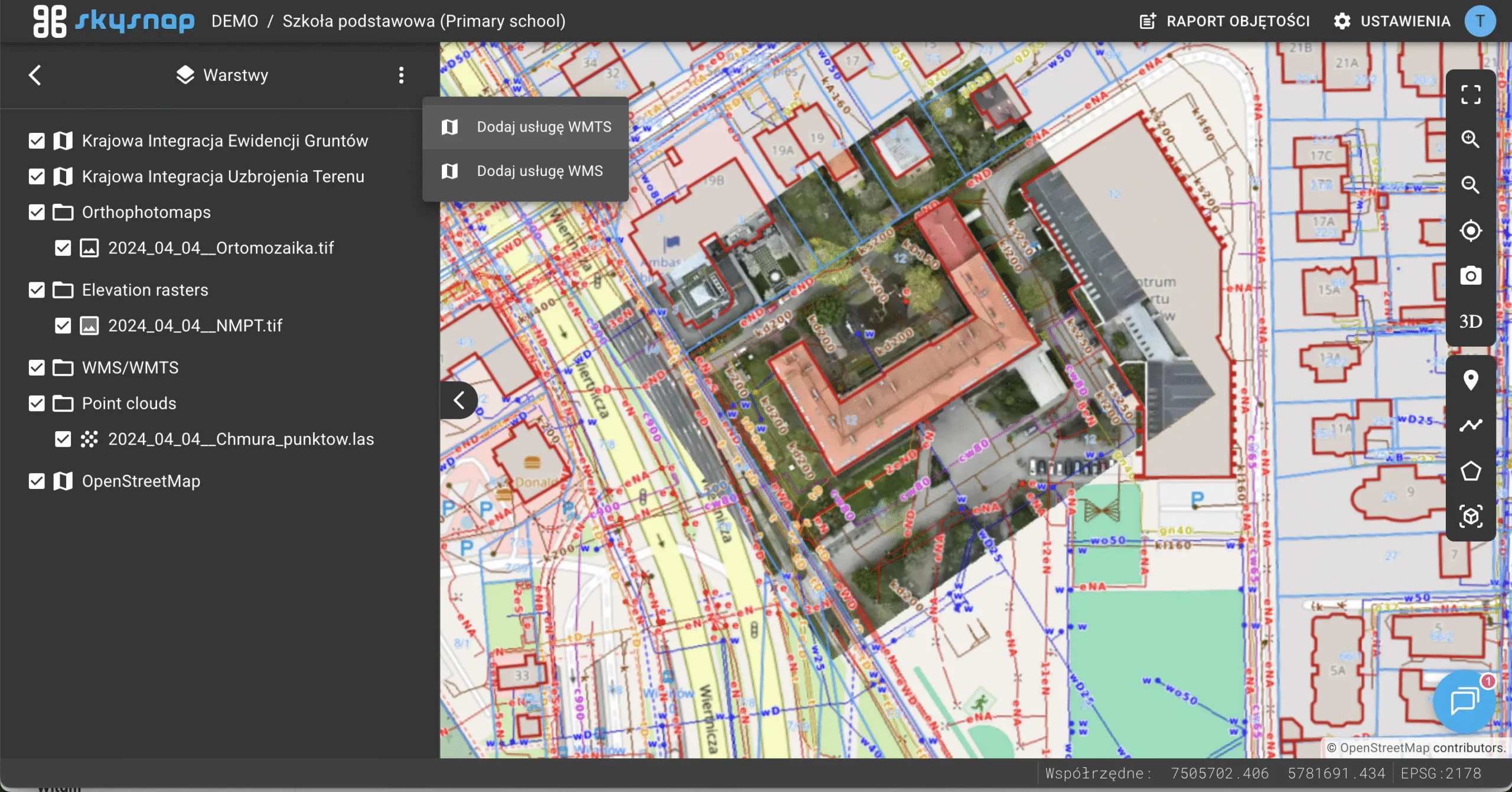
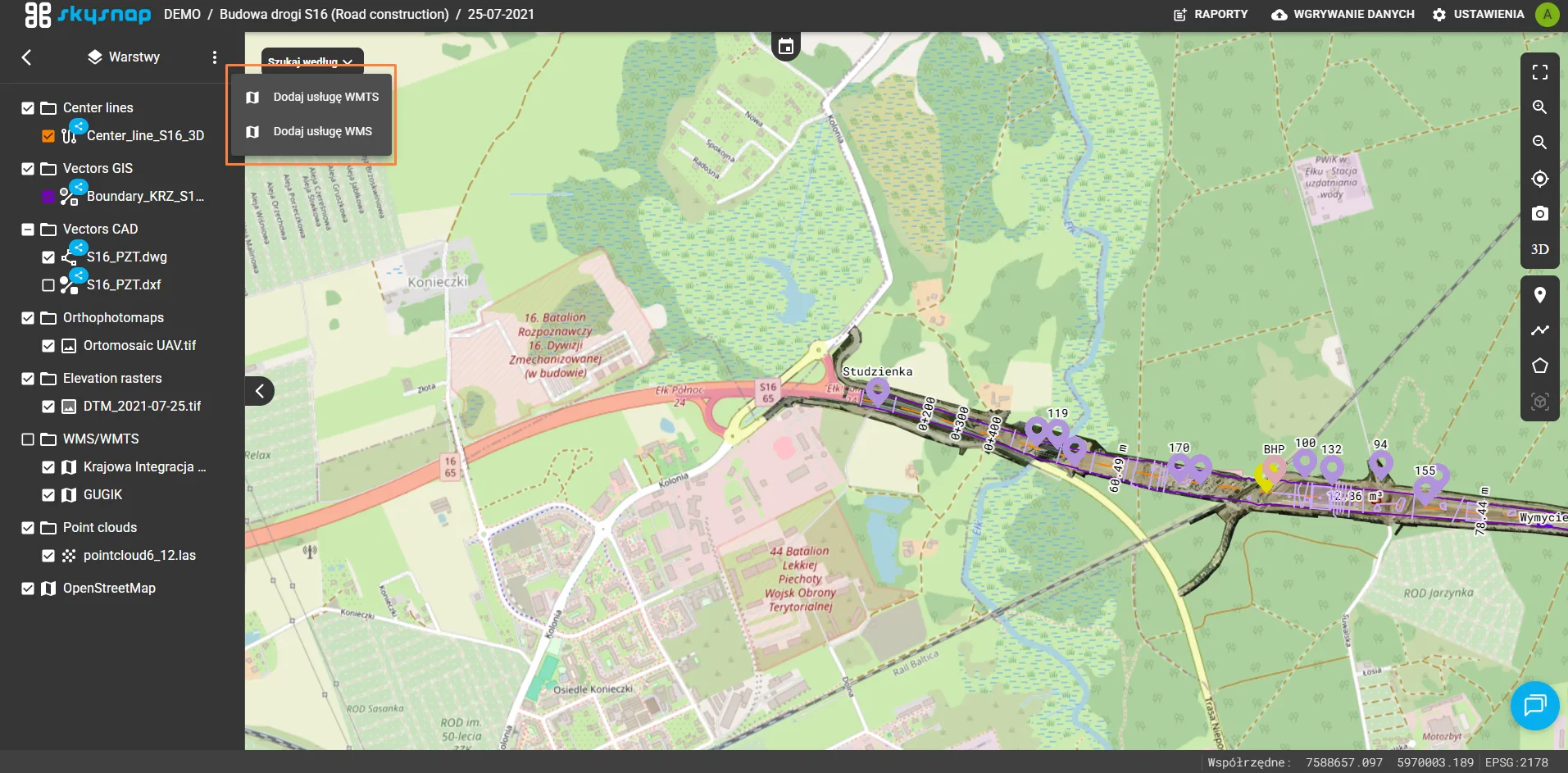
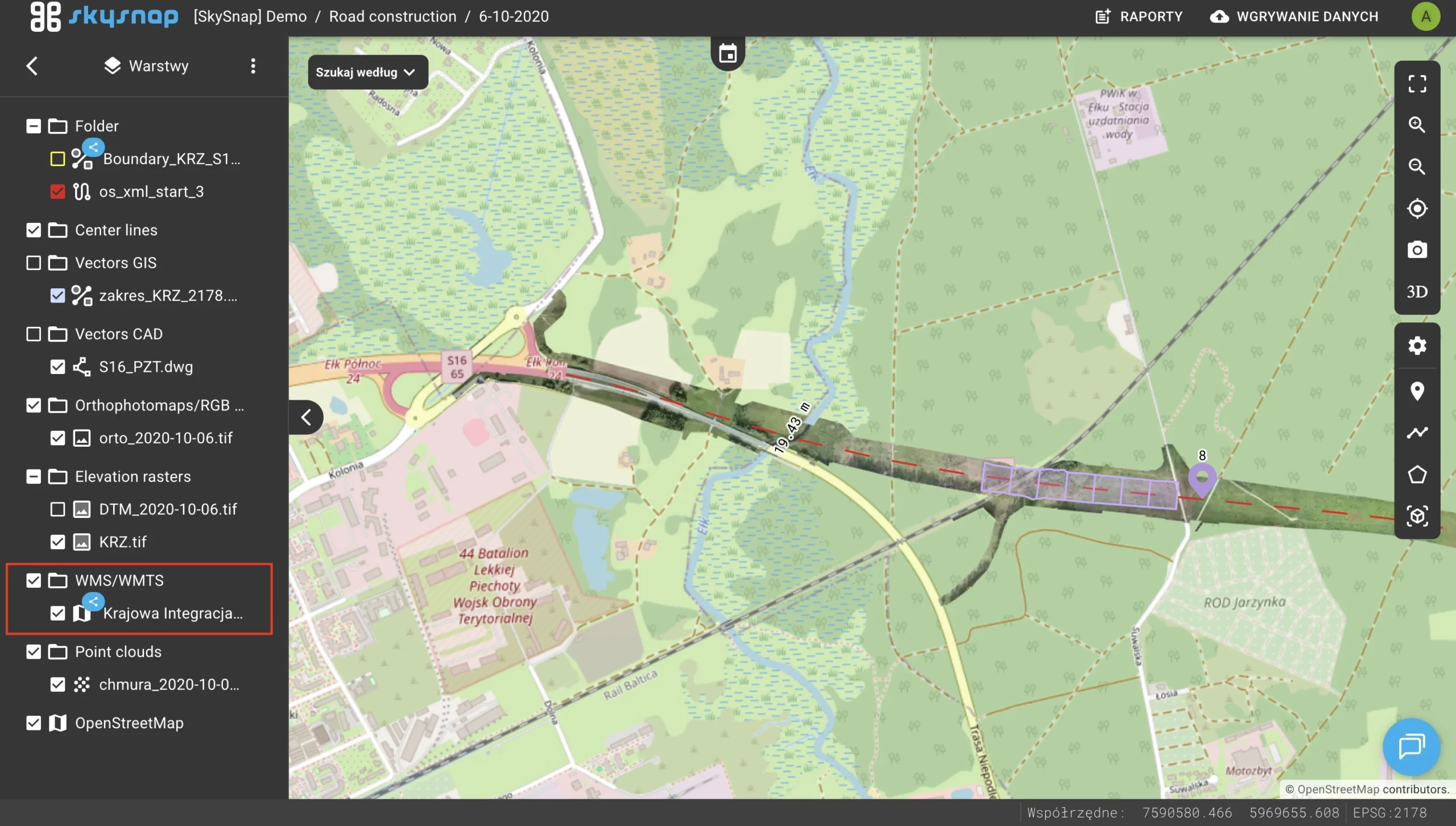
Adding the ability to hook up WMS/WMTS to an investment
Added an option to plug in external WMS and WMTS map services directly at the entire development level.
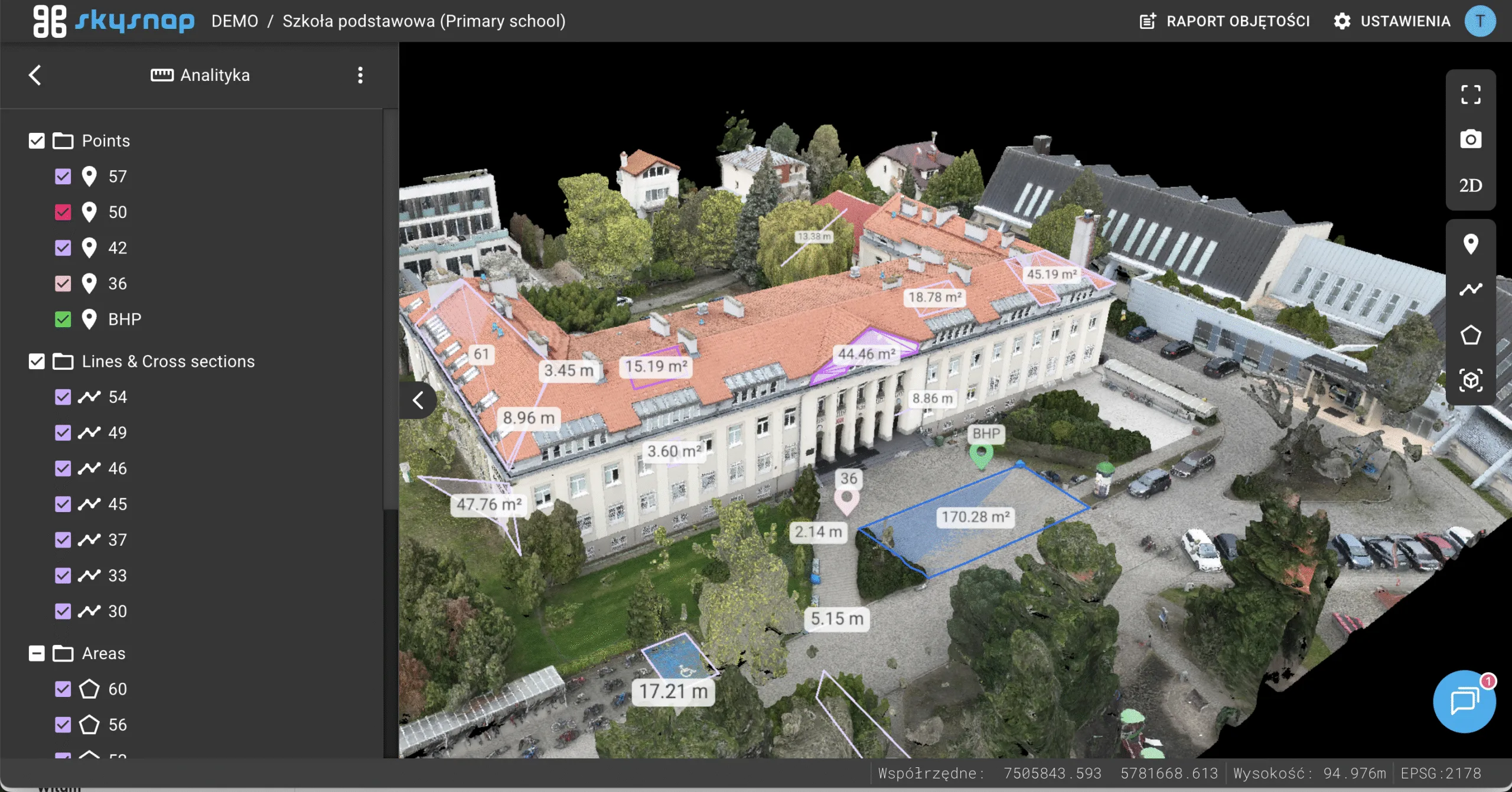
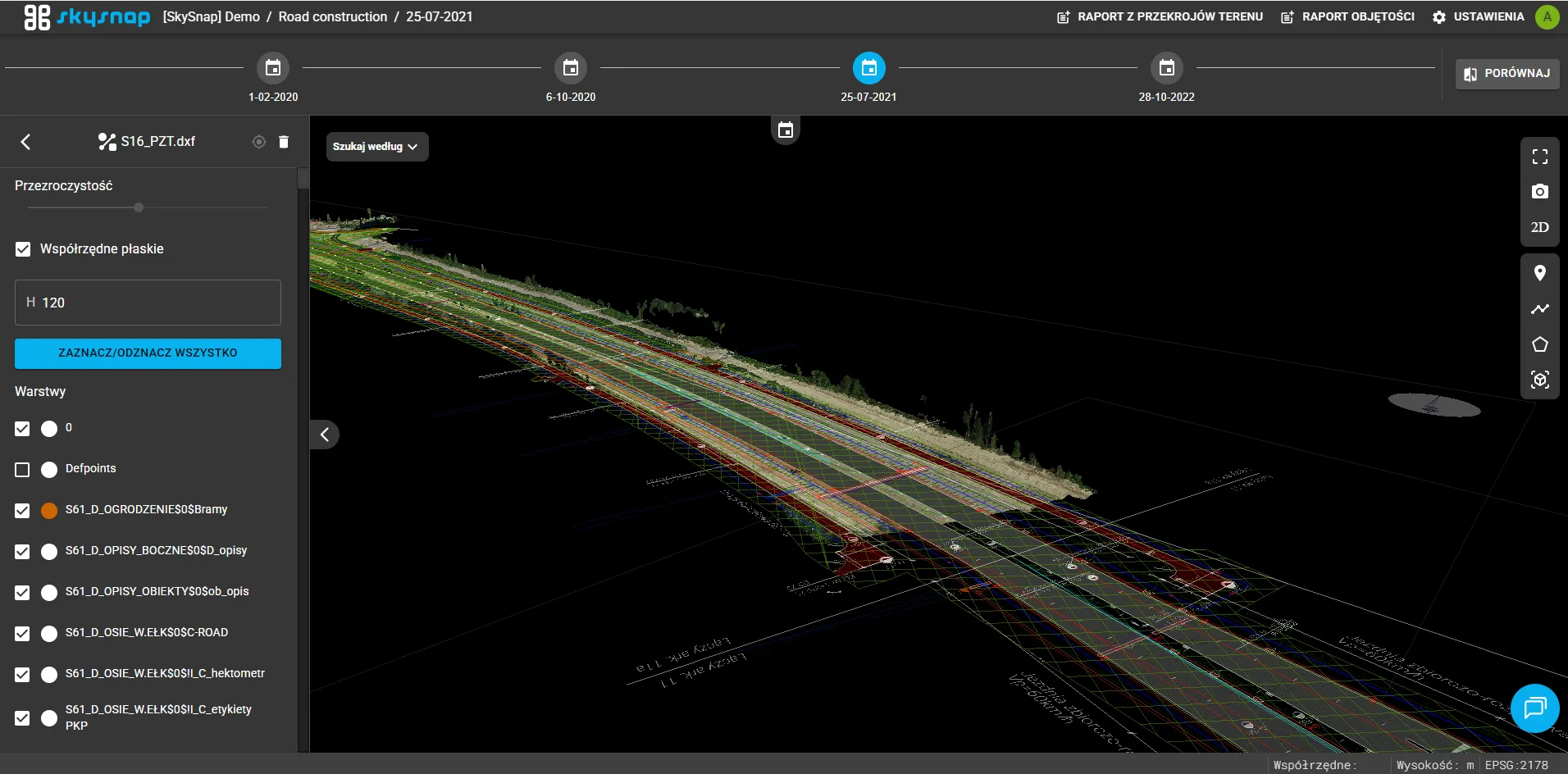
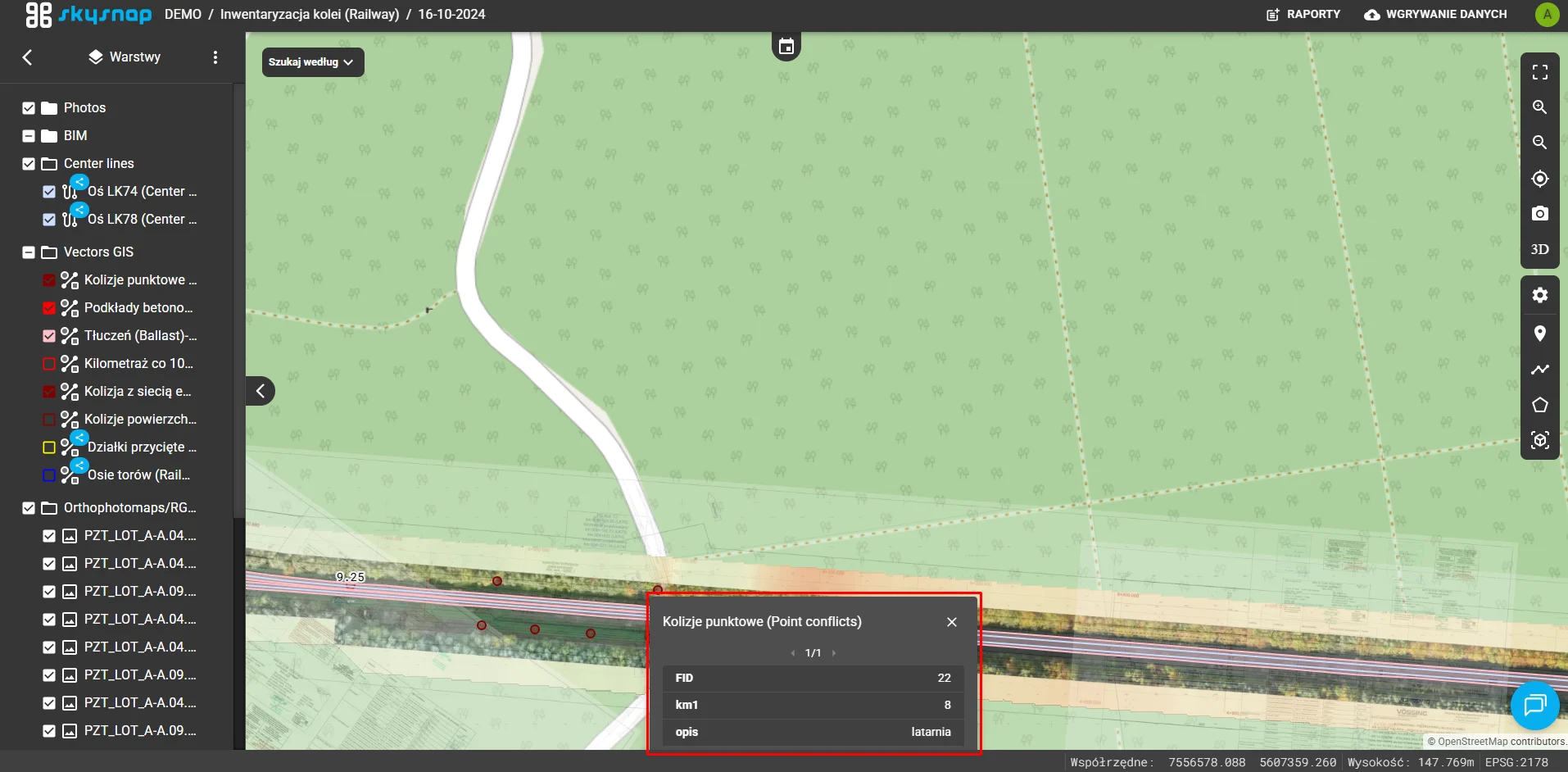
Attributes of vector files
When you click on a vector object on the map, a list of its descriptive attributes is now displayed.
Notification and marking system
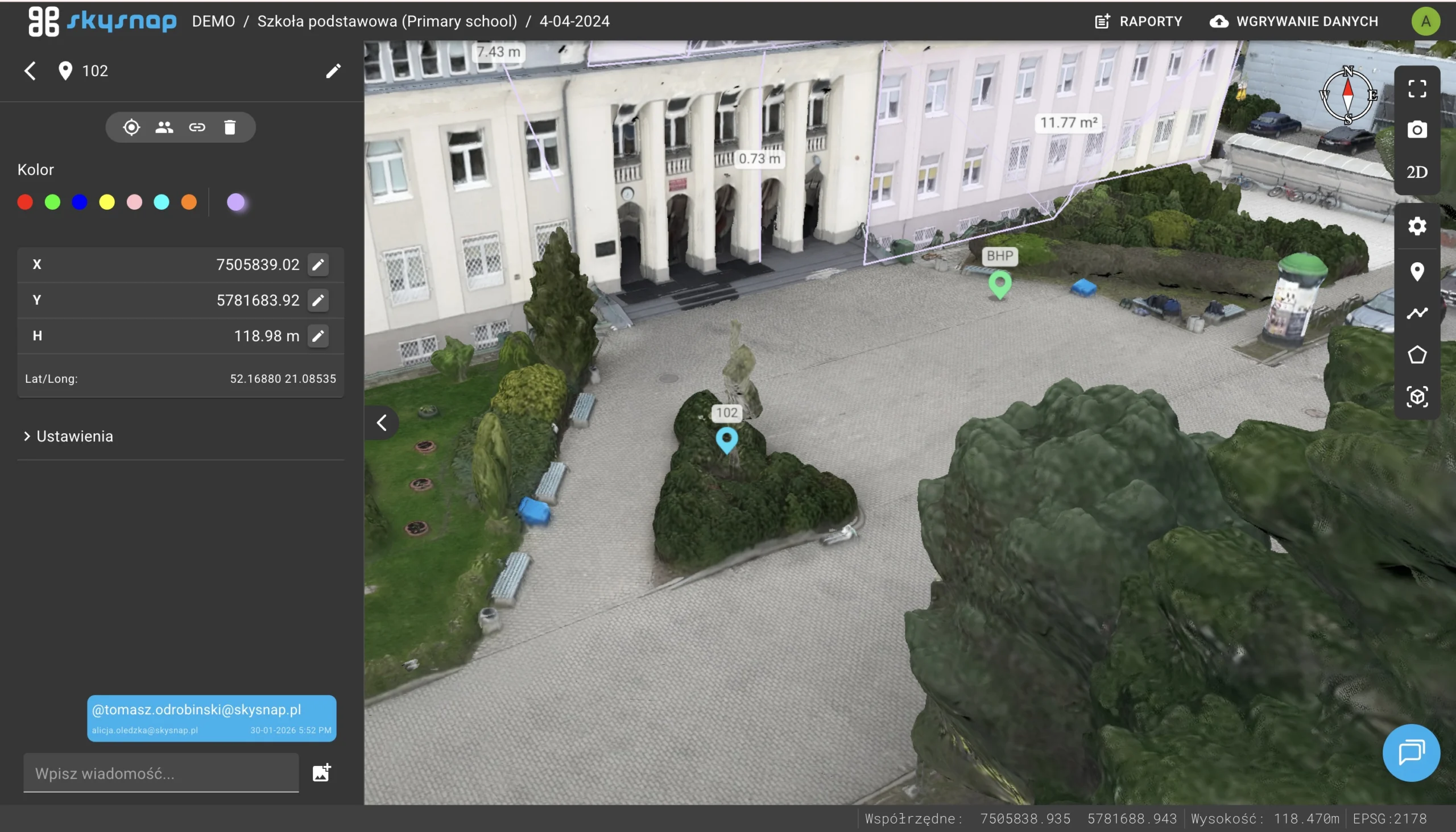
Added the ability to tag users at chat pins with automatic email notifications of the tagging.
Popup selection of overlapping items
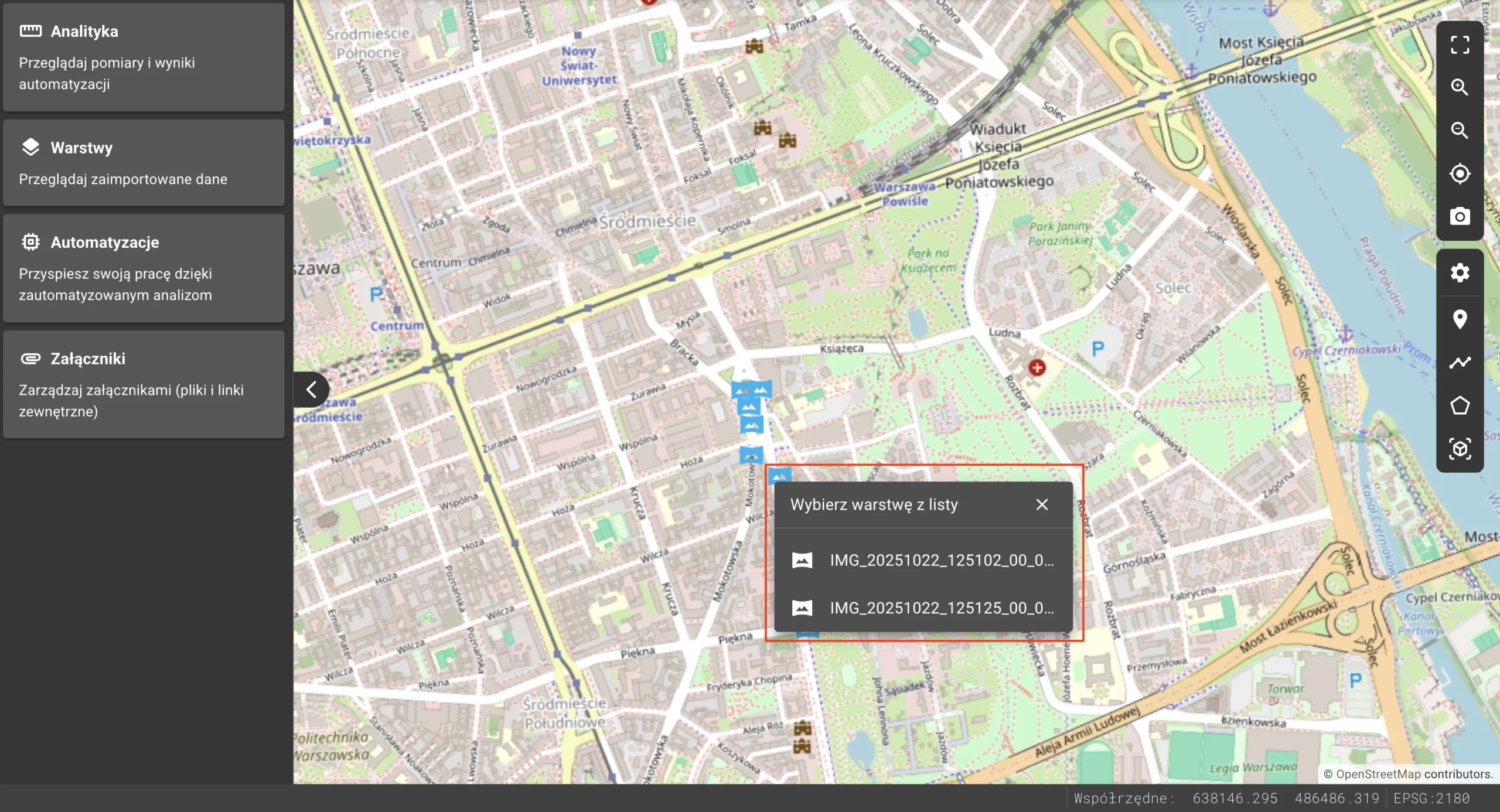
A smart selection window for overlapping images has been introduced, allowing precise selection from a list by its name.
Changes
Photo inspection status
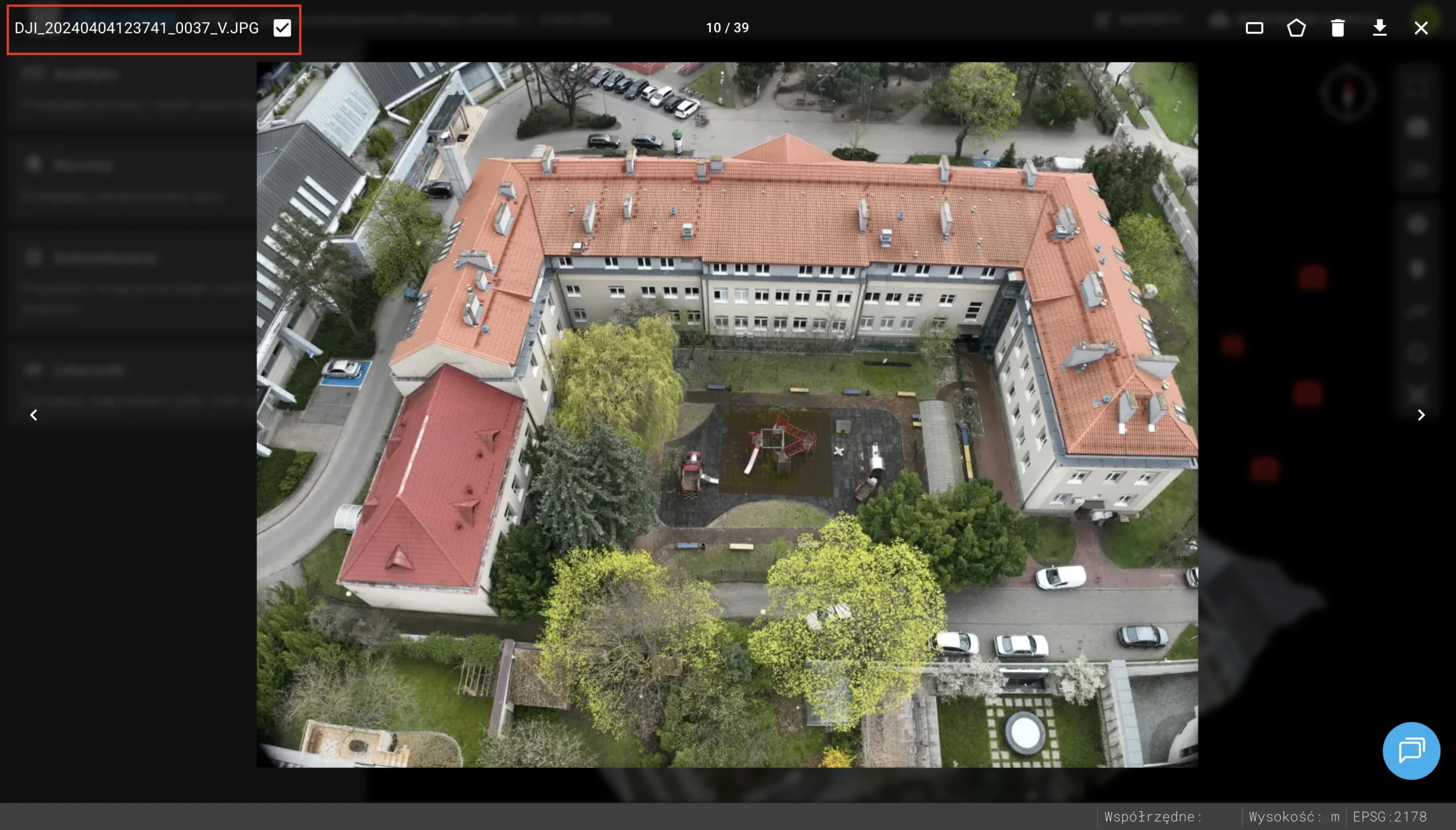
A feature has been added to visually mark photos as “reviewed,” allowing you to keep track of your progress and avoid duplicate tasks.
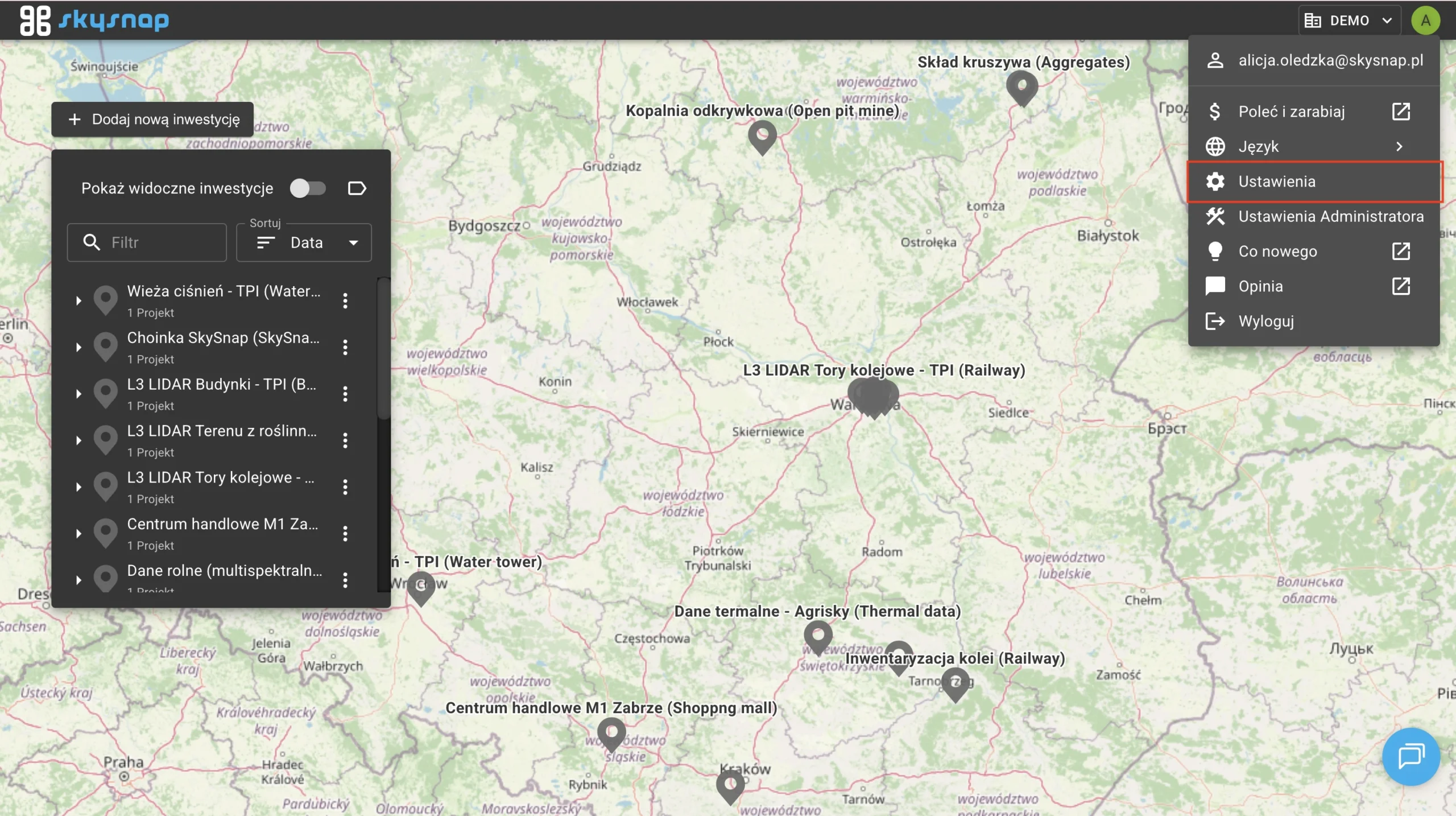
Relocation of the Administrator Panel
The admin panel has been moved under the user’s avatar. All existing functions are now available directly on the Portal.