Skysnap portal
Last modified 25-08-2025
Improvements
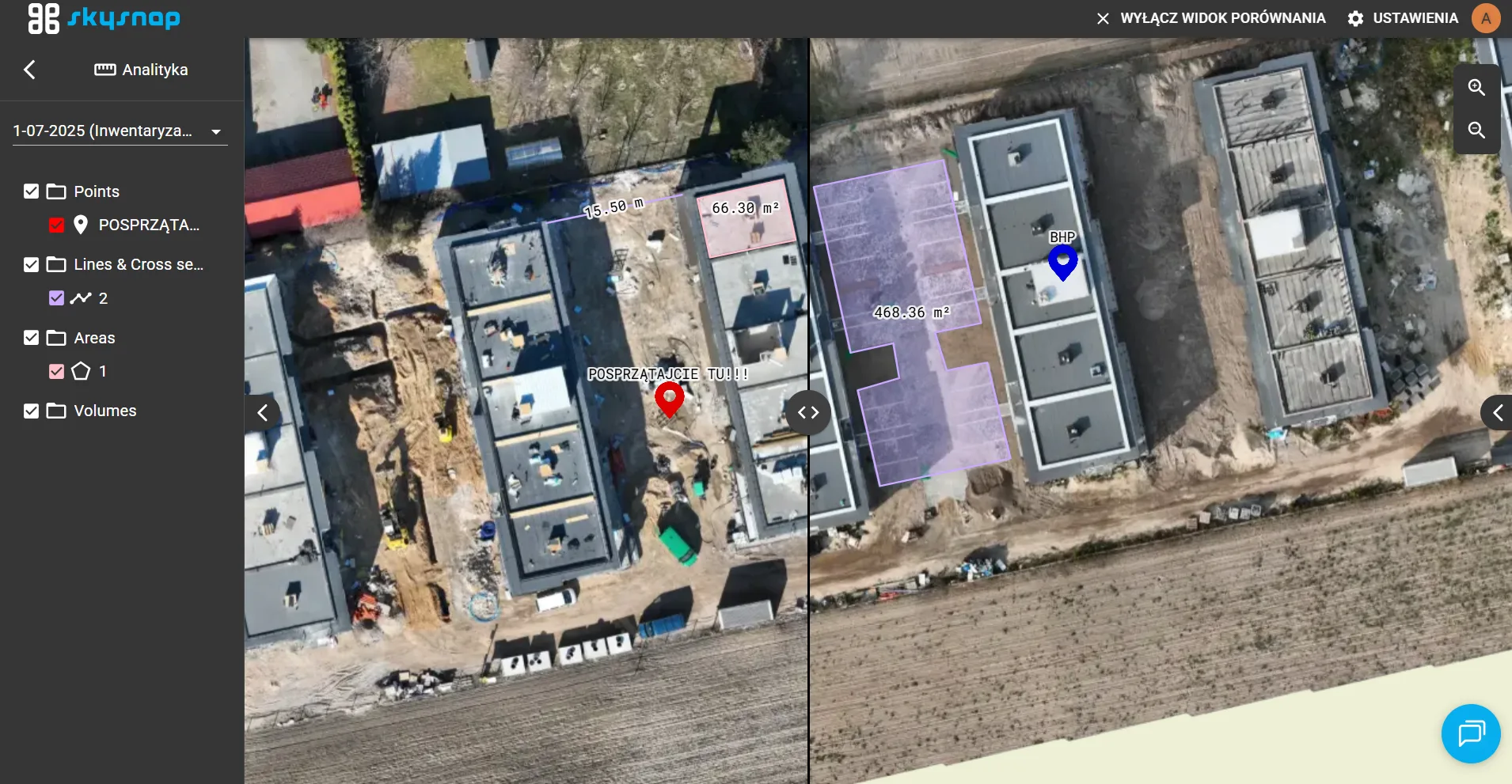
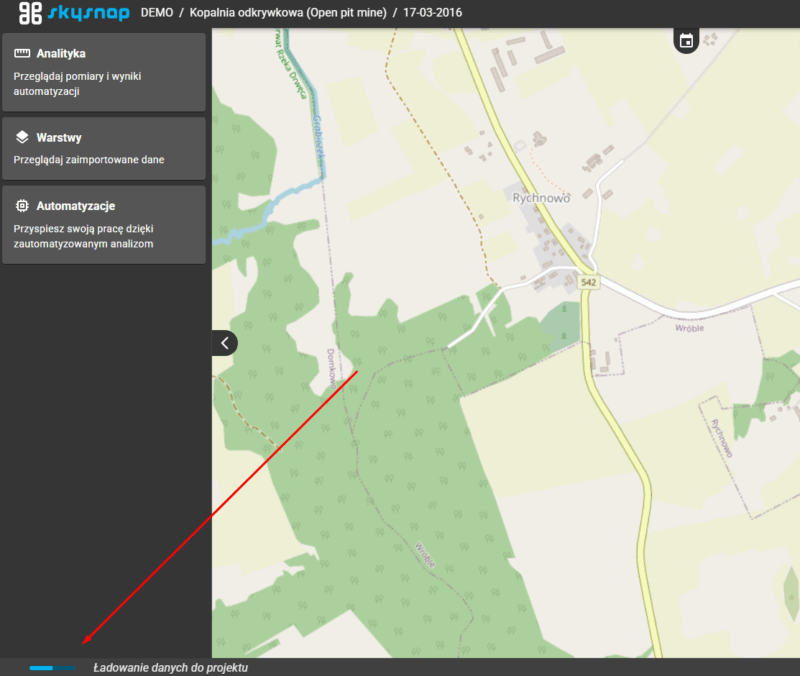
Progress bar for loading data in 2D and 3D projects
Added a visual progress bar showing data loading in both project modes.
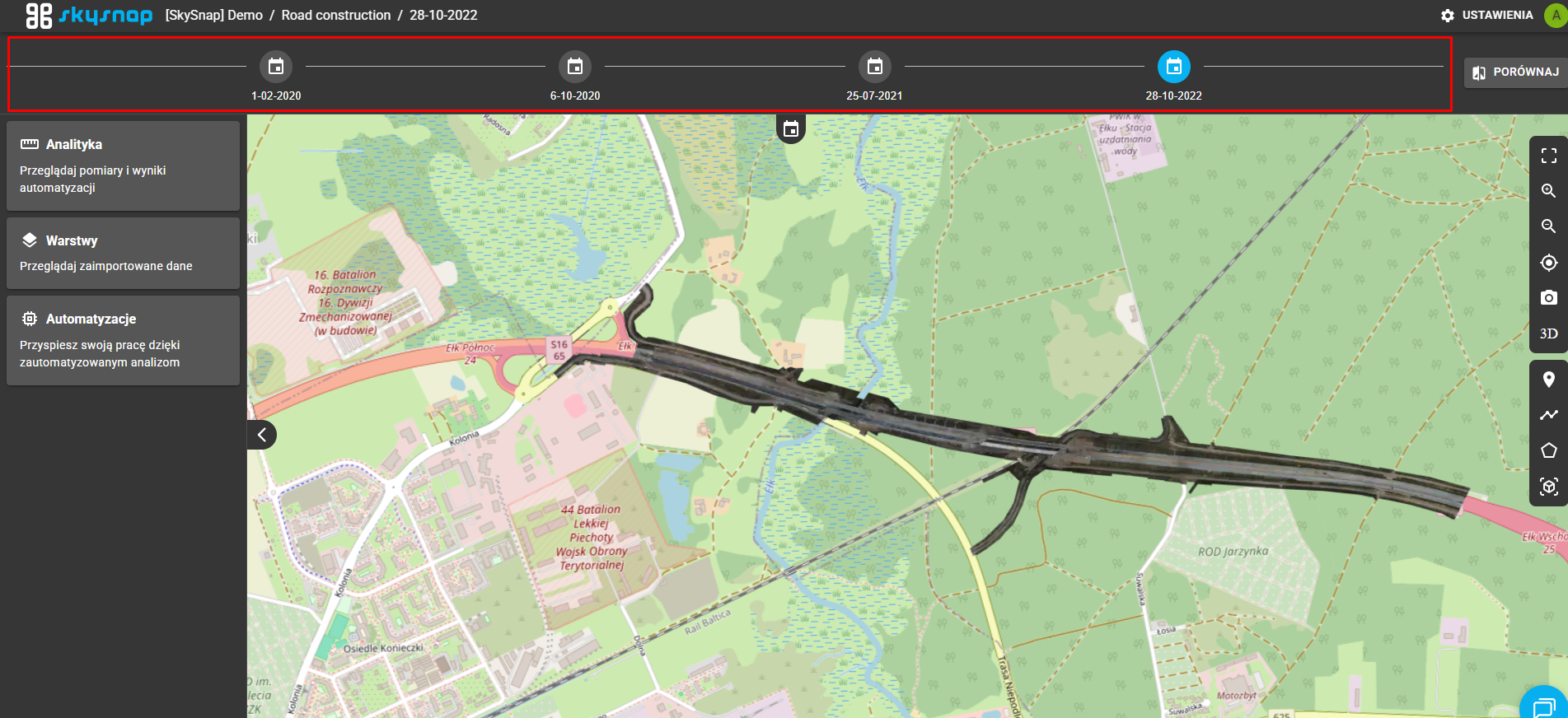
Default expansion of the time bar after entering the project
The time bar automatically expands when you enter the project, making it easier to access time data.
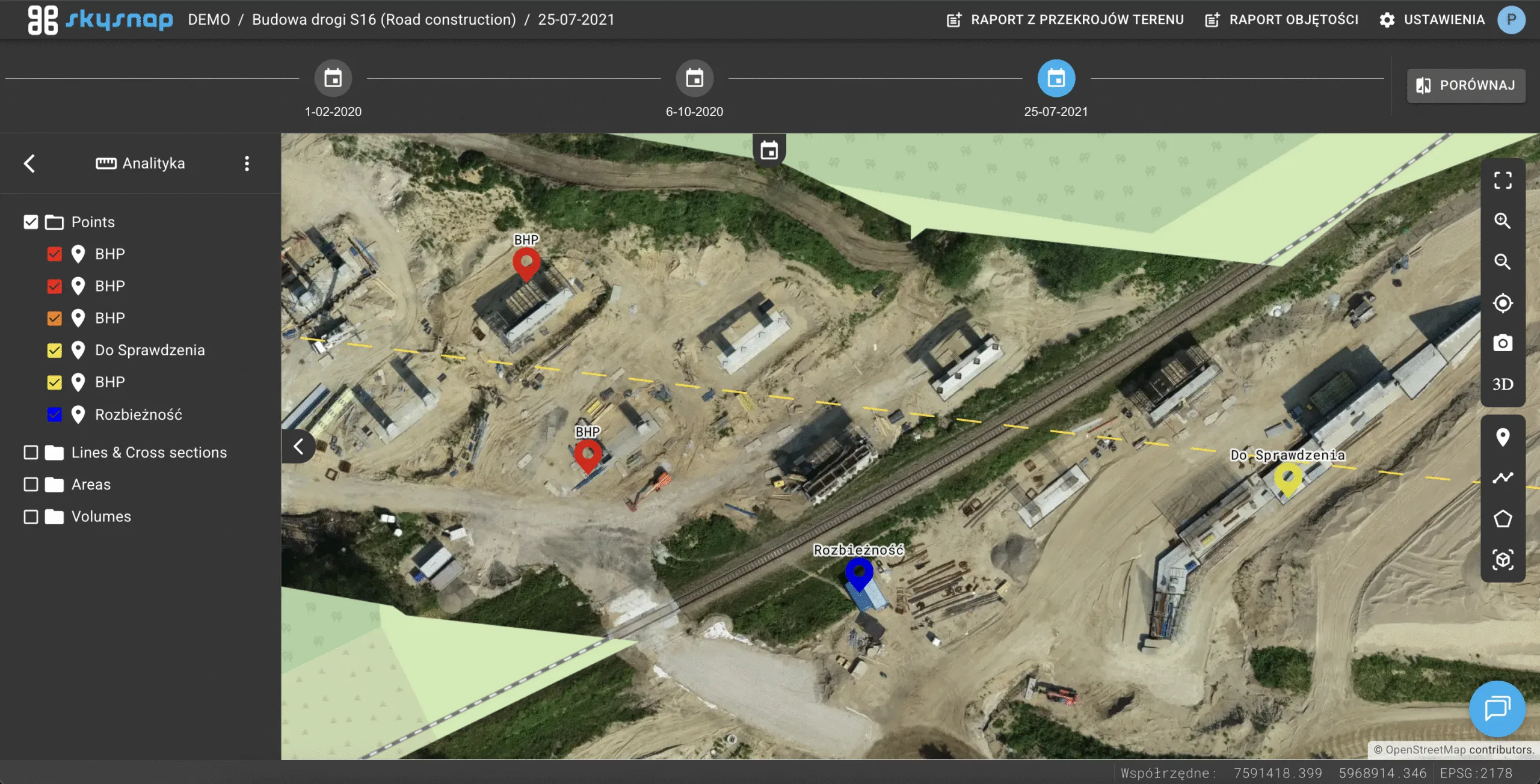
Default folders for sidebar data organization
Added default “Layers” and “Analytics” folders to organize data on the left side of the interface.
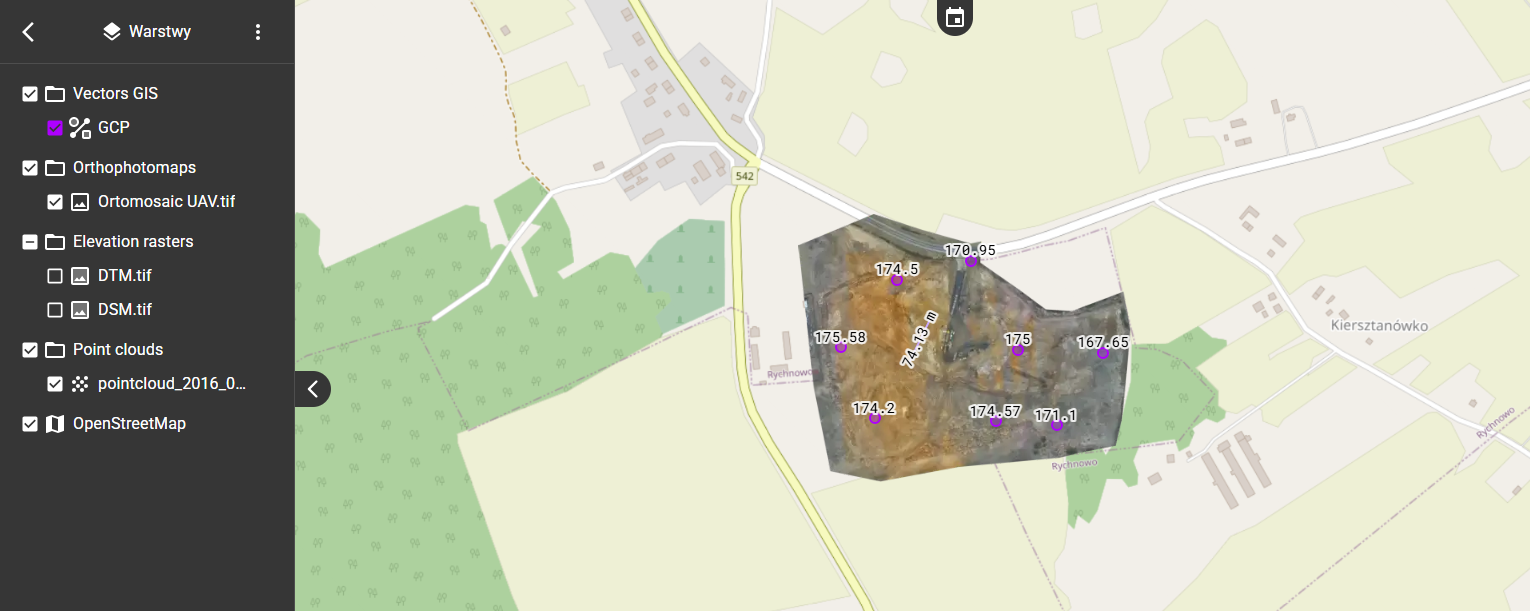
Combining raster layers into a single element with additional parameters
The raster layers have been combined into a single object with the ability to configure additional parameters.
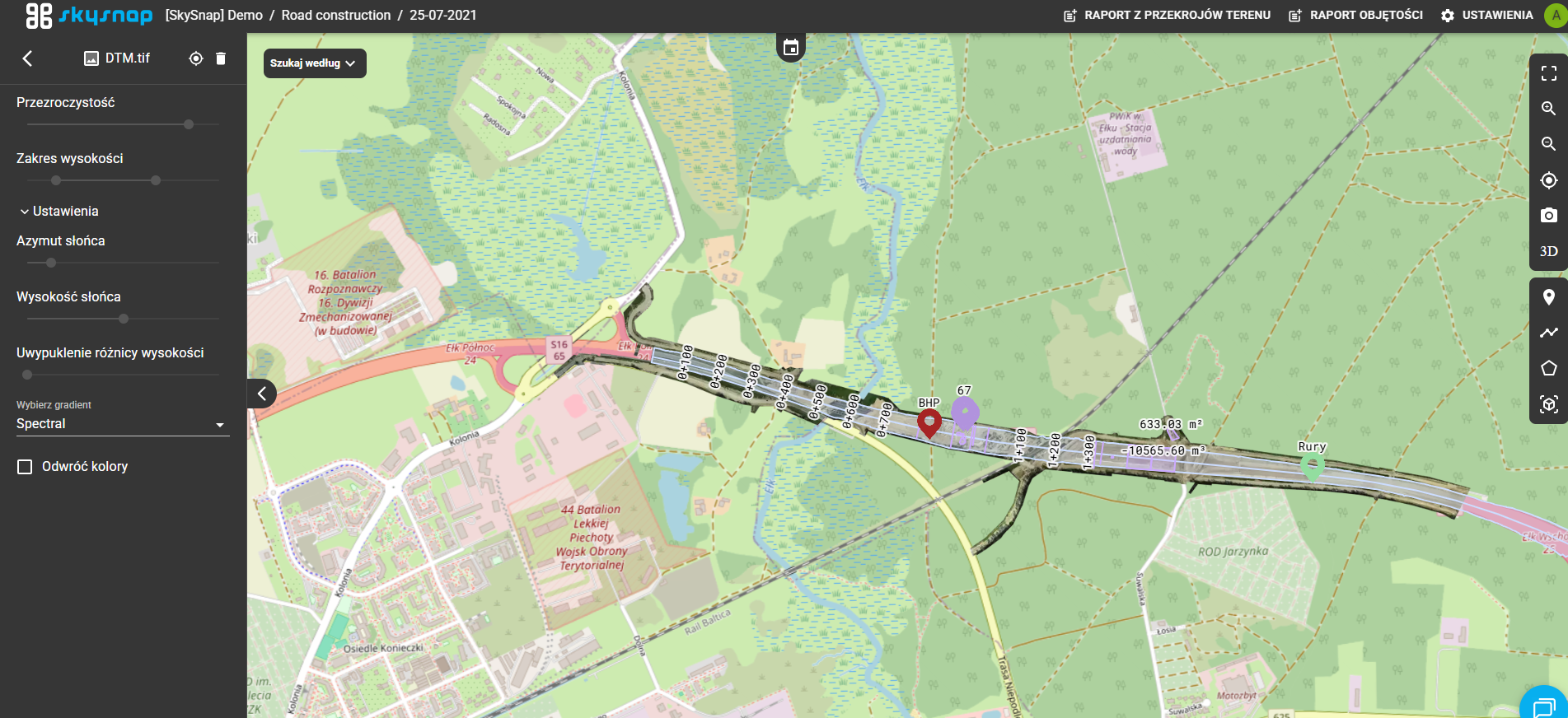
Extract predefined colors in layers and measurements
Added predefined color sets possible for use in layer and measurement settings.
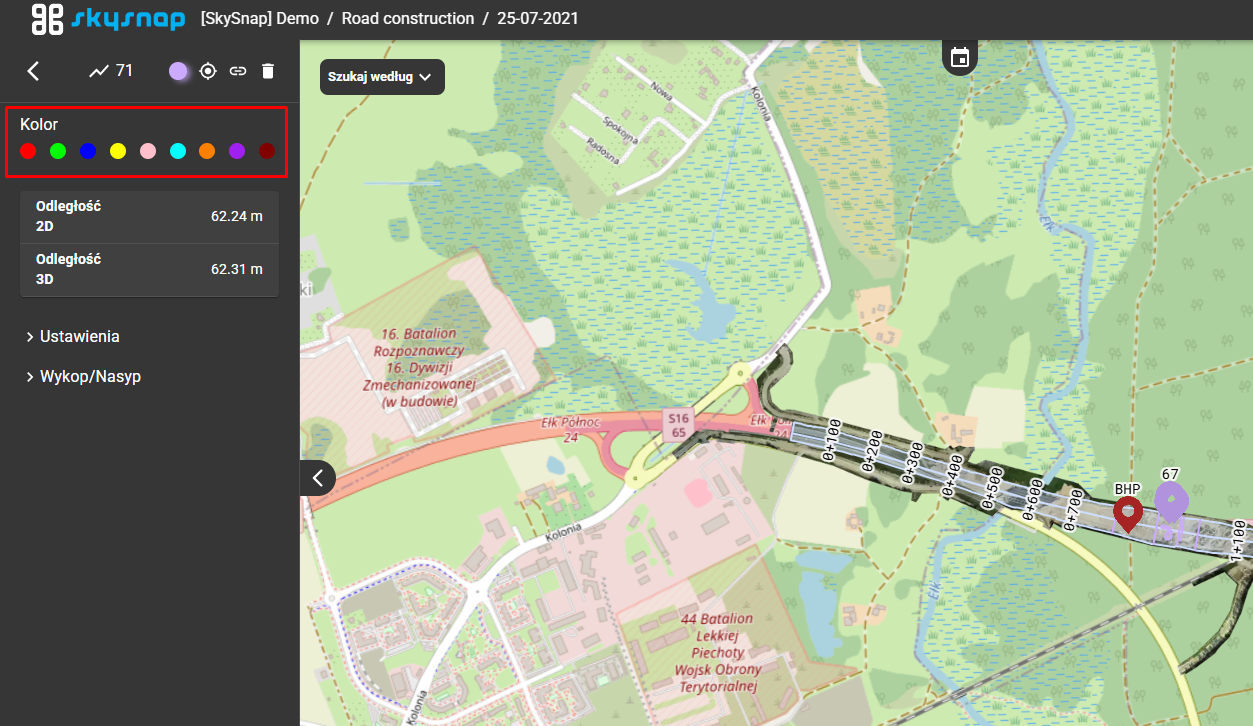
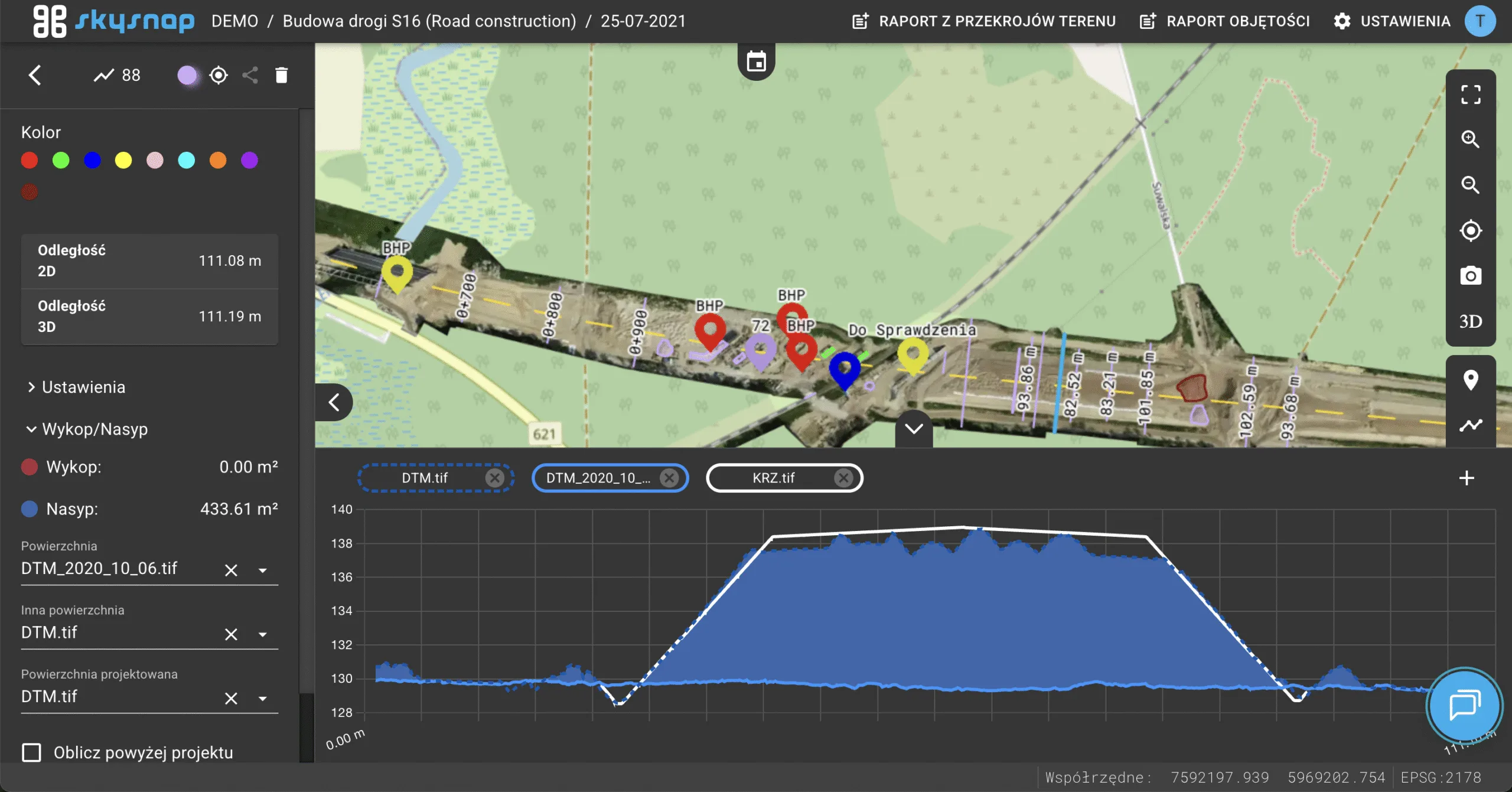
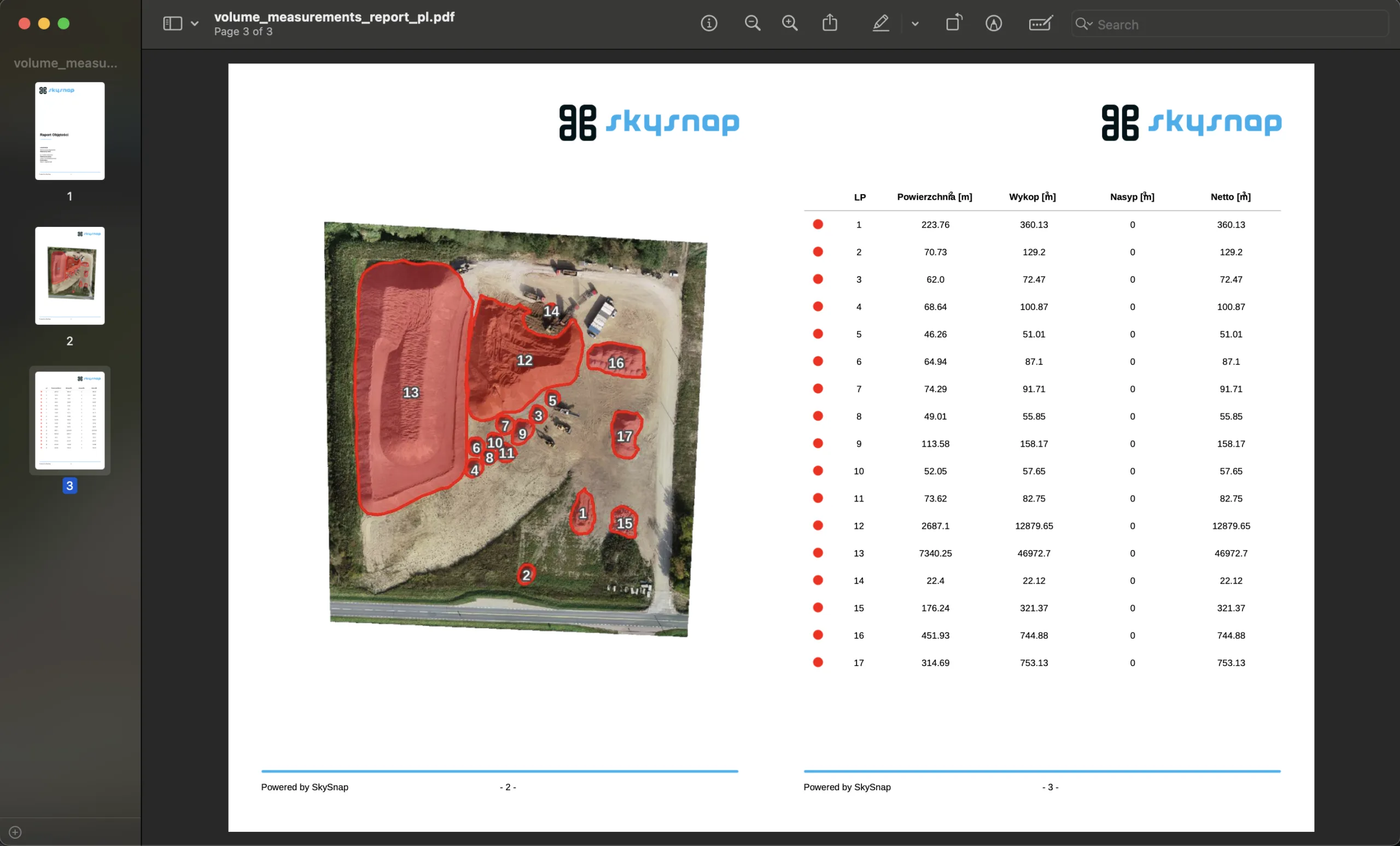
Calculation of volume relative to reference plane using all elevation data from the project
Volume calculations now take into account data from the entire investment project.
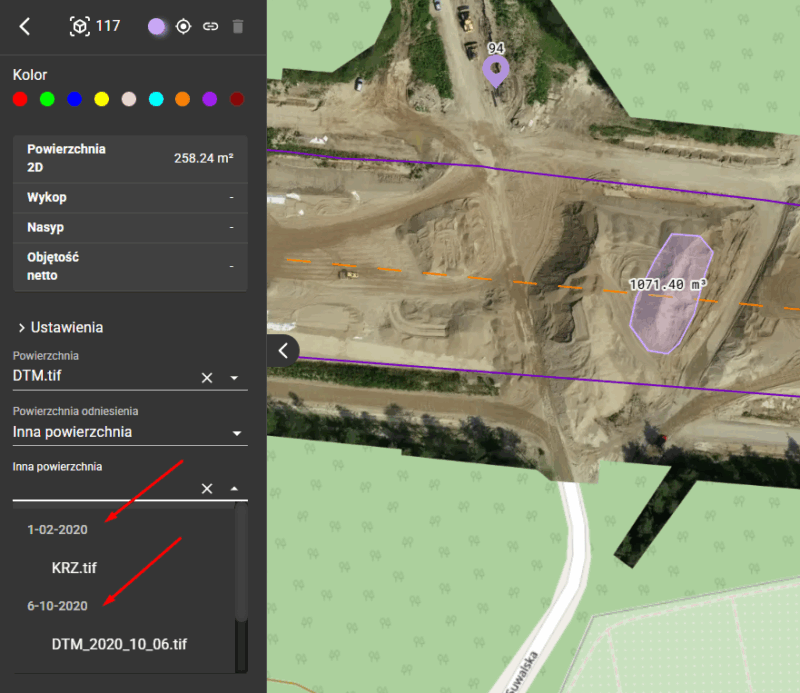
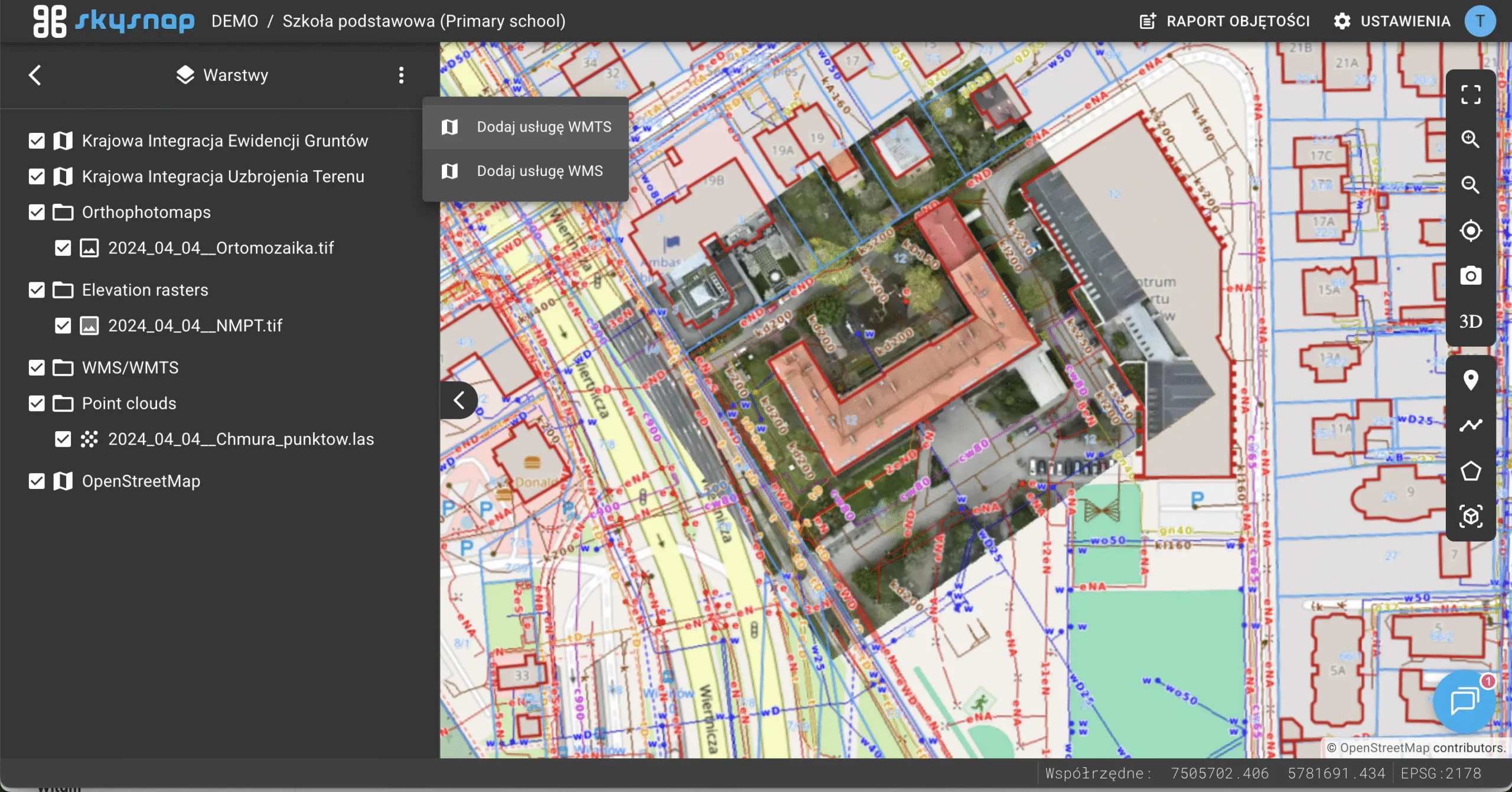
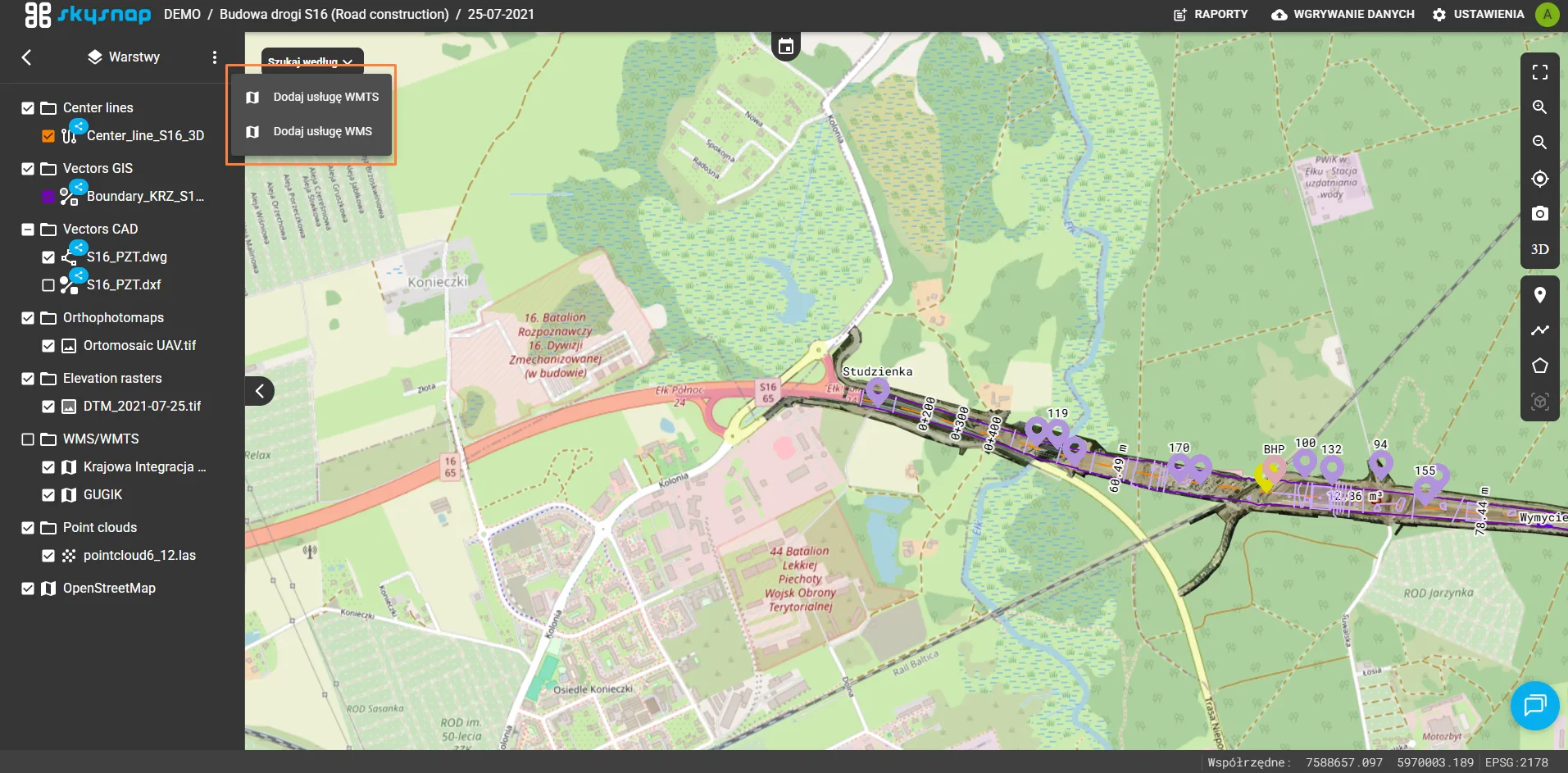
Sharing raster CAD data via WMS
Ability to share CAD data in raster form using the WMS standard.
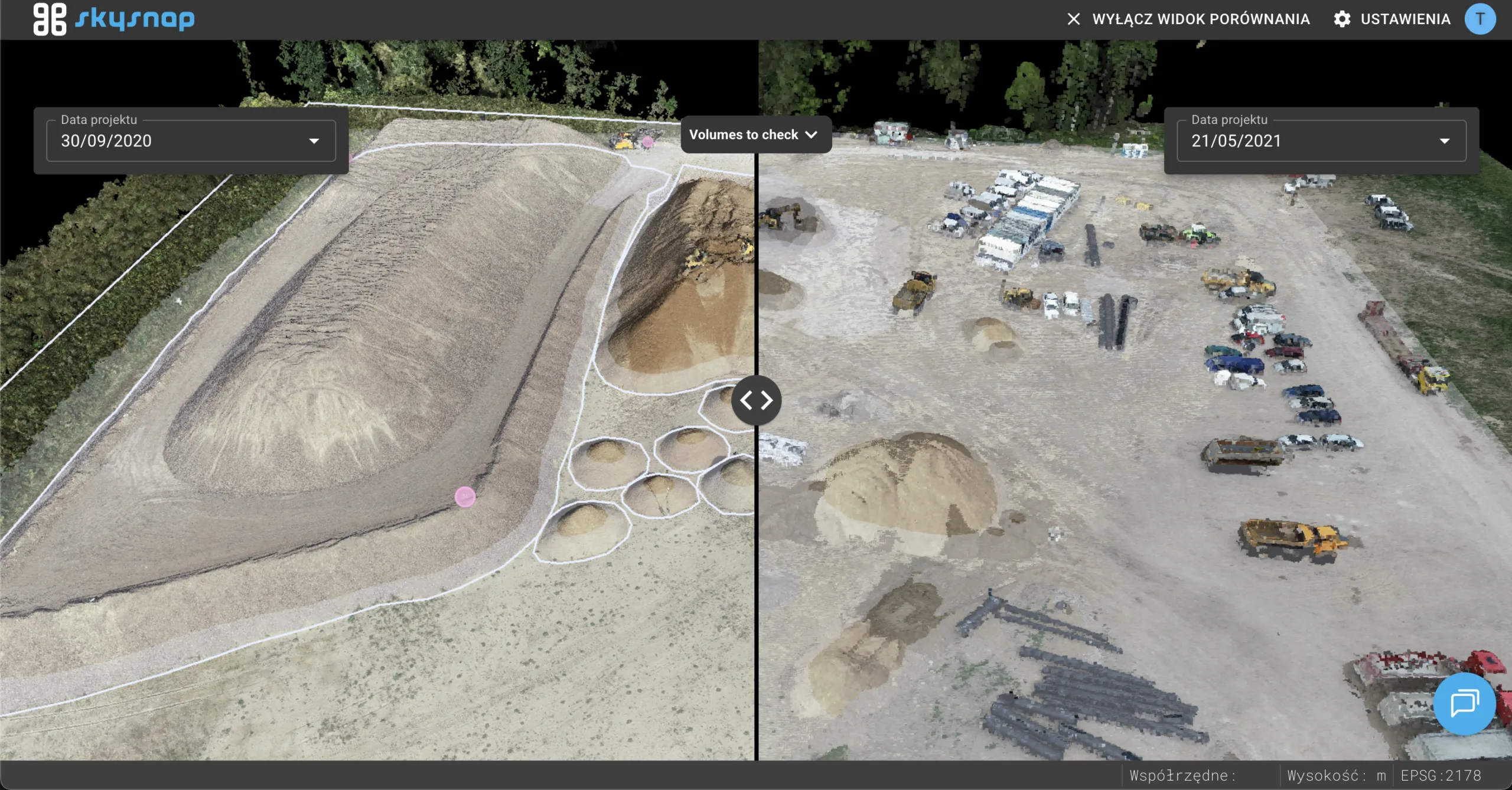
Synchronization of point cloud loading in 3D split view
The loading time of point clouds has been improved by loading them synchronously.
Improved 3D navigation in split view
3D navigation has been improved, offering smoother performance.
New 3D navigation – no need to adhere to a point cloud
Navigating in 3D space no longer requires setting a reference point on a point cloud.
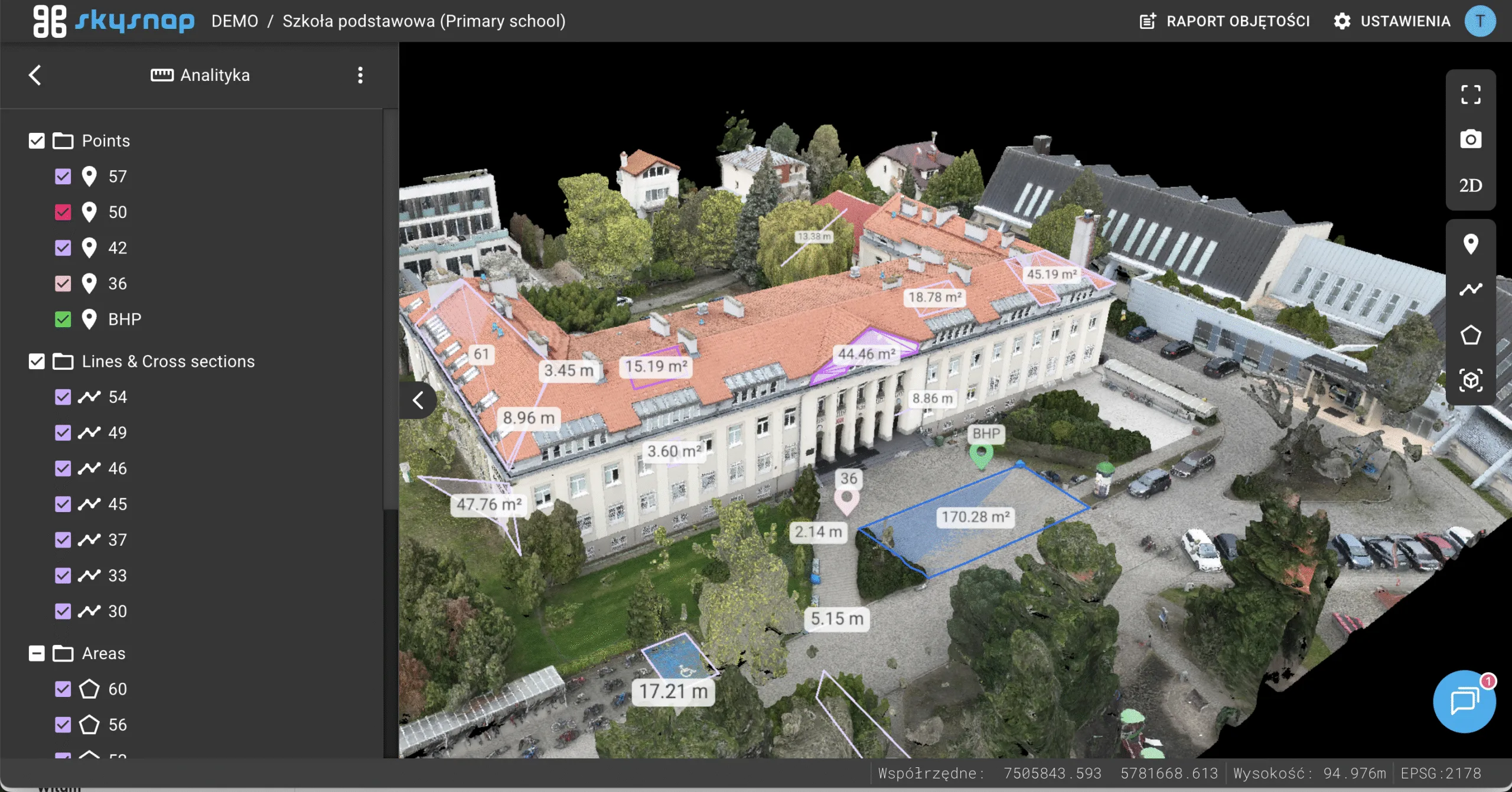
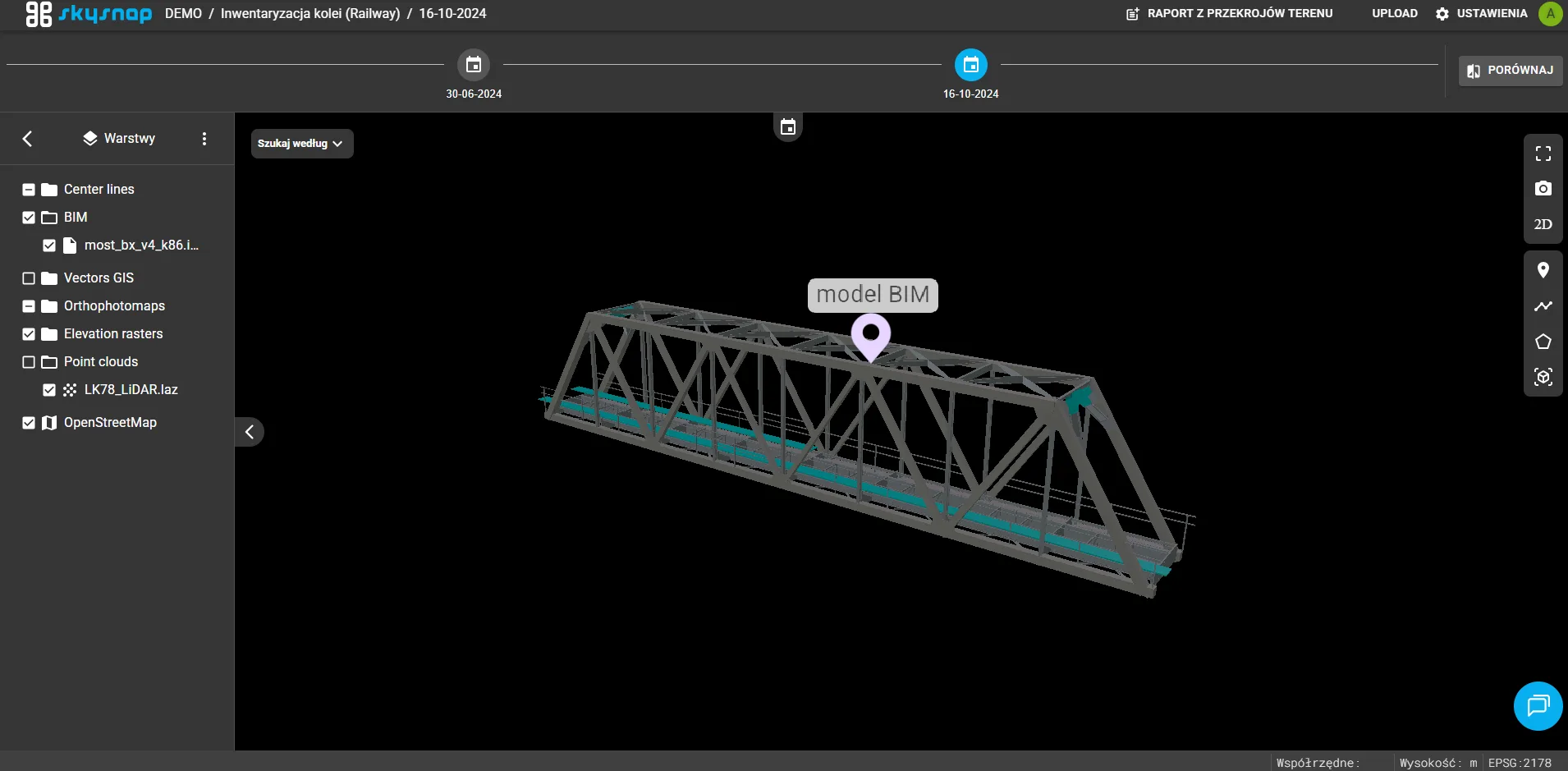
Adding a sidebar in 3D view
The 3D view received a separate sidebar for faster access to tools and data.
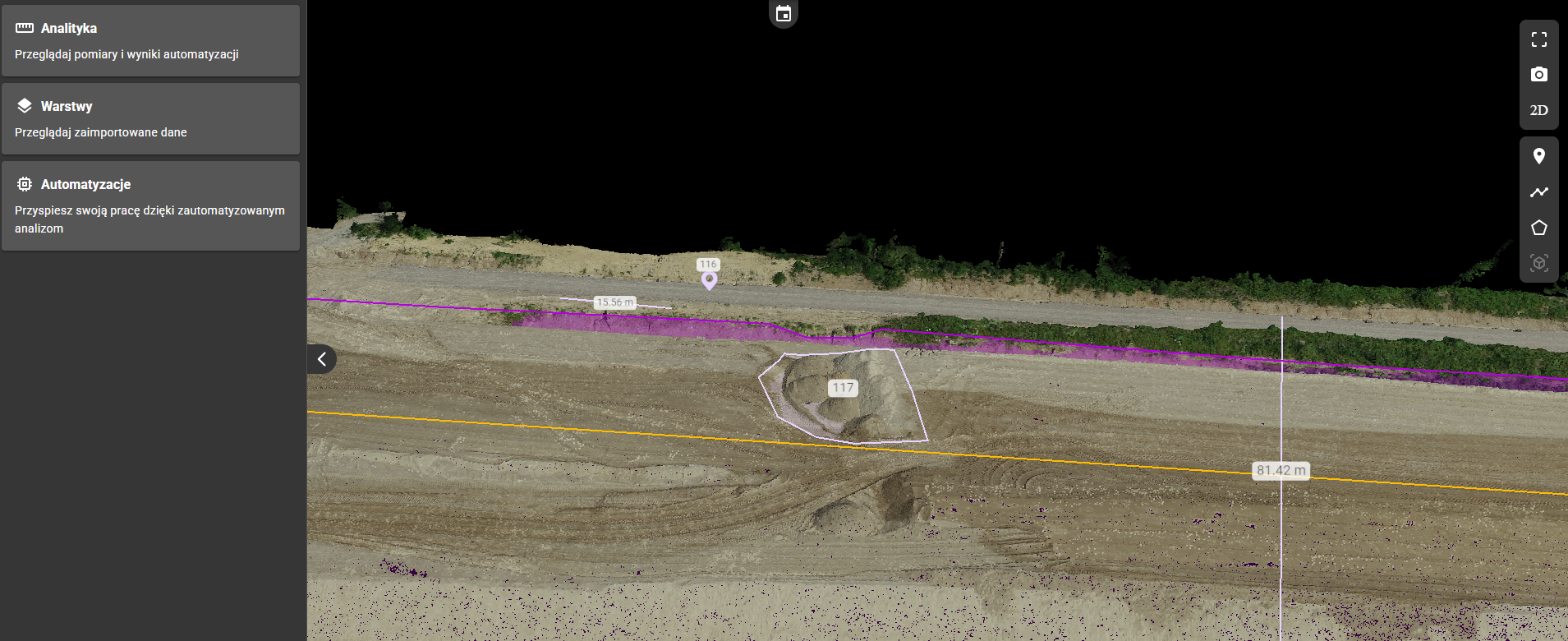
Include the ability to take measurements in 3D
Measurement of points, lines, areas and volumes now also possible in 3D view.
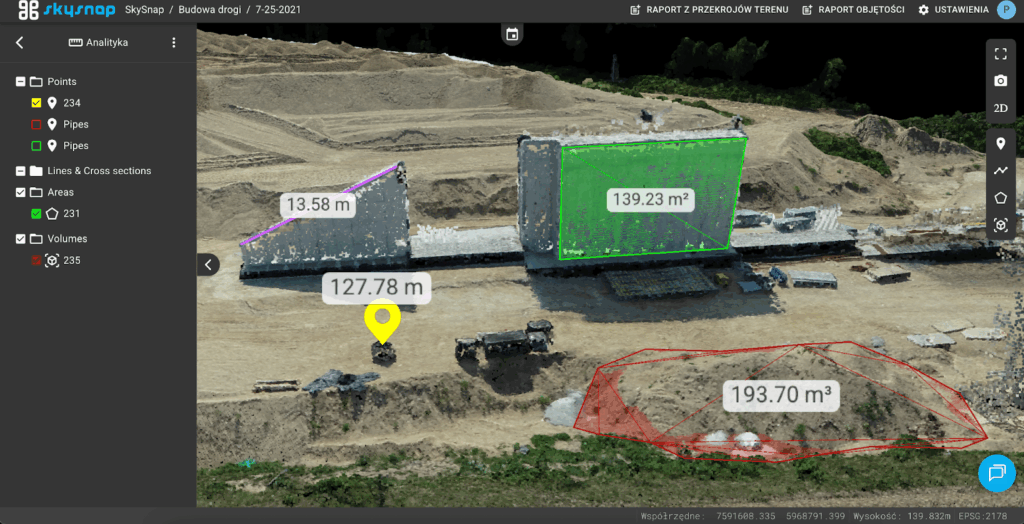
Display mouse cursor coordinates in 3D
Ability to track cursor coordinates in 3D space.
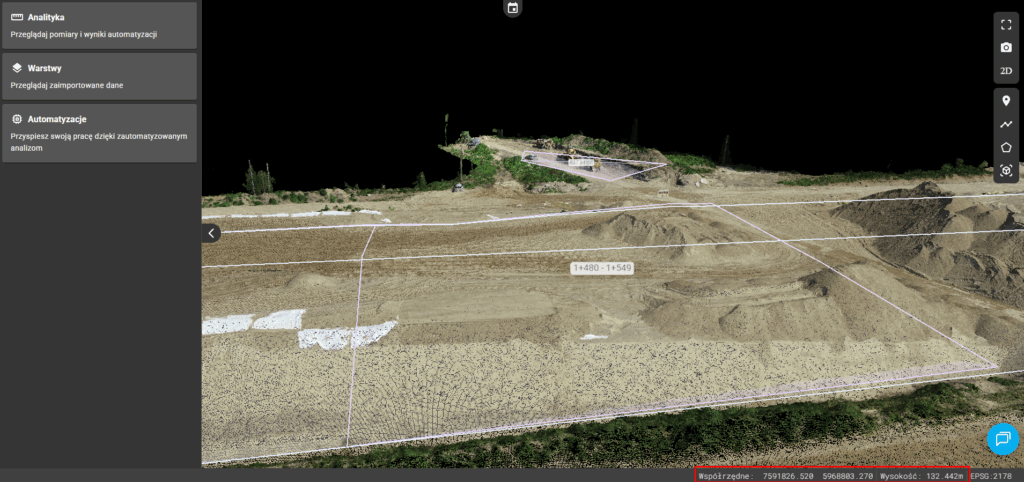
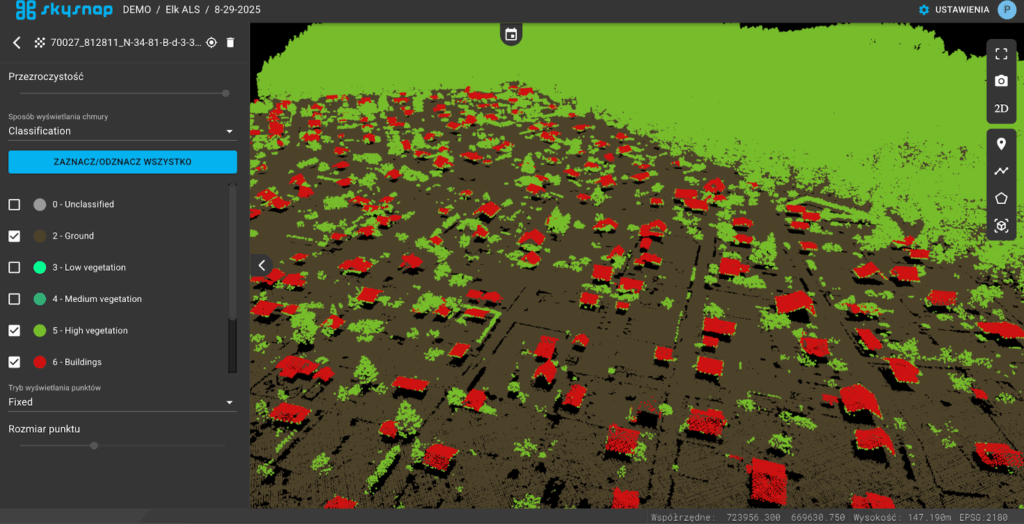
Adding option to display point clouds in the list of layers + point cloud properties
Point clouds now appear in a list of layers, with the ability to manage their properties.
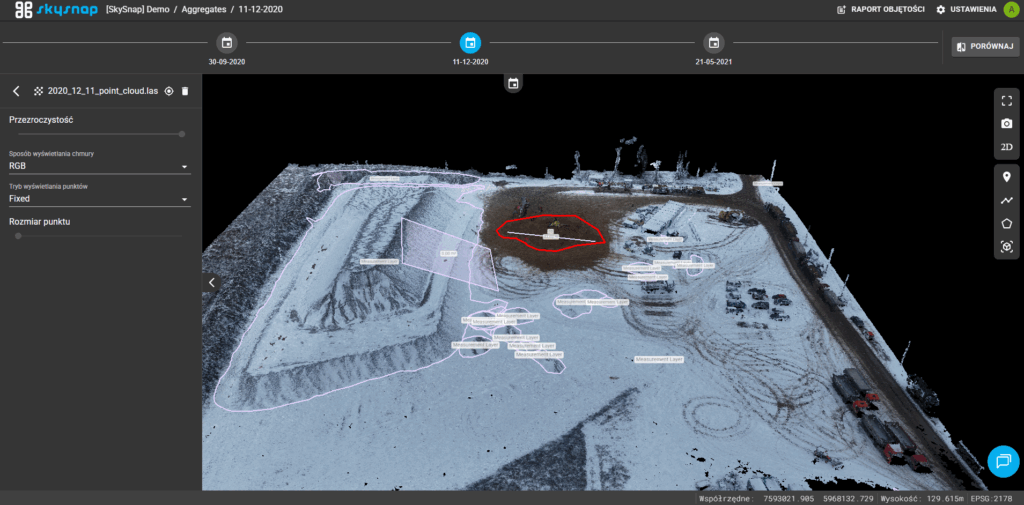
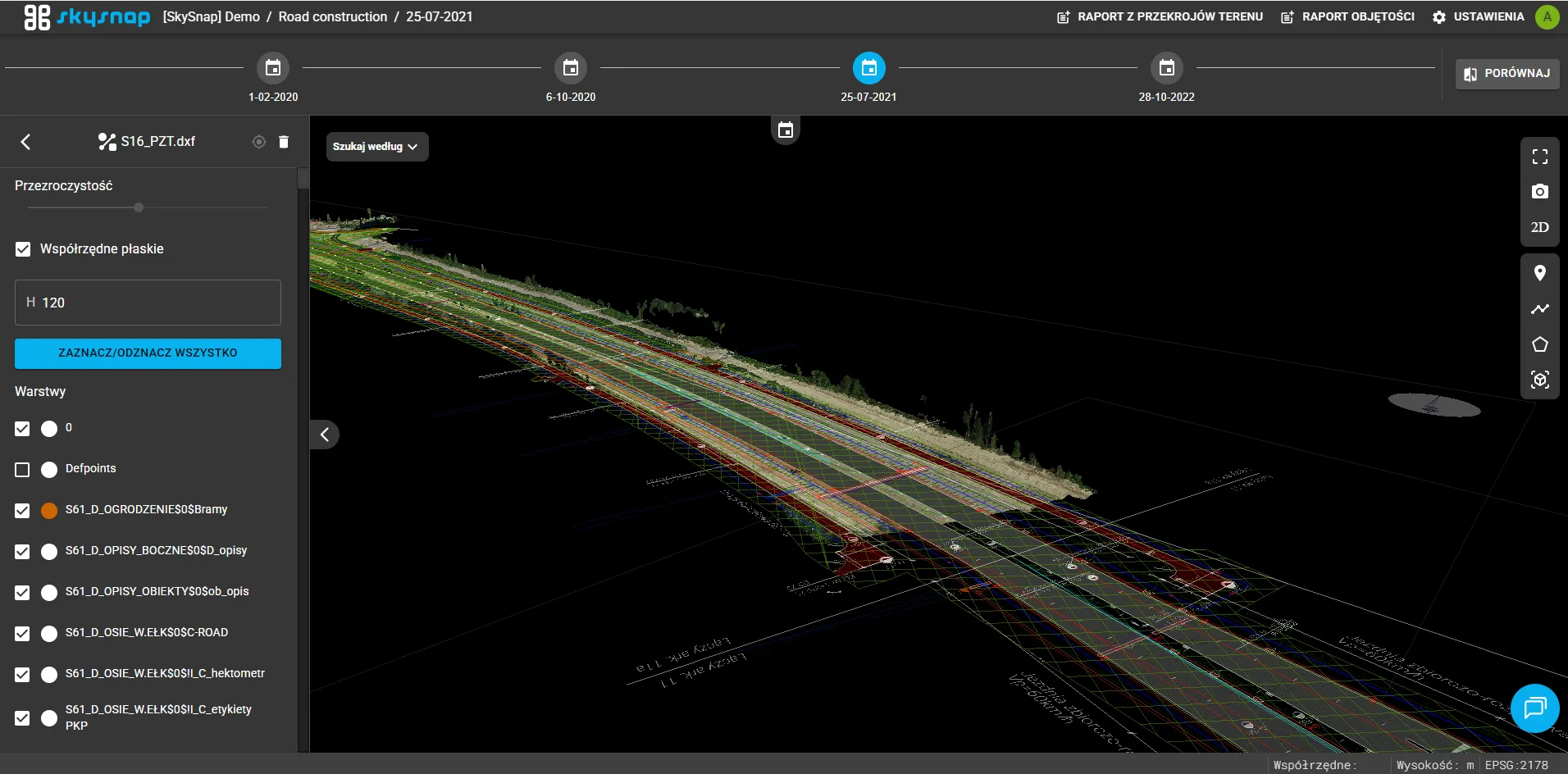
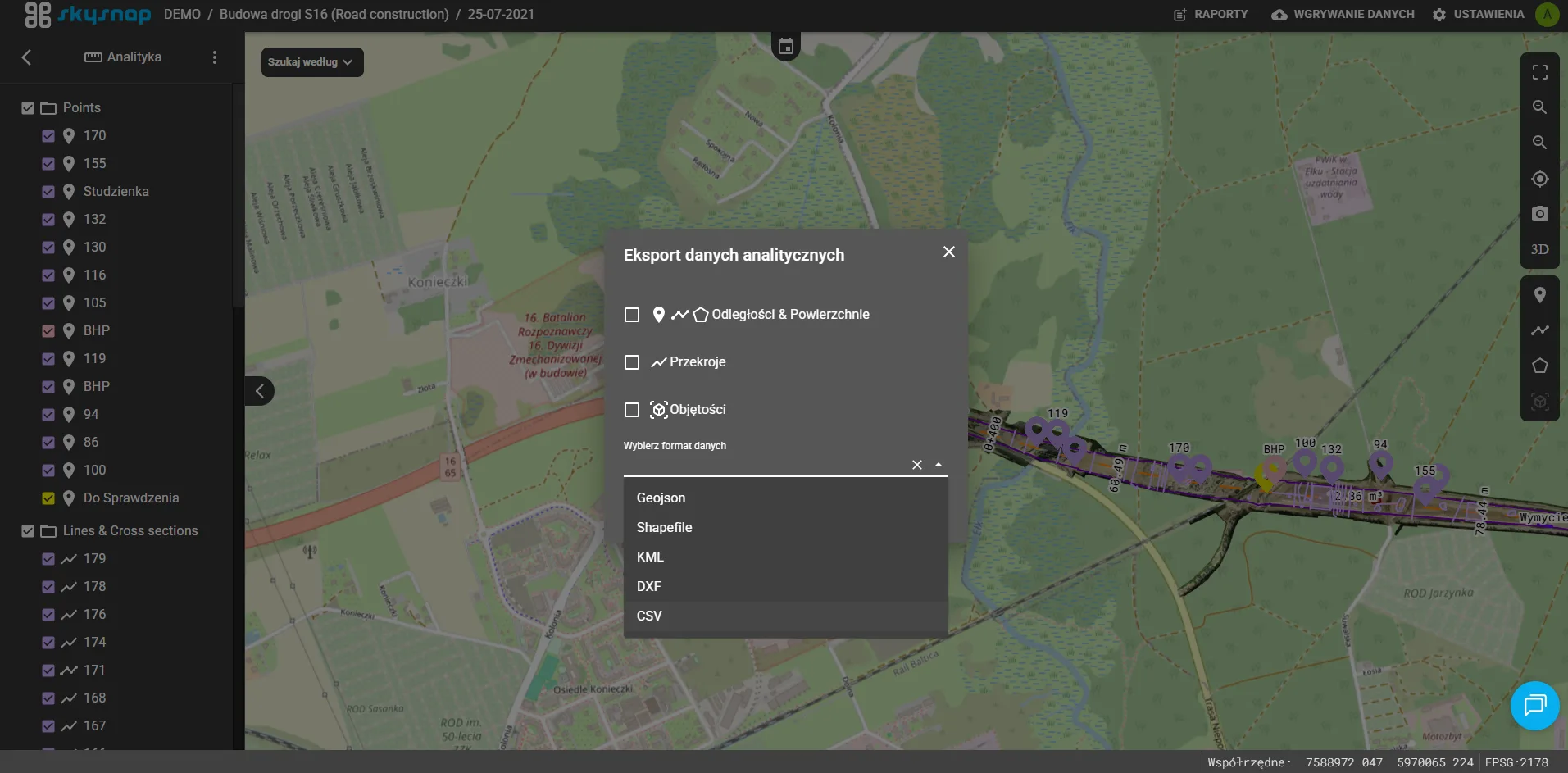
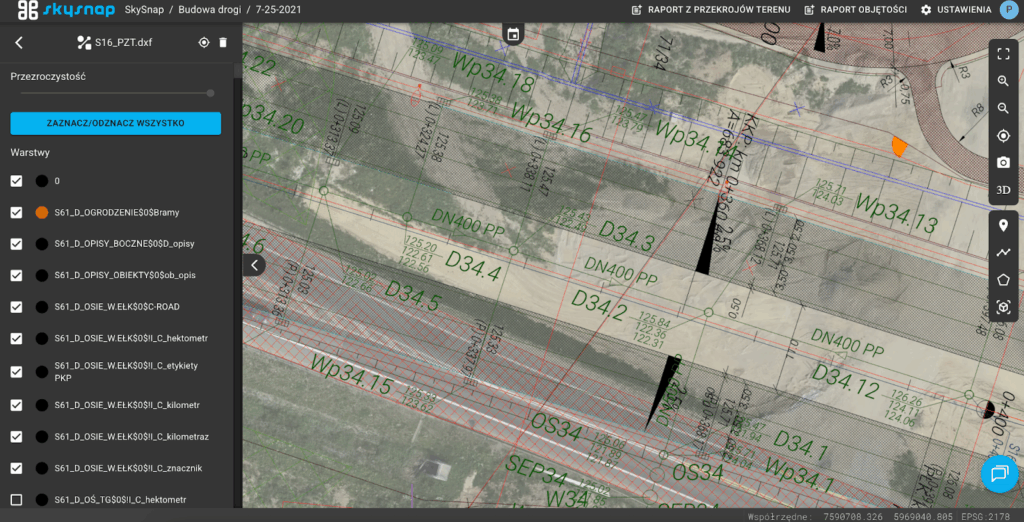
Support for a new type of data – CAD vector layer (DXF format support)
The portal now supports the import and display of CAD data in vector format (DXF).
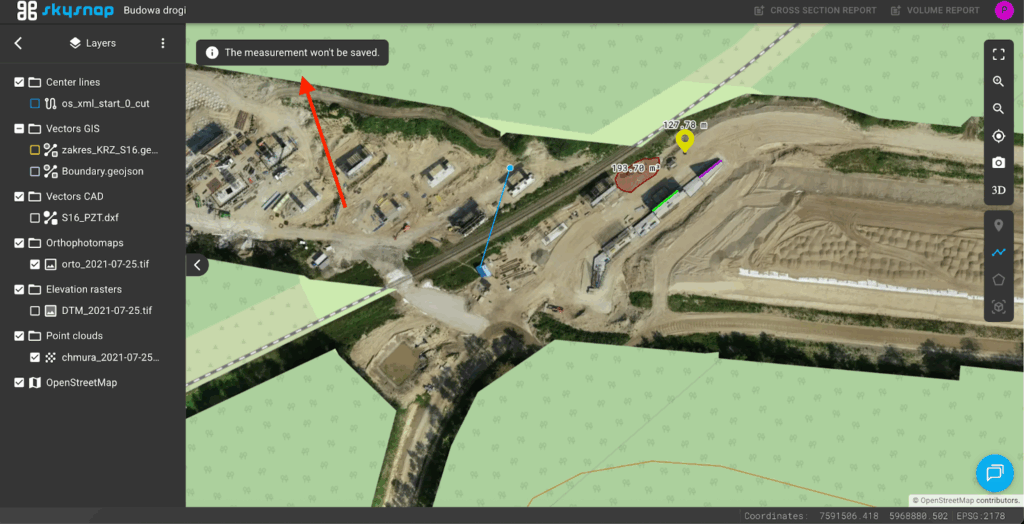
Viewer role can add temporary (unsaved) measurements
Users with the viewer role can temporarily add:
– points (without geochat),
– lines (without cross sections),
– areas (without volume calculations).
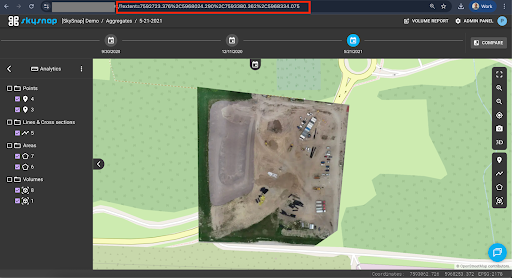
Copy and share a link to a specific location on the map (works in 2D)
The link contains the coordinates of the location and allows you to quickly share a specific place.
Redirect to login when attempting to open shared link without login
A user who is not logged in is automatically redirected to log in, then returns to the open link.
Filtering data by geolocation
When selecting data for volume measurements and site sections, only those that fall within the selected area are taken into account.