SkySnap Portal
Recent Changes (01-04-2026)
Improvements
Mobile version of the portal
Stworzono mobilną odsłonę portalu, aby zapewnić pełną wygodę użytkowania na urządzeniach przenośnych. Dzięki dostosowaniu interfejsu, nawigacja po projektach i korzystanie z funkcjonalności portalu stały się bardziej komfortowe. Wartą zauważenia opcją jest możliwość wyświetlenia własnej lokalizacji w widoku mapy.
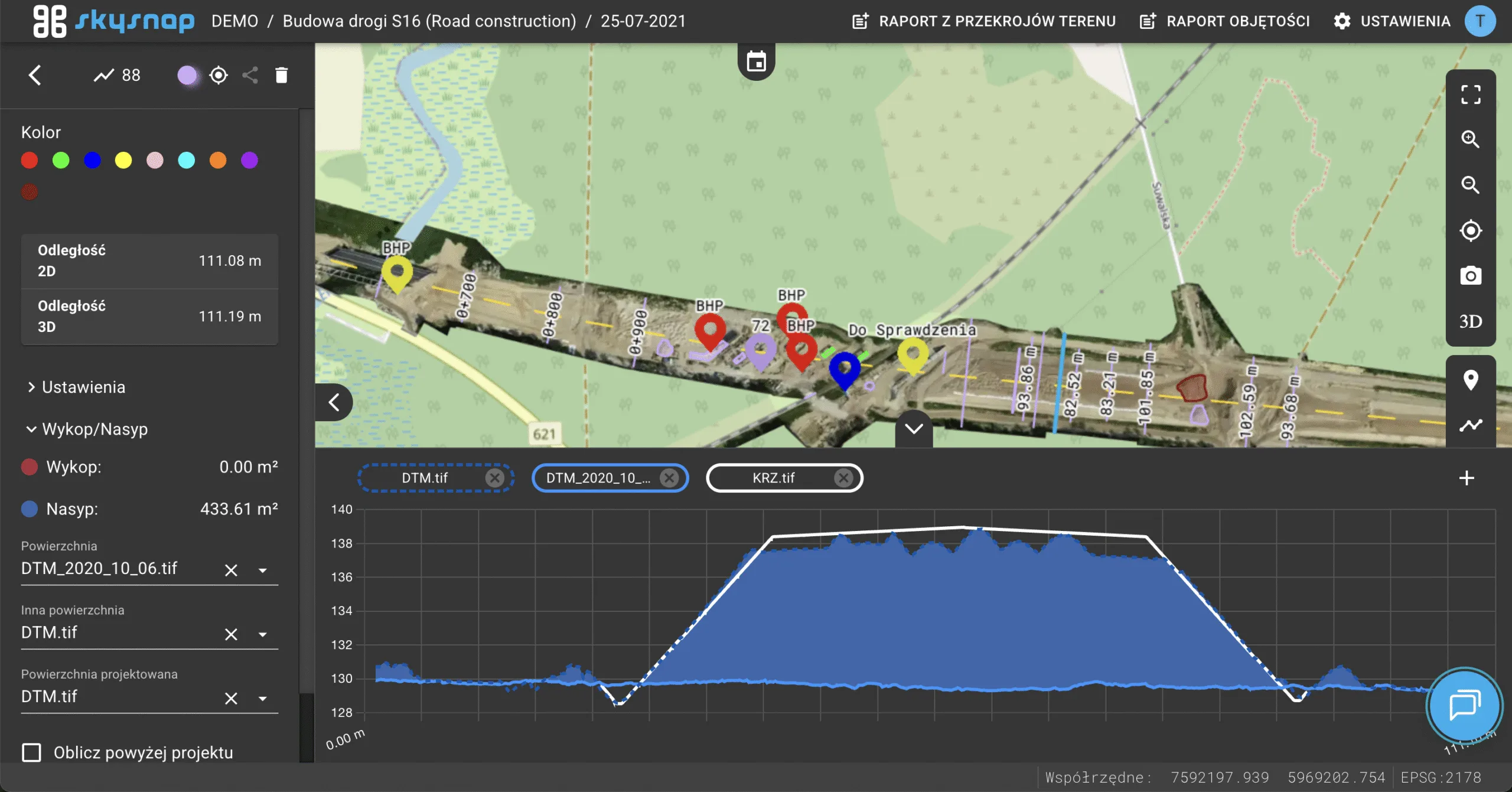
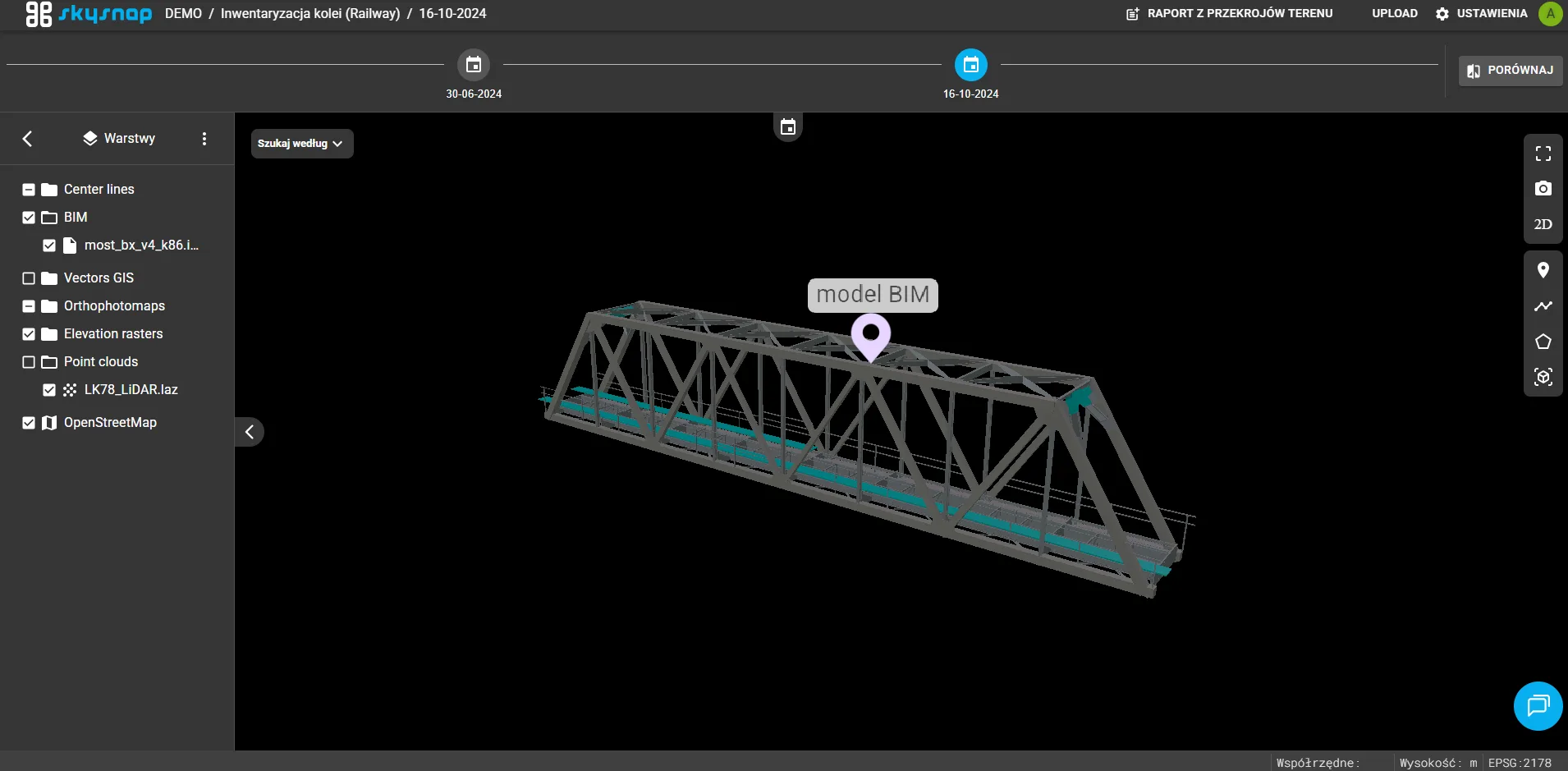
Taking measurements on 3D mesh and BIM (.IFC) models
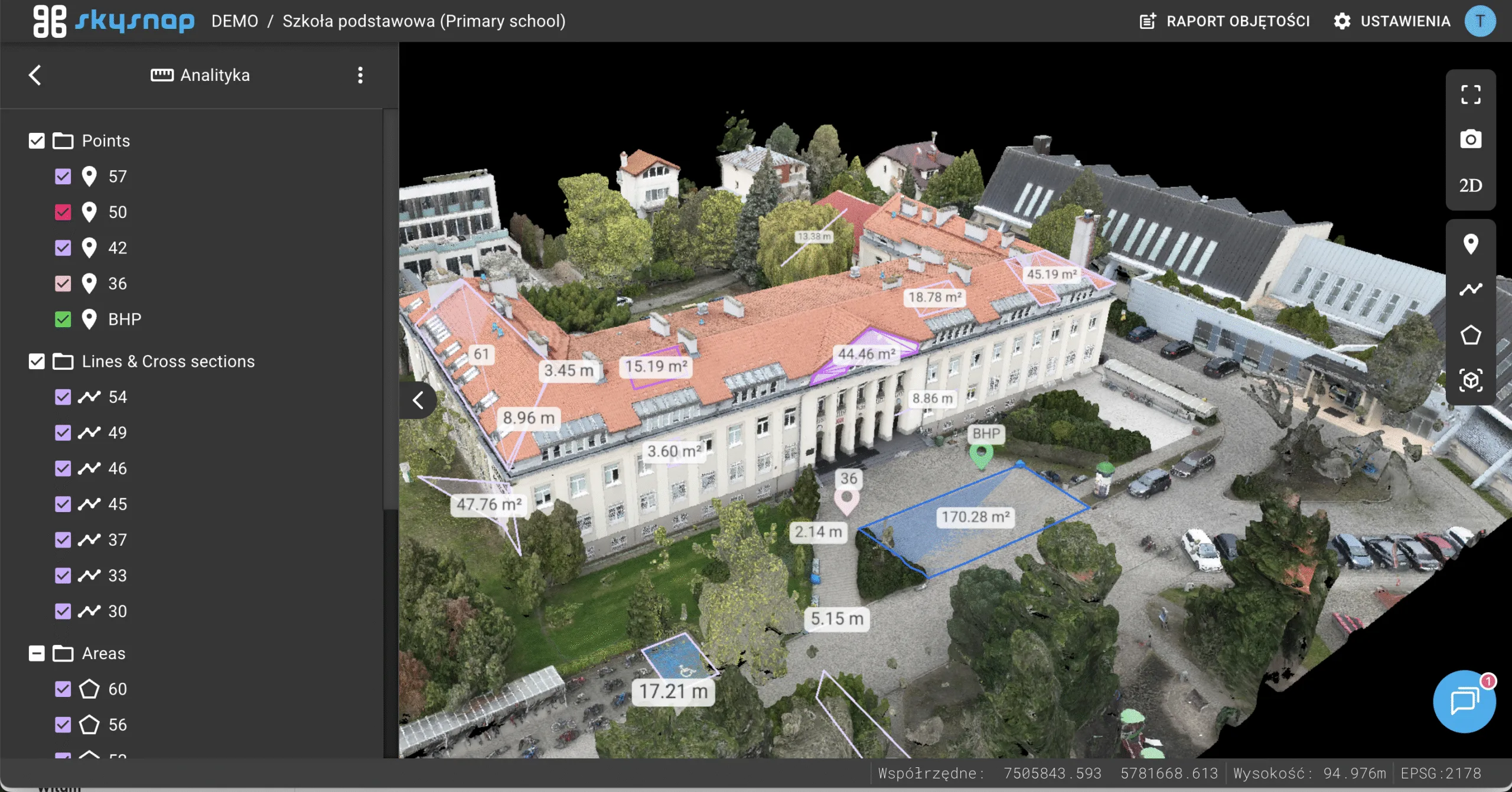
The ability to take measurements on 3D mesh and BIM (.IFC) models has been introduced. In addition, pin placement has been made possible. This solution allows to perform quick spatial analyses directly on the portal.
Photogrammetric processing on the portal
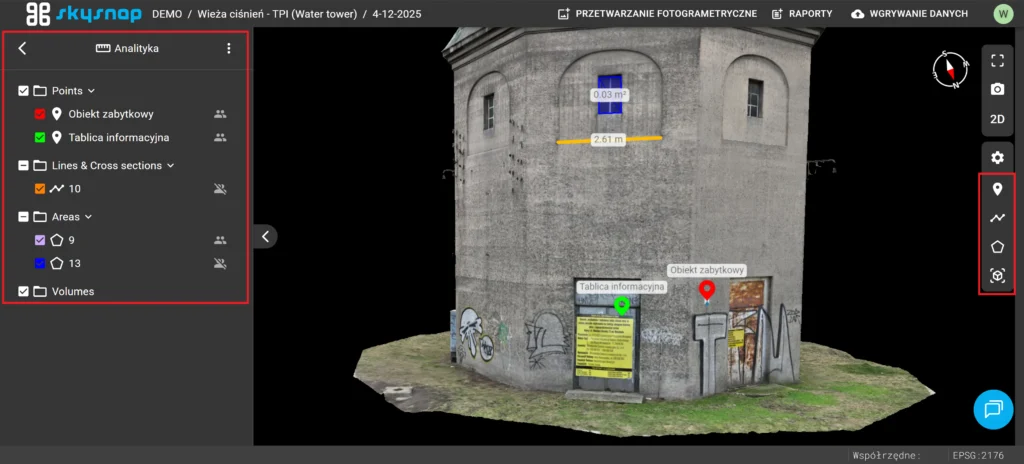
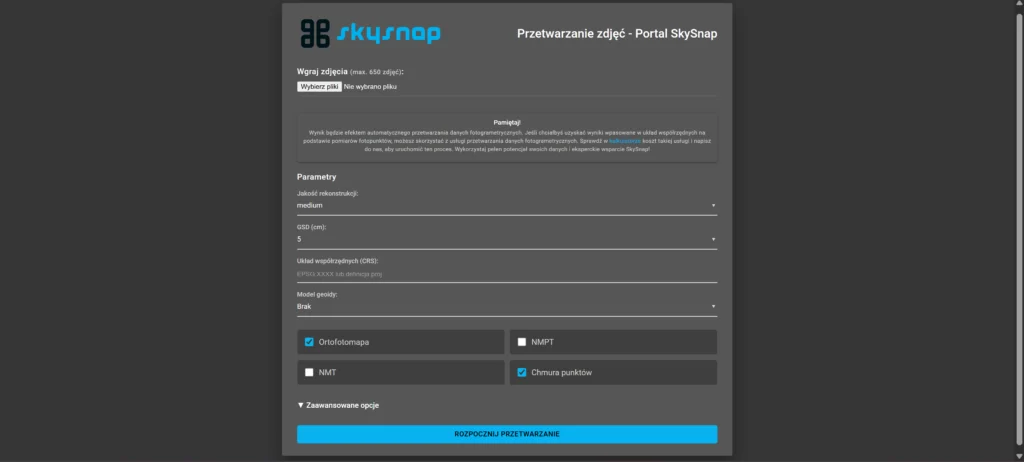
Dodano moduł fotogrametrycznego przetwarzania danych. Wyróżniono w nim dwa tryby pracy – automatyczny oraz przetwarzanie eksperckie. Po kliknięciu w preferowaną opcję, zostaniesz przeniesiony na docelową stronę, aby móc skorzystać z usługi. Szczegółowe informacje znajdują się na naszej stronie: https://skysnap.com/procesowanie-danych-dronowych/.
Vector layer symbolization changes
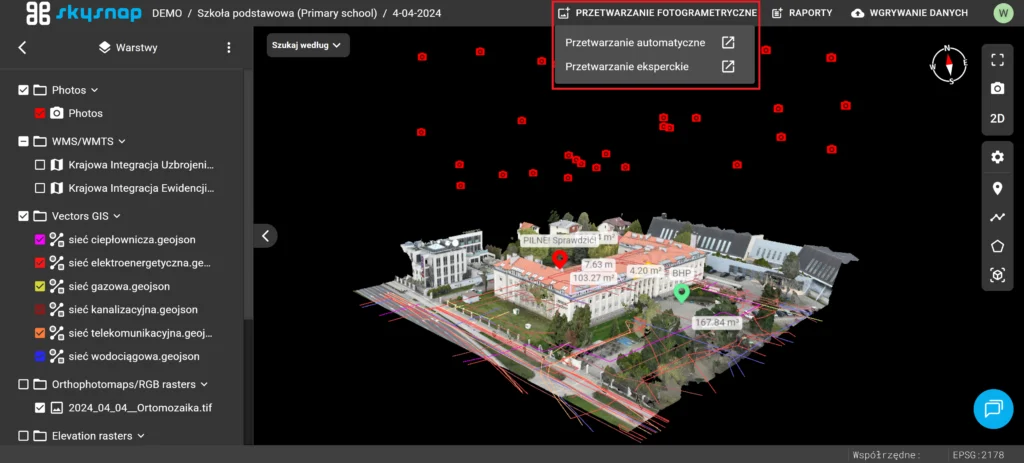
An option to change symbolization has been introduced, which affects the style of data presentation. The user can select the appearance of icons for points and the style of lines for line and polygon layers. Complementing the changes is a classification function, whereby the symbolization style can be generated automatically based on the selected attribute. This enables a clear, visual division of data into groups, which greatly facilitates the analysis of information.
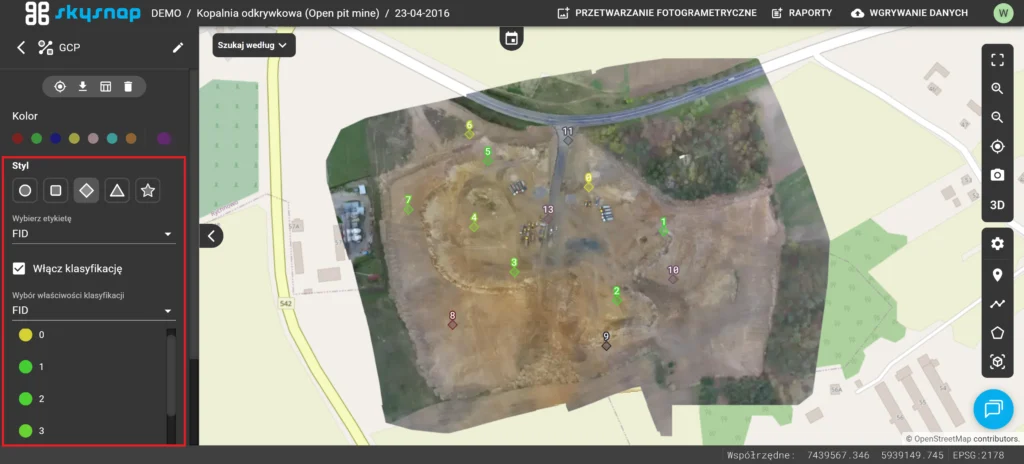
Table of vector layer objects
A vector table has been introduced to provide insight into GIS layer data. This functionality allows you to manage columns, filter objects according to selected attribute values and zoom the view to a selected vector on the map. The table is available by selecting a vector layer and clicking the table icon in the left side panel.
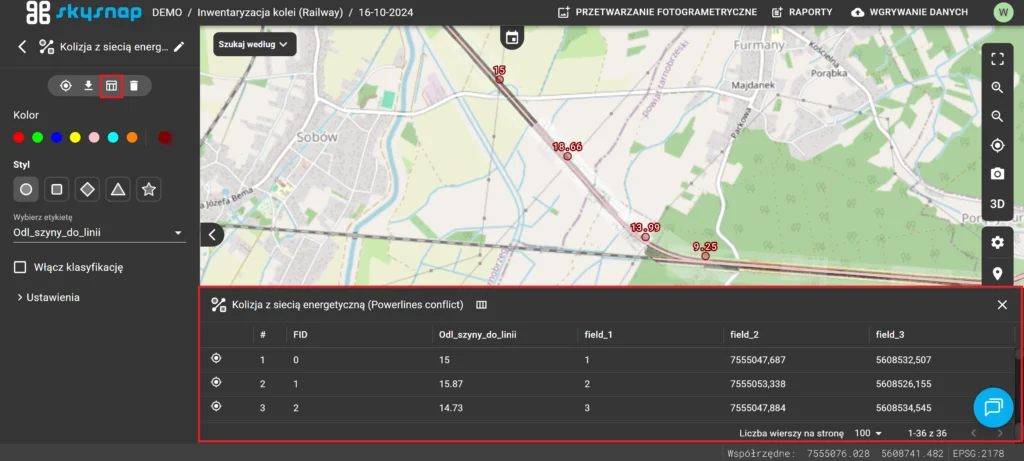
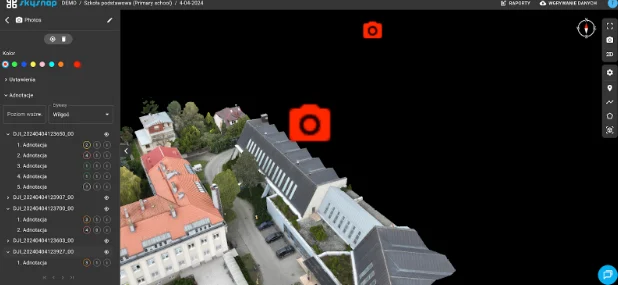
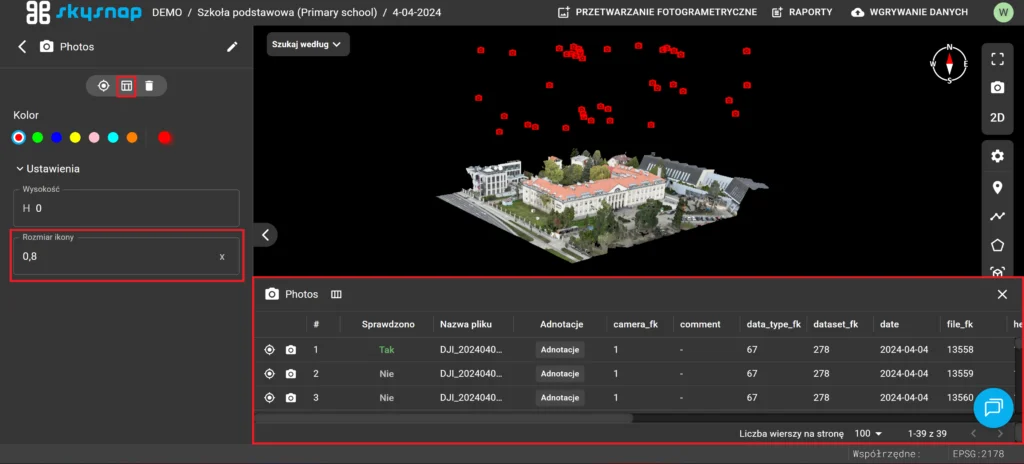
Table of images
Data table support for photo folders has been added. After selecting a layer and clicking the table icon in the left side panel, the user gains access to full information about the photos. The functionality allows users to filter collections based on their values, navigate to the location of individual photos on the map, and scale the photos icon on the map.
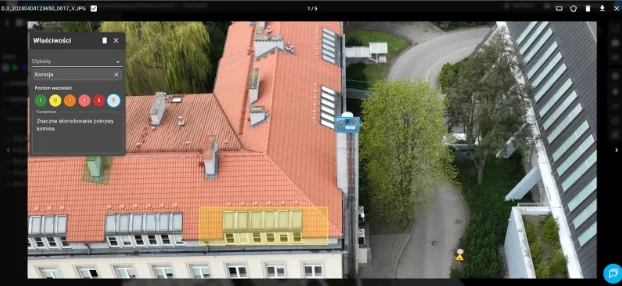
Umożliwiono także selekcję zdjęć na podstawie adnotacji. Kliknięcie dedykowanej ikony przy wybranym rekordzie wyświetla fragment zdjęcia wykadrowany bezpośrednio na zaznaczony adnotacją obszar.
Changes
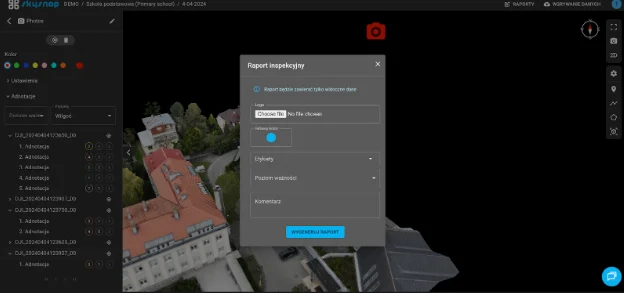
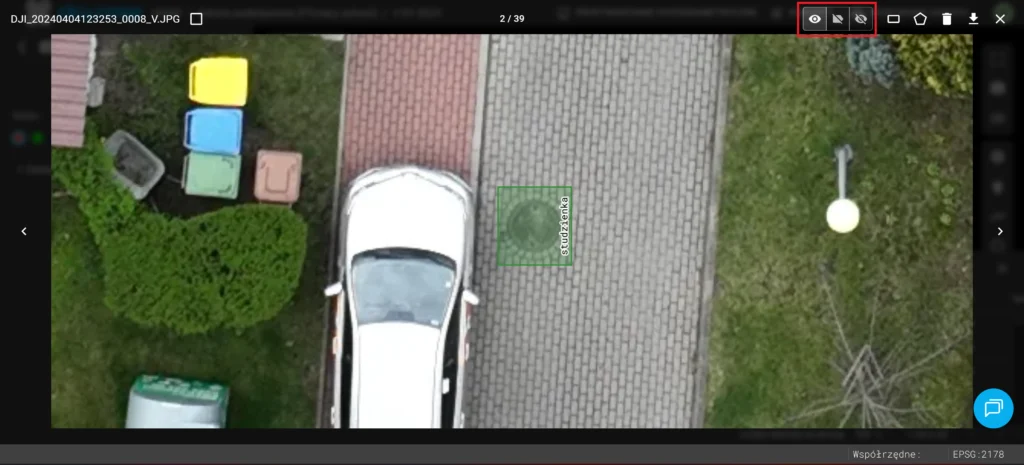
Display tag labels and annotations on images
Dodano trzy opcje wyświetlania adnotacji i etykiet tagów umieszczanych na zdjęciach. Wprowadzono możliwość wyświetlenia wszystkiego (adnotacje + tagi), samych adnotacji oraz podgląd zdjęć bez oznaczeń.
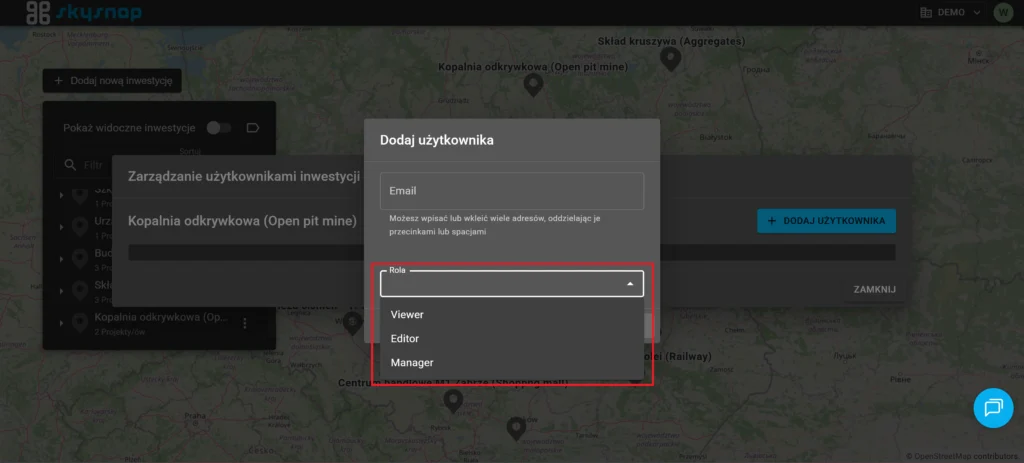
New roles for portal users
New organization user roles have been created: Organization Editor, Organization Viewer, and Investment: Investment Manager.
User password validation
Improvements have been made to portal user password validation to ensure the highest security standards. New password strength requirements help to more effectively protect accounts from unauthorized access.
Announcement about the new version of the portal
A message about the availability of a newer version of the portal has been added. This gives the user immediate notice when a new version is available, and refreshing the page allows quick access to the latest features.
3D view optimization
The performance of the 3D view when working with point clouds and images has been optimized. This reduced the waiting time for files to load in the view.