SkySnap Portal
Recent developments (17-12-2025)
Improvements
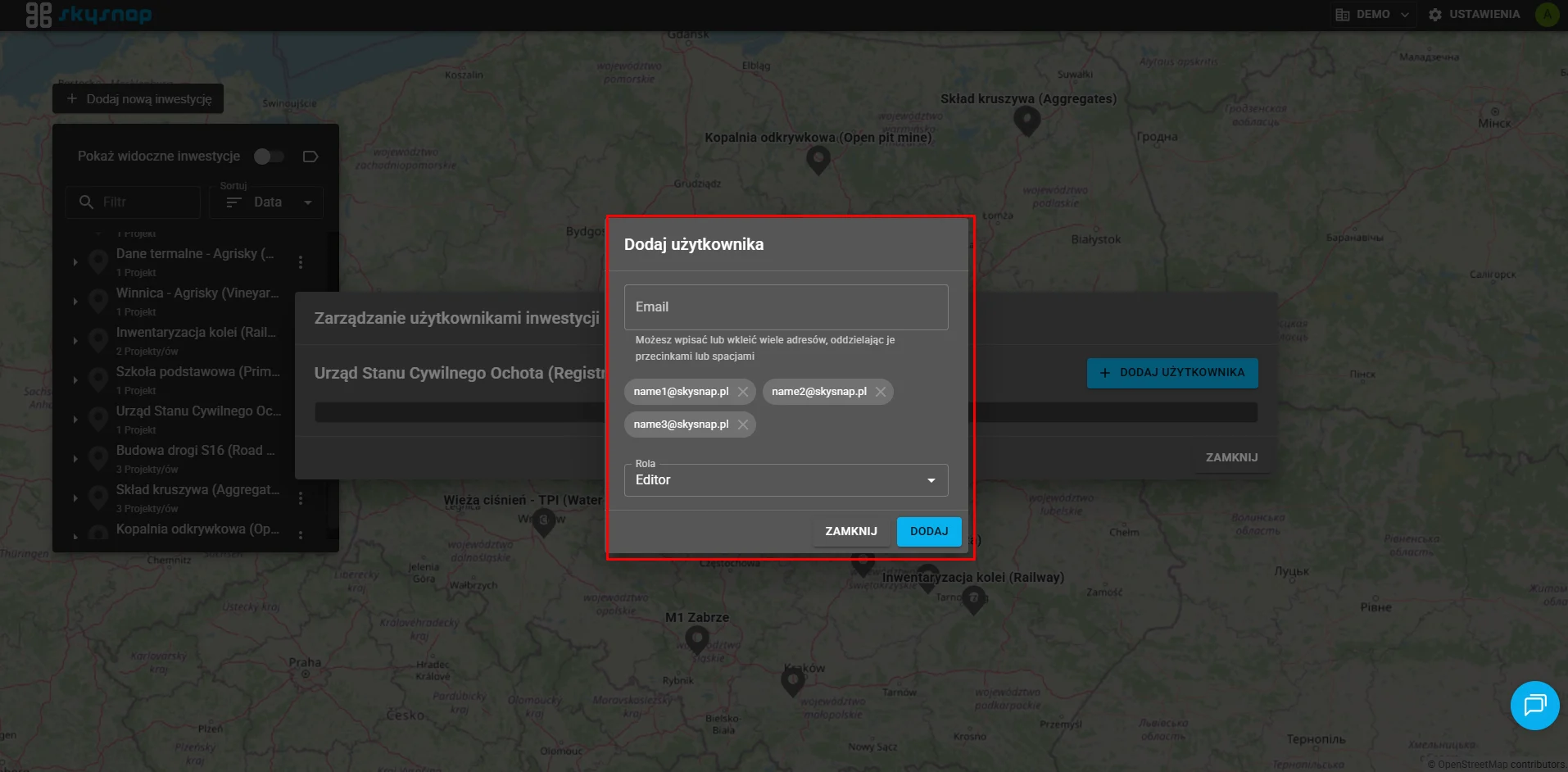
Adding several users at once
We have introduced the ability to add several users at the same time. Now the process of inviting a team to your organization is faster and more efficient.
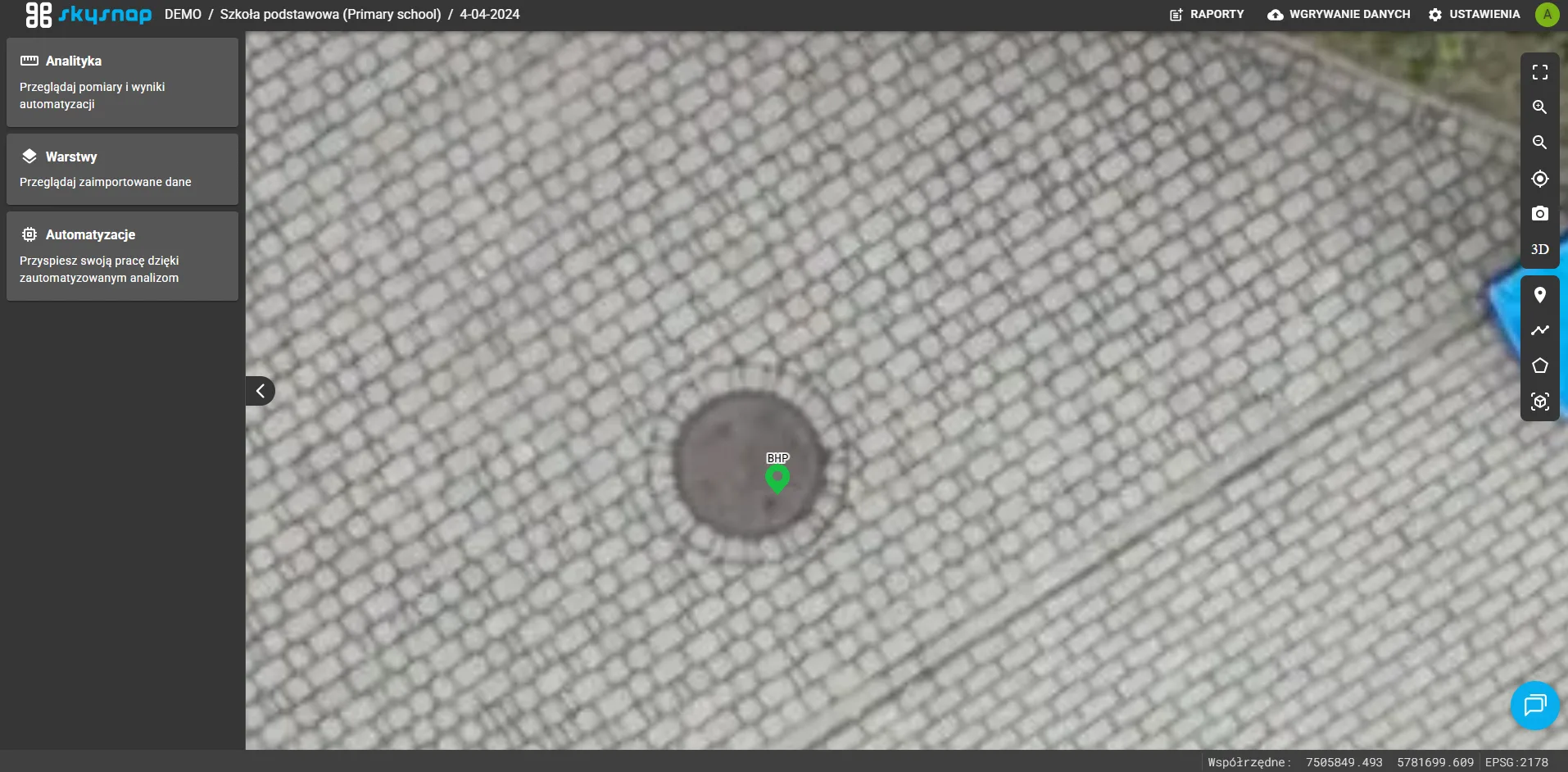
Increased zoom level
We have made it possible to zoom in more on the map. This allows for precise analysis and interpretation of details that might have been harder to see before.
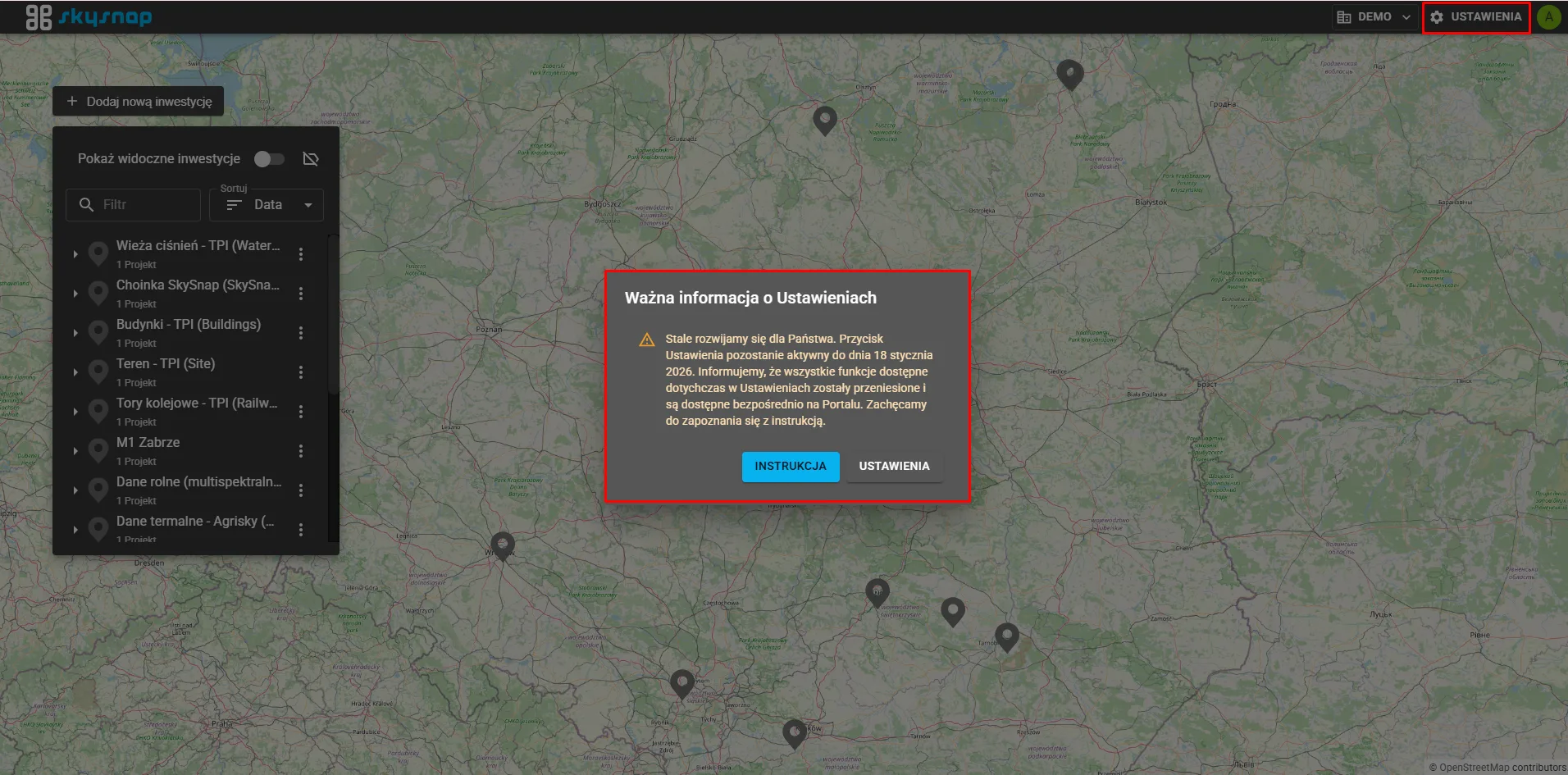
Changes to the Admin Panel
We have begun the process of upgrading the system through the first stage of disabling the admin panel. Currently, all functions previously available in Settings have been moved and are available directly on the Portal.
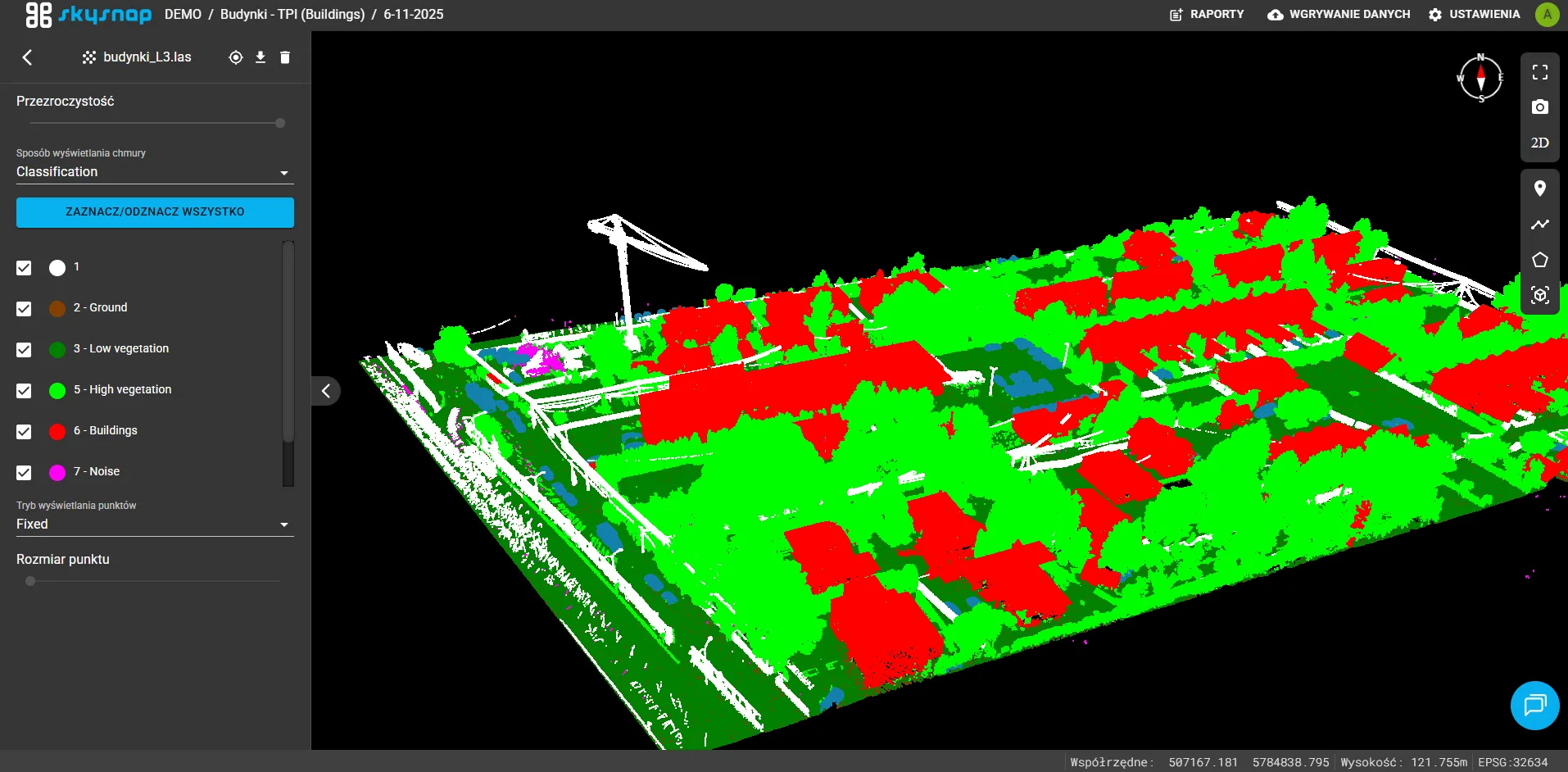
Change default color settings in point cloud classification
We have updated and standardized the default color settings for classes 0 to 12. This makes spatial data analysis more readable and consistent.
Changes
Elimination of graphic errors
We have effectively eliminated graphical errors and artifacts that could appear at the edges of the map view, providing better image quality.
Additional option to end measurement on the right mouse button
To improve workflow, we have added a way to close a measurement – from now on we can use the right mouse button in addition to the double-click. This avoids accidentally adding an unwanted point at the end of a line.
Changing the default folder name
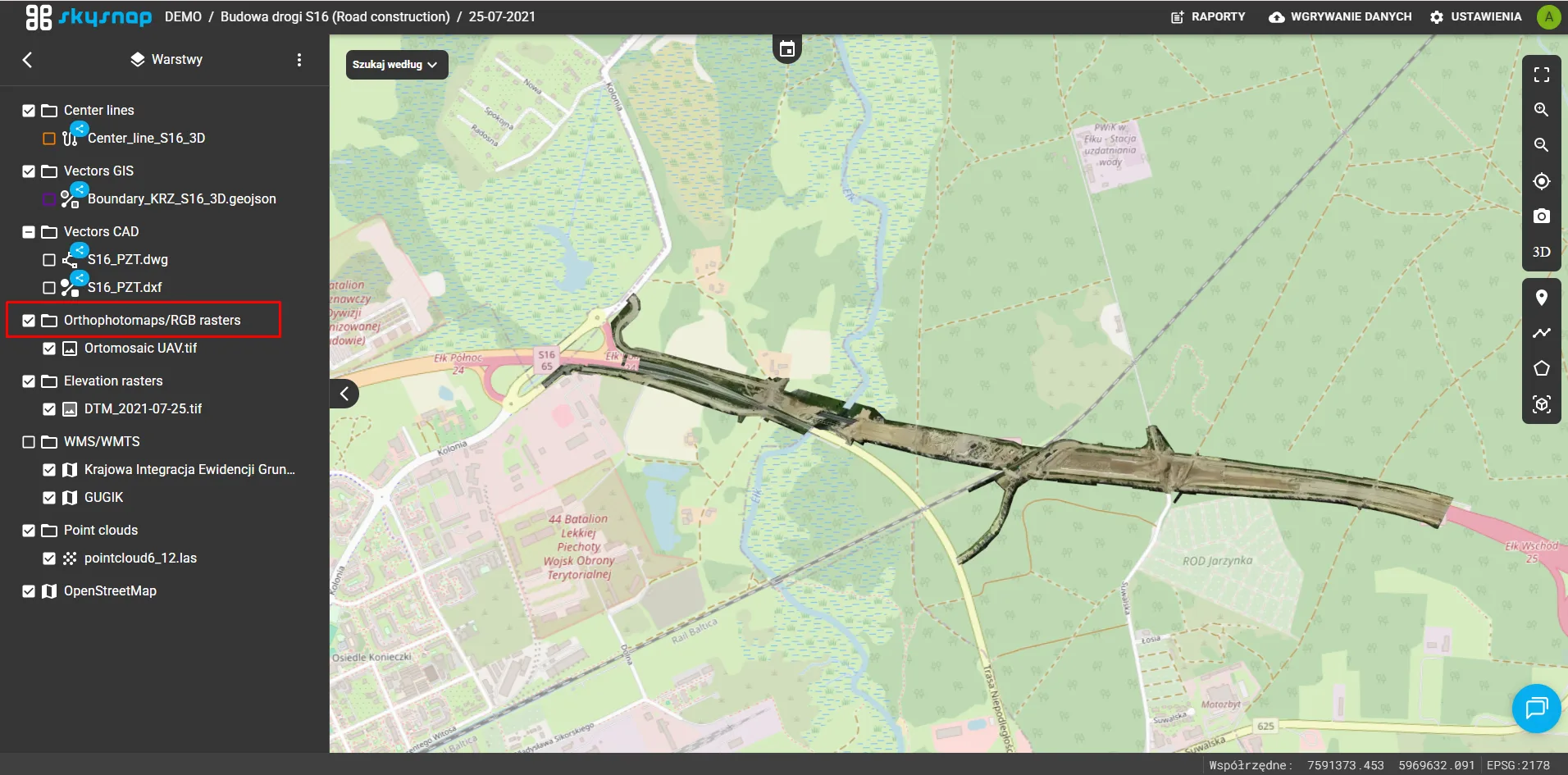
We have changed the default folder name for RGB raster layers. Now the new name is: “Orthophotomaps/RGB Rasters”.