SkySnap Portal
Recent developments (28-11-2025)
Improvements
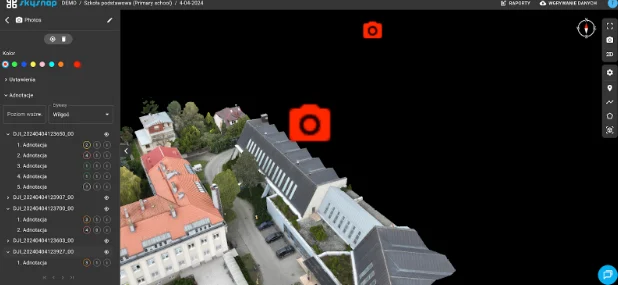
Support for 3D mesh models
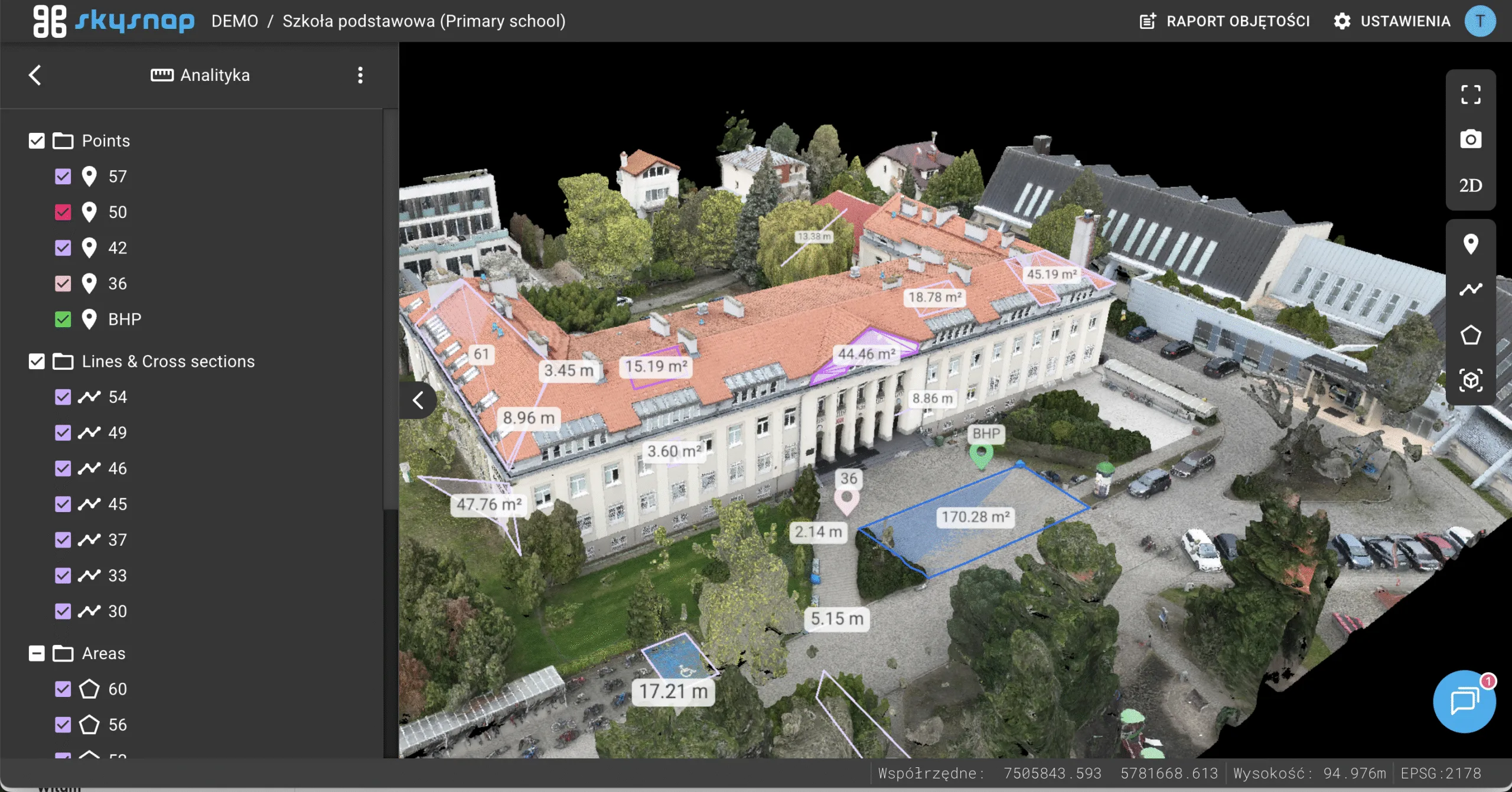
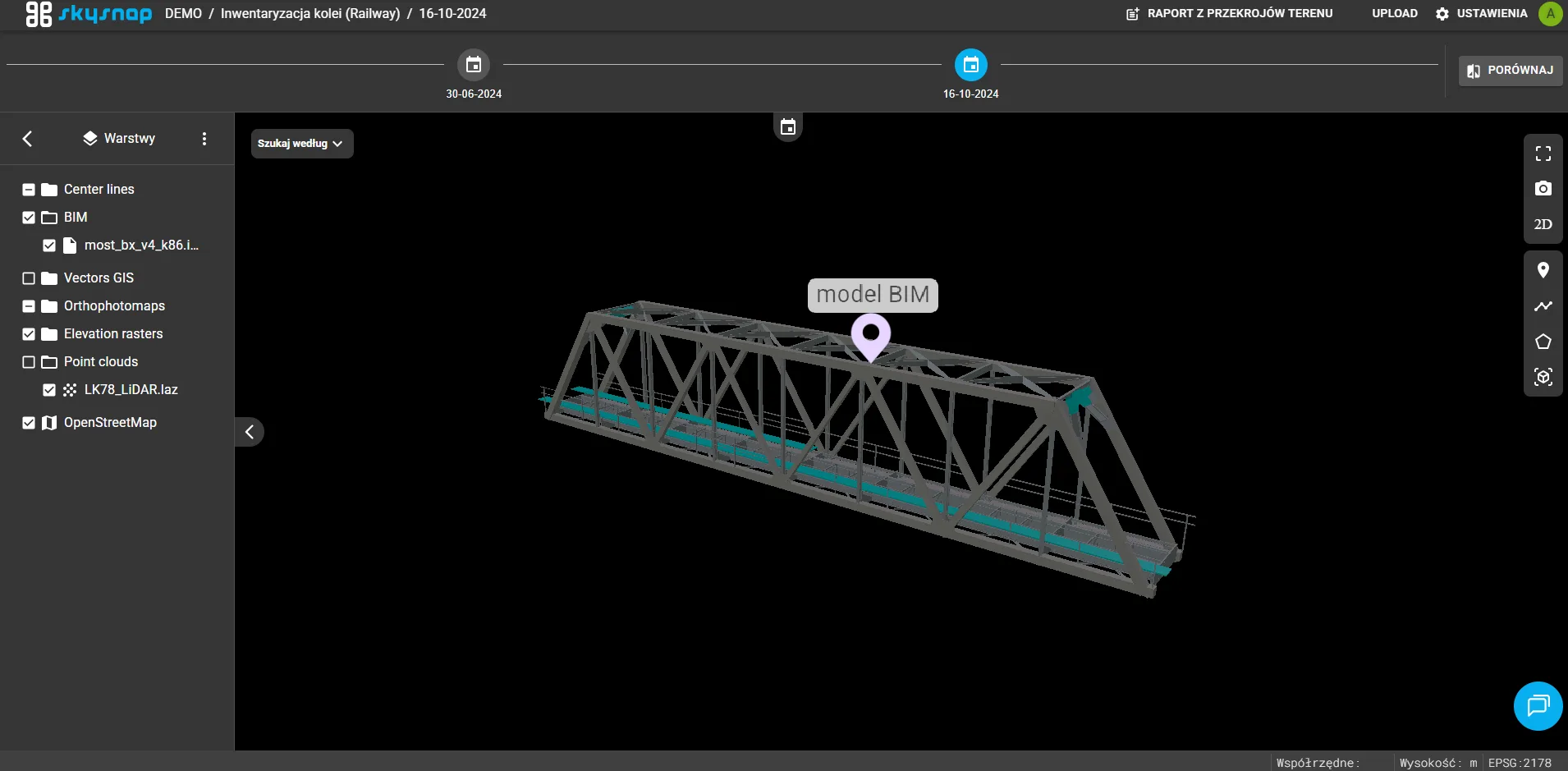
Support for visualization and interaction with mesh models in 3D view has been introduced. Users can now load and view high-resolution models of terrain and objects, obtained, for example, from photogrammetry, significantly expanding spatial analysis and inspection capabilities.
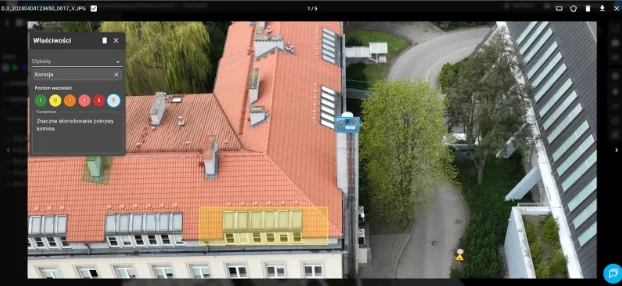
Photo annotations
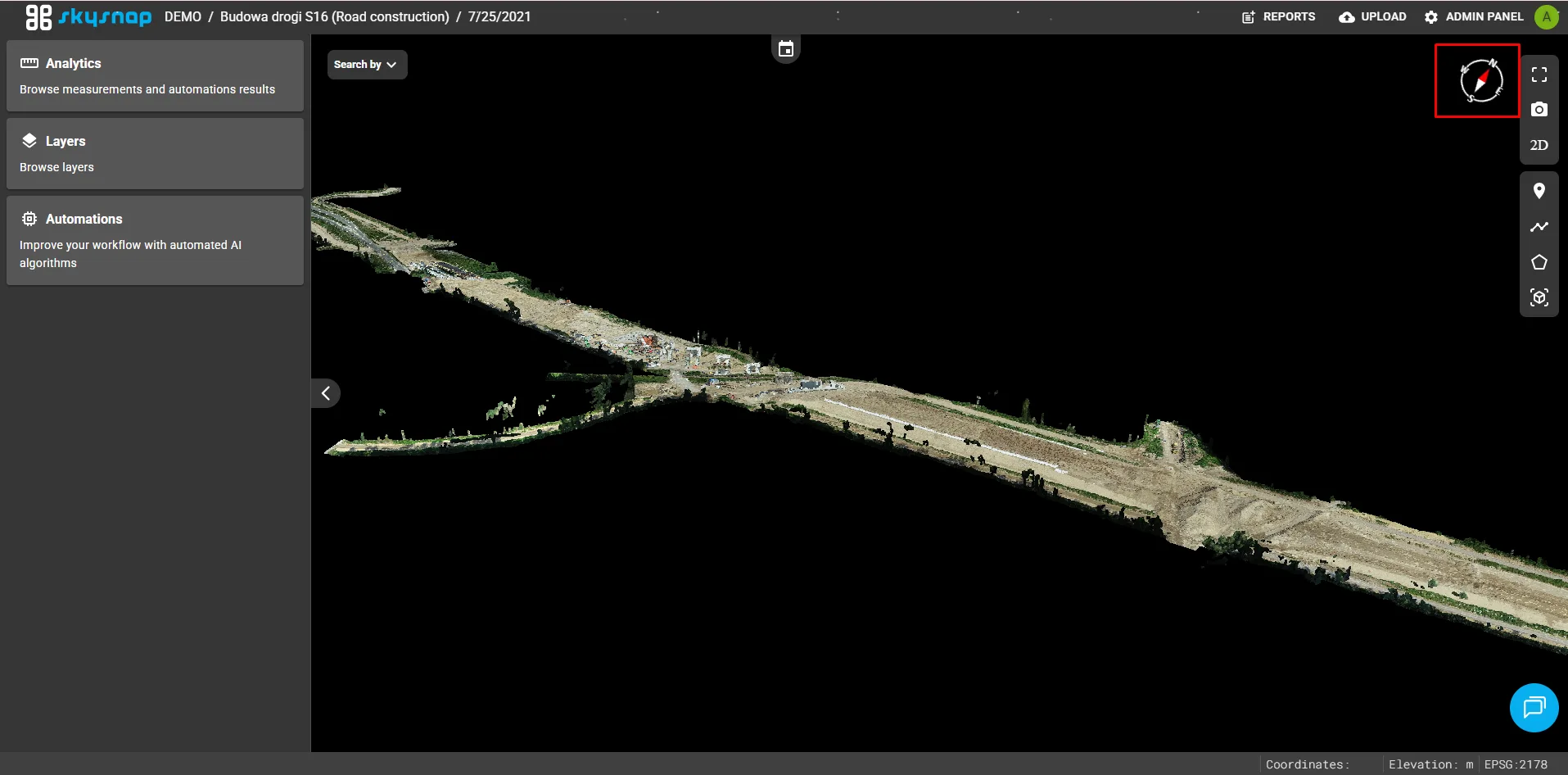
New functionality has been added to allow direct annotation of photos in a dedicated view. This makes it easy to quickly flag places of interest and make comments.
Compass in 3D view
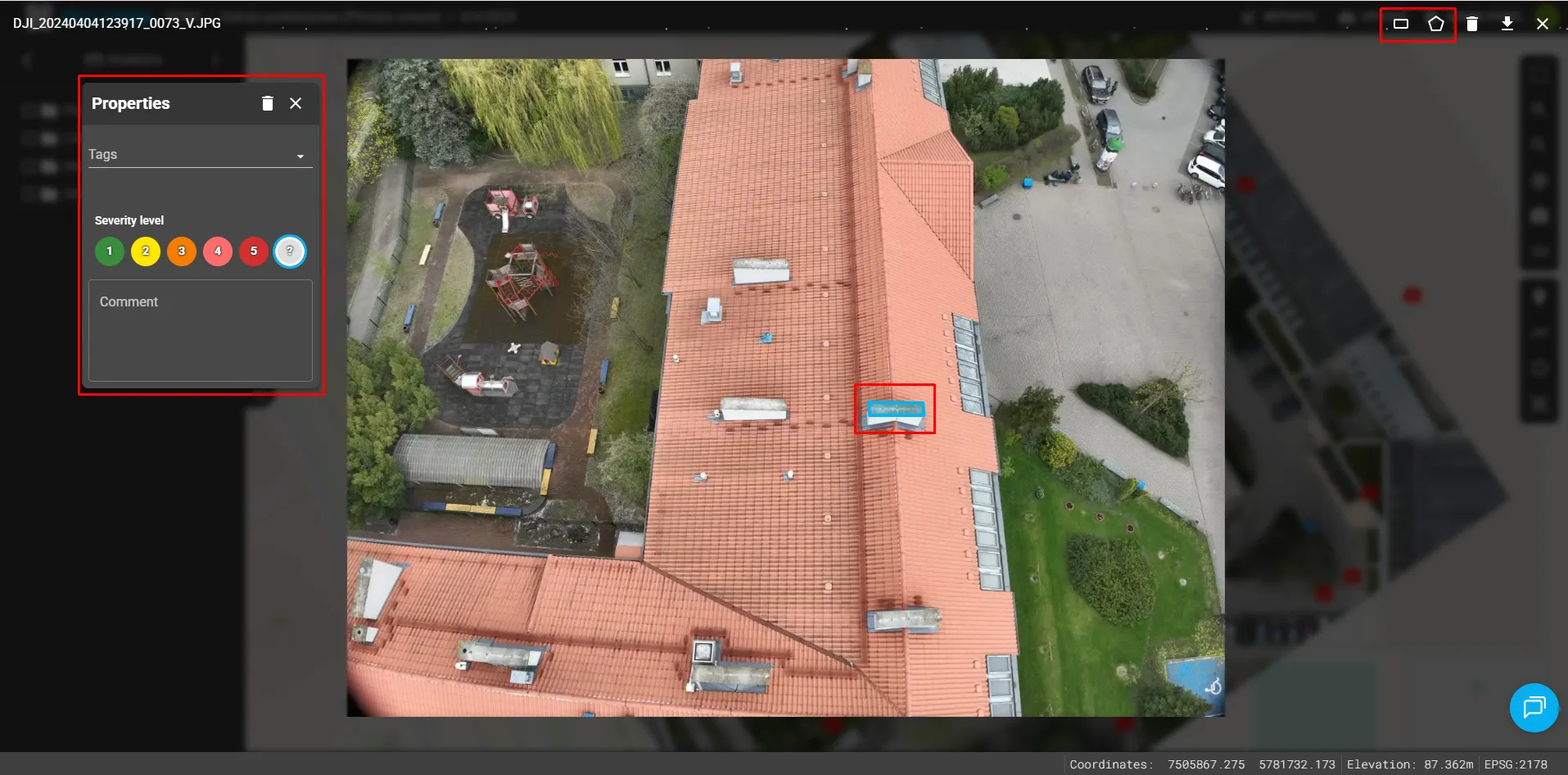
A compass has been introduced into the 3D view interface. This helps maintain spatial orientation when navigating and analyzing 3D models.
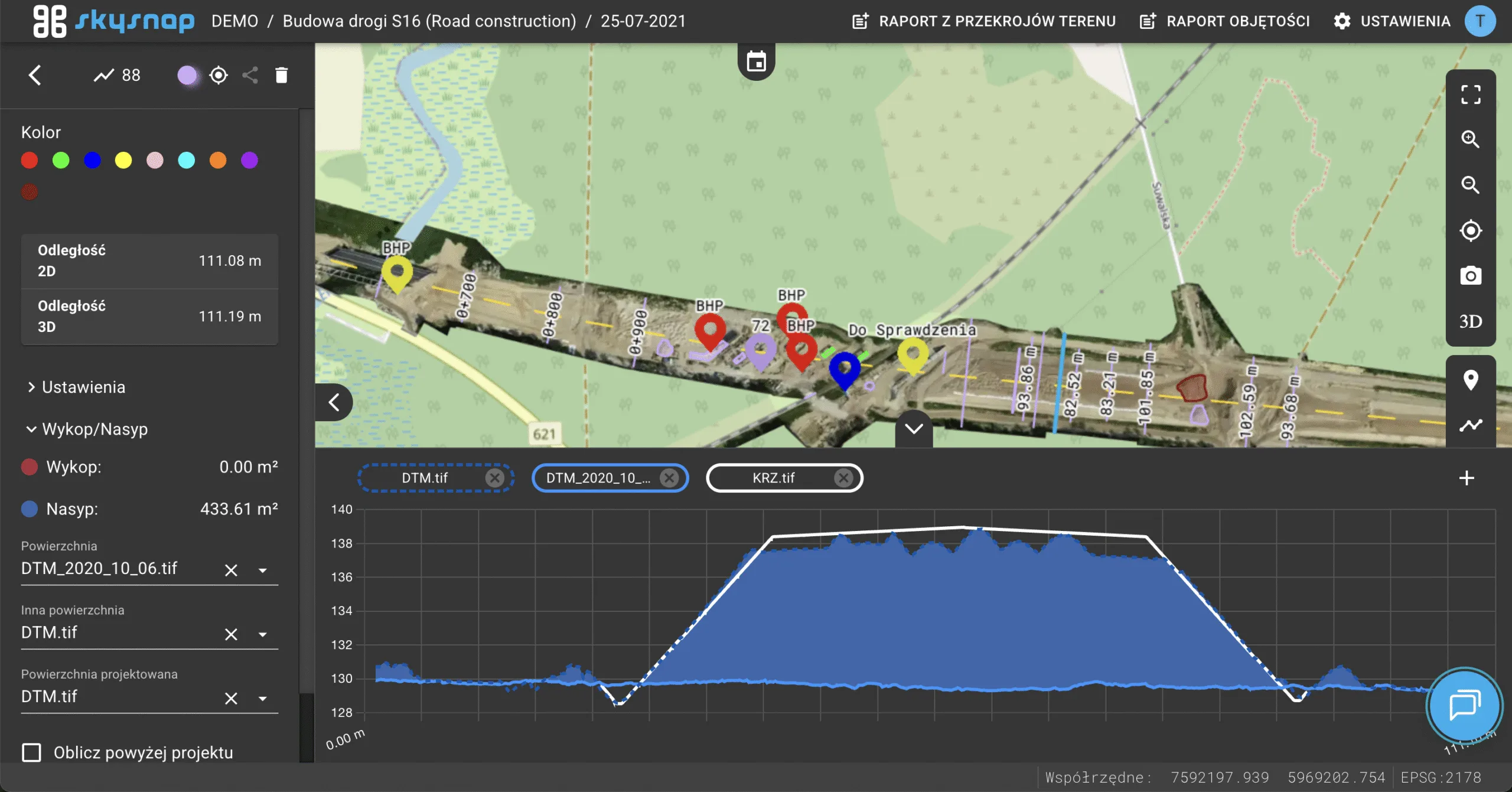
Handling measurement reports
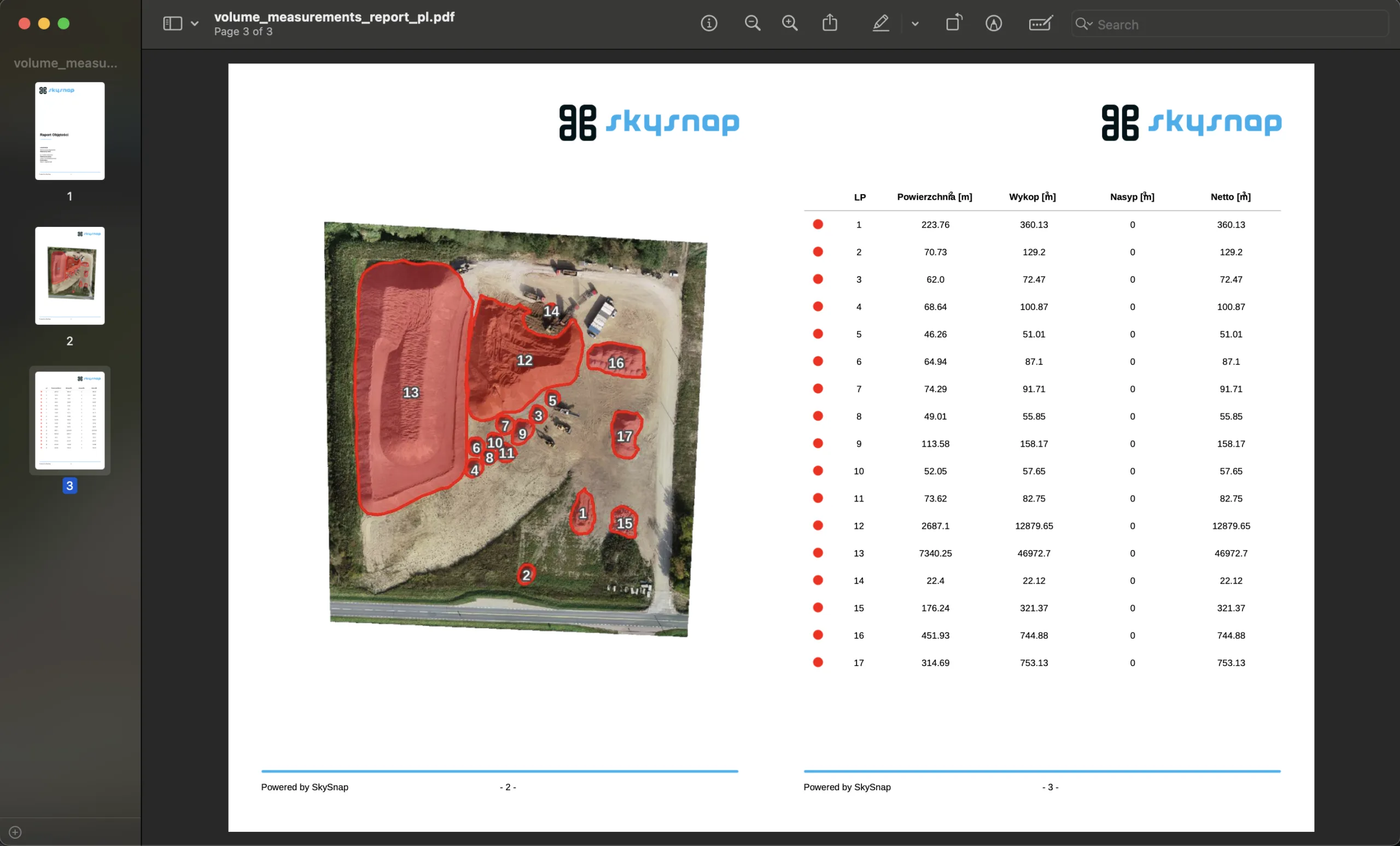
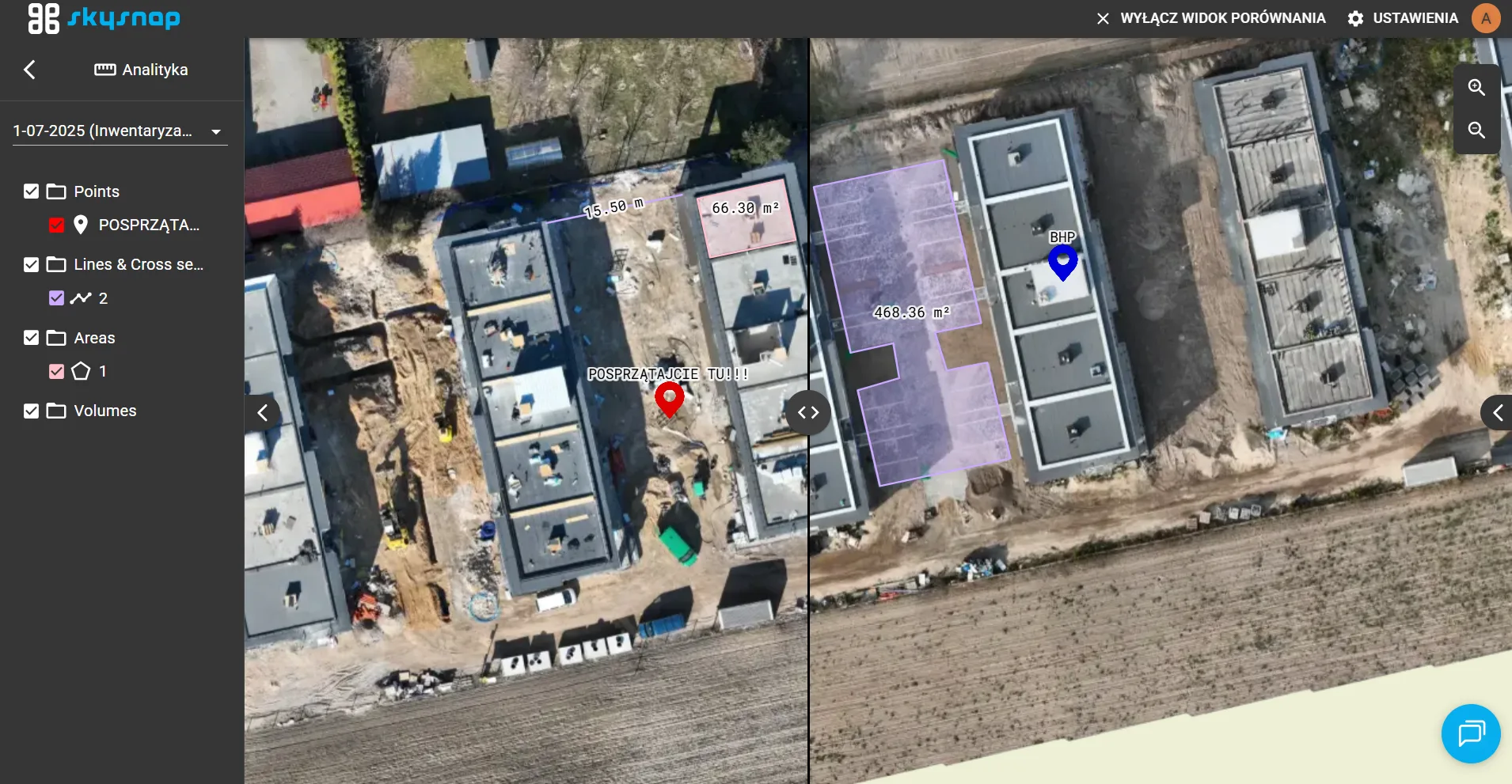
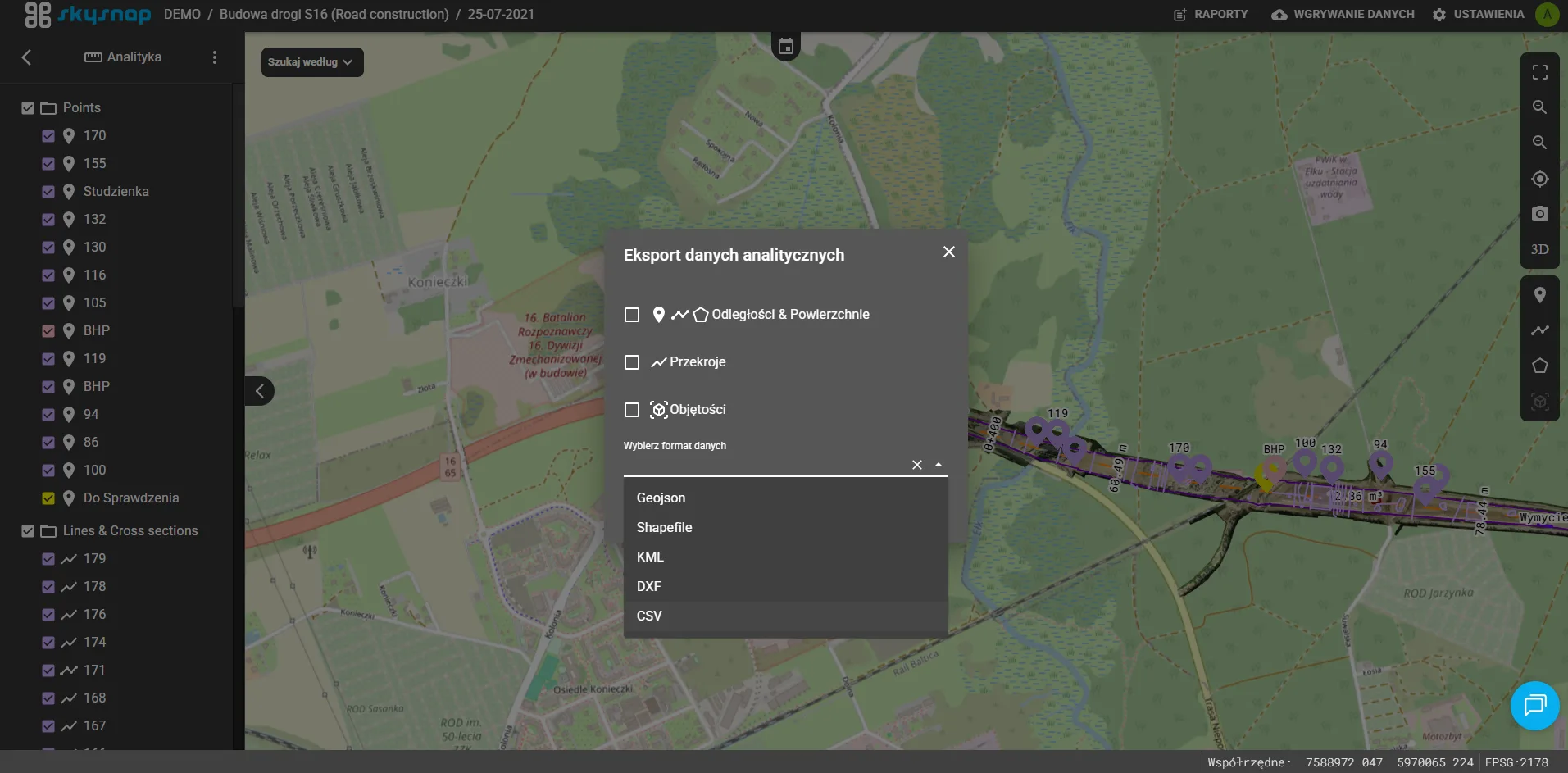
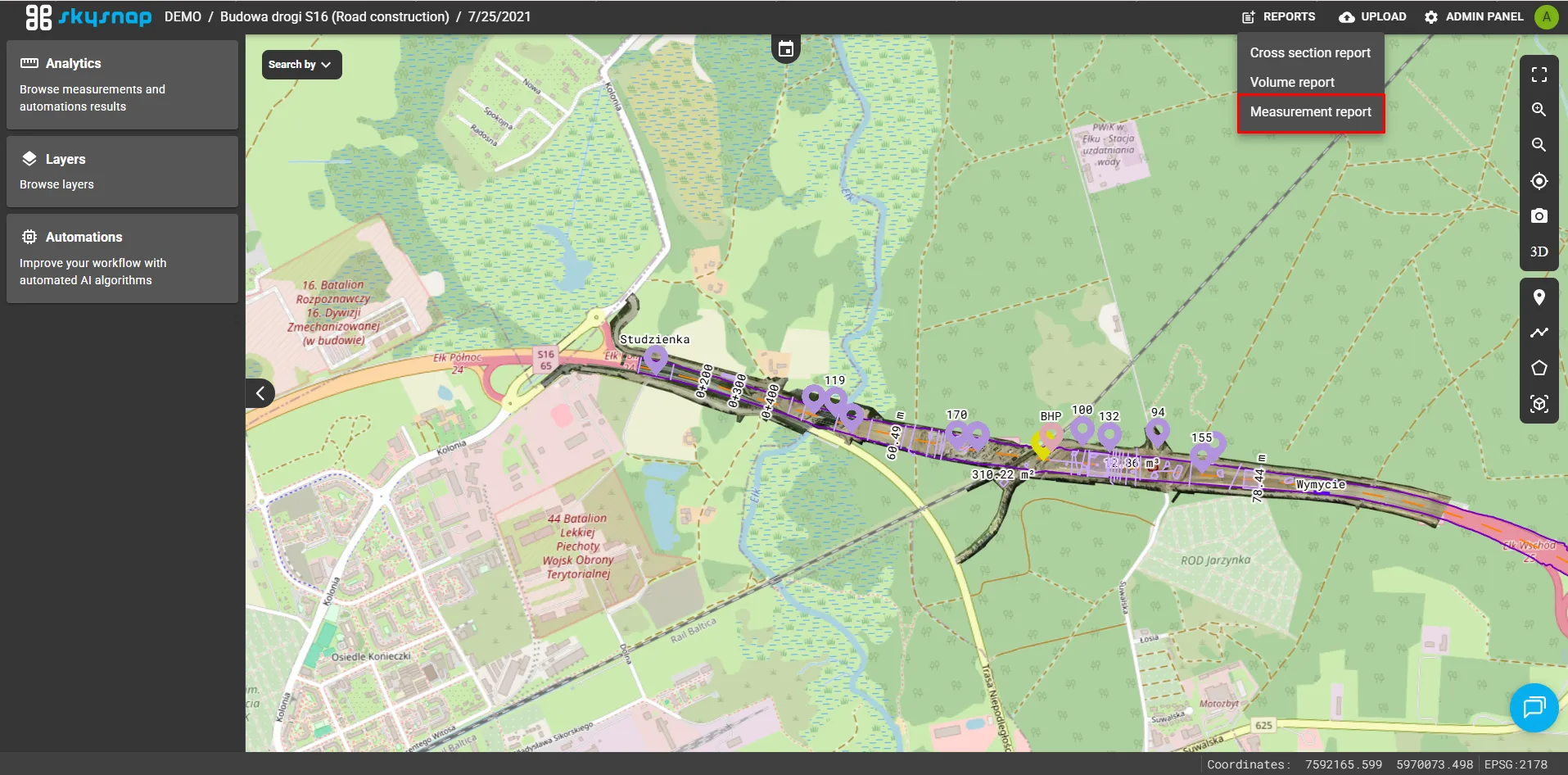
A new module has been added to generate and manage reports based on geometric measurements taken (pins, lengths, areas). Users can now easily create, view and export detailed measurement summaries for documentation and analysis purposes.
Changes
Change of location of organization selection
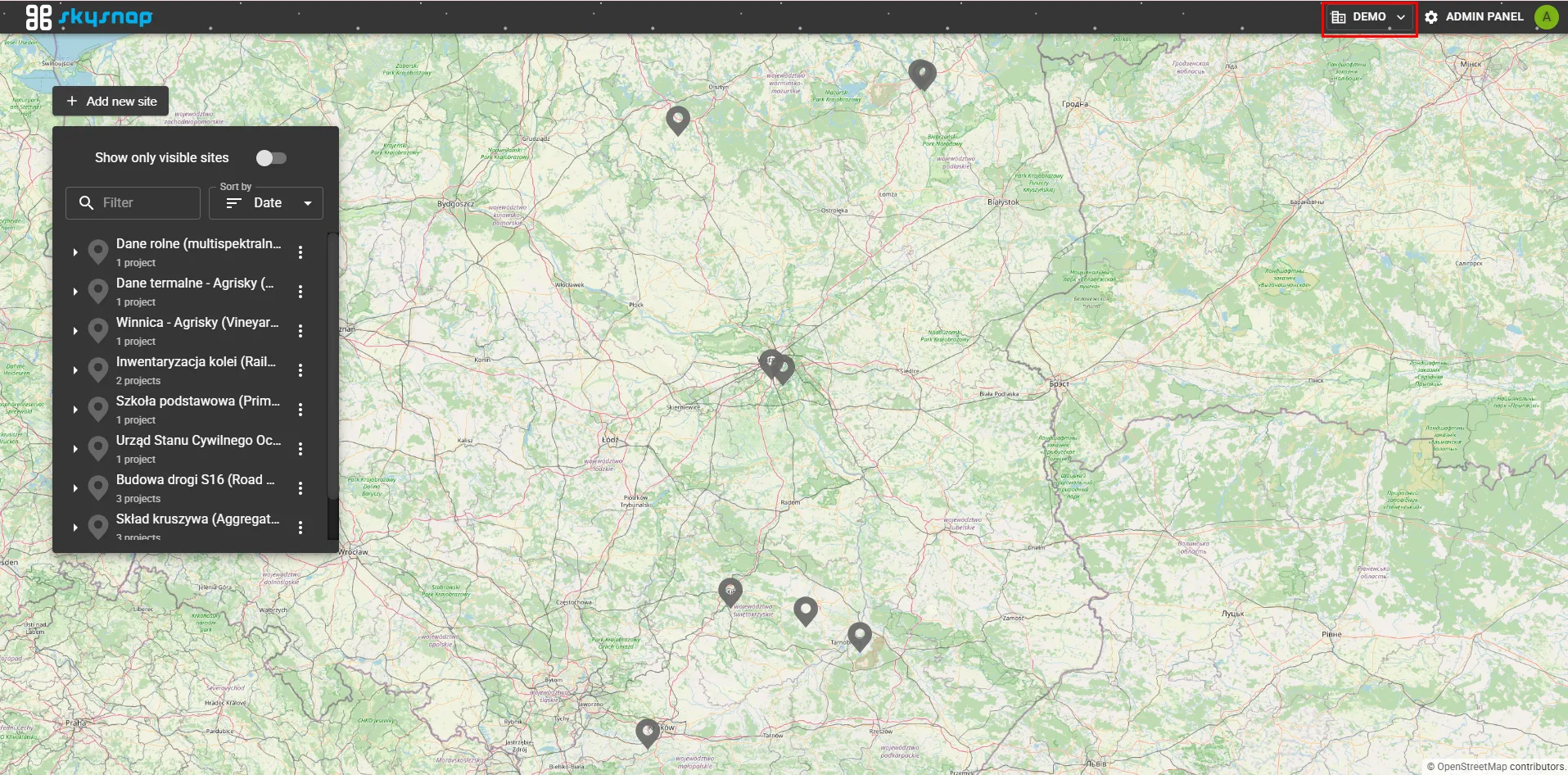
Moved the active organization selection component from its previous location to the top navigation bar of the interface. This improves accessibility and switching between organizations for users managing multiple entities.
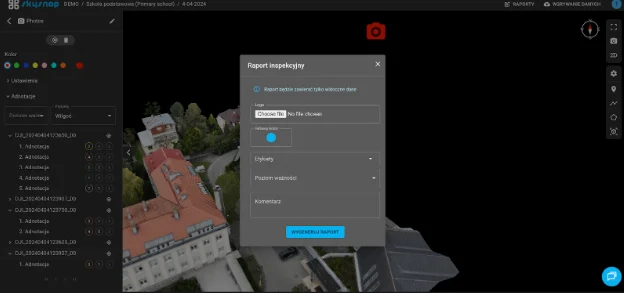
Logo as report personalization
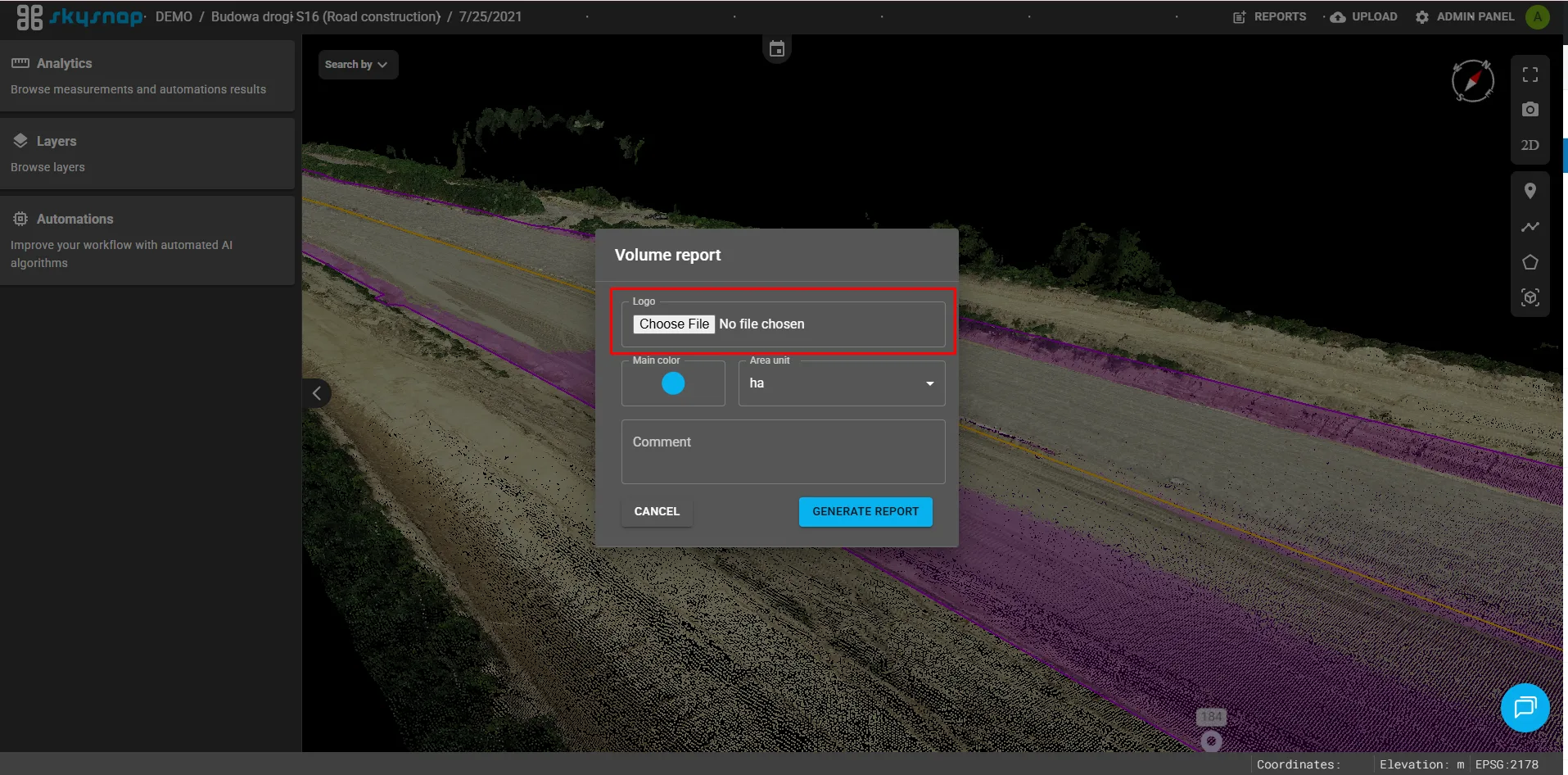
The ability to add a custom logo to generated reports has been introduced. This makes it possible to personalize documents and maintain visual consistency.
Scaling labels and pins
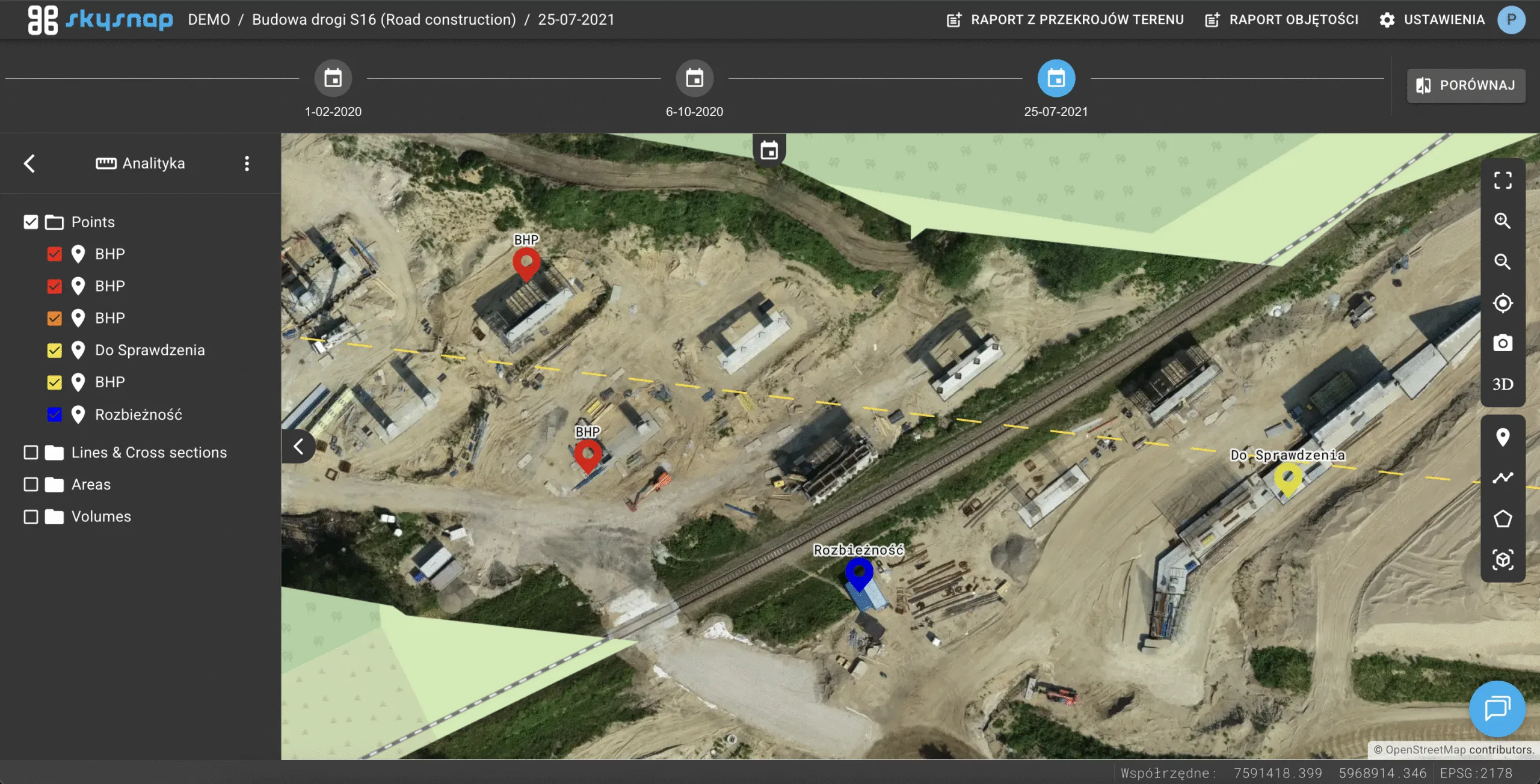
Dynamic scaling of labels and pins depending on the zoom level of the view has been implemented. This improves the readability of 2D and 3D views, especially when zoomed in or out, preventing oversized markers from obscuring objects.
Editing coordinates and heights in pins
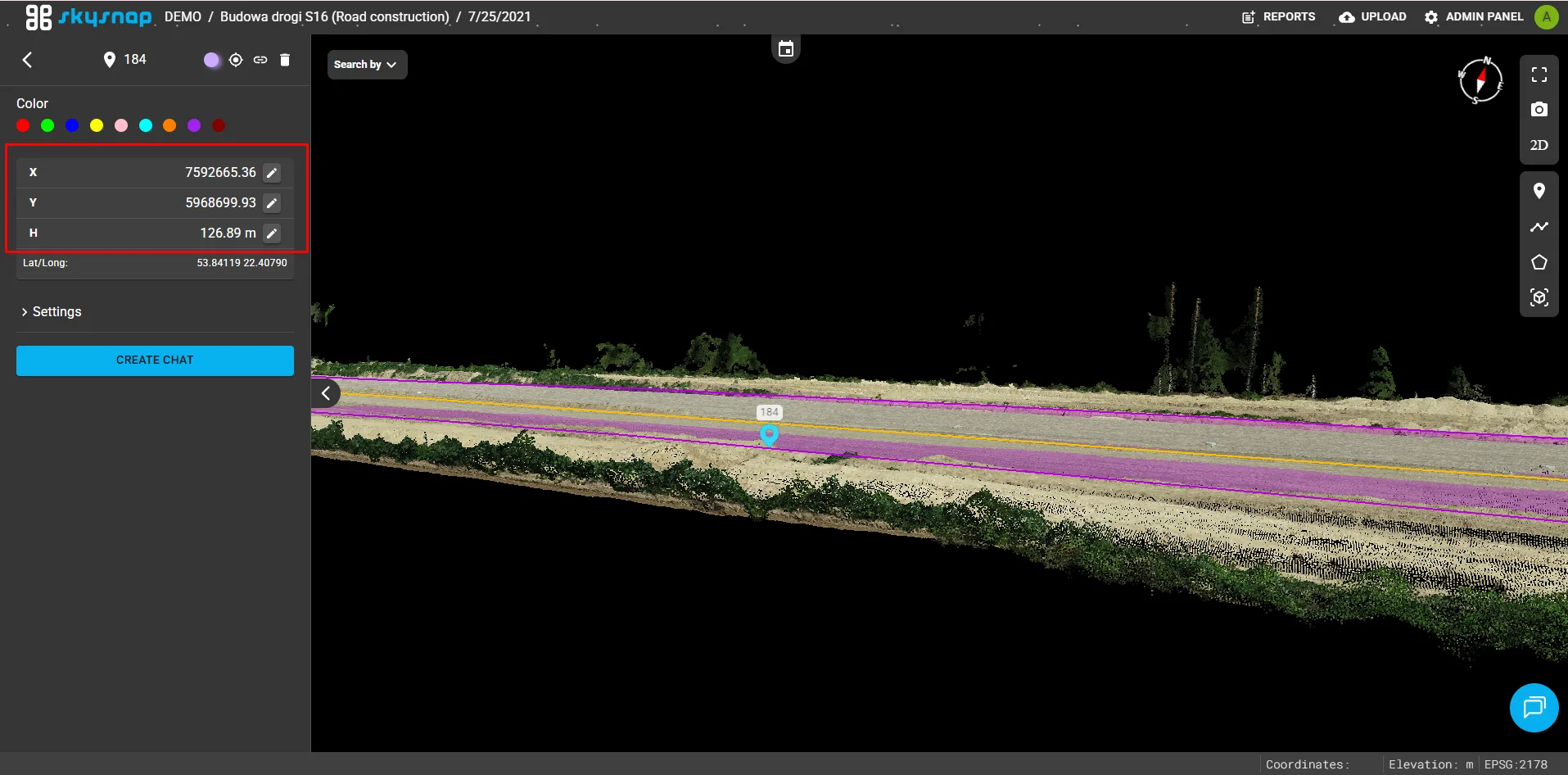
Users can now manually edit the coordinates and height for existing pins. This provides greater precision and flexibility in positioning reference points in 2D and 3D views.
Christmas accents in the app 🎄
Interactive snow and virtual Christmas tree
To celebrate Christmas, an interactive falling snow effect was added to the view, introducing a temporary magical mood. As a demonstration of the new 3D visualization capabilities, an investment with a Christmas tree model presented simultaneously as a mesh and a point cloud was added to the DEMO organization, demonstrating the technical capabilities of the application.