Skysnap portal
Last modified 09-10-2025
Improvements
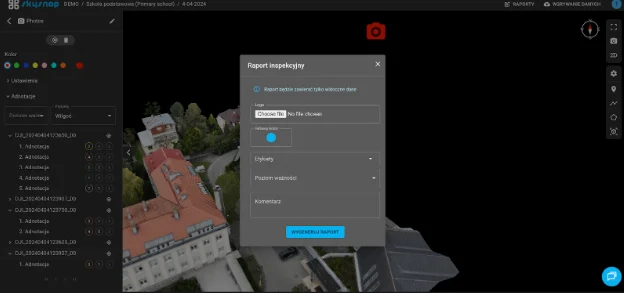
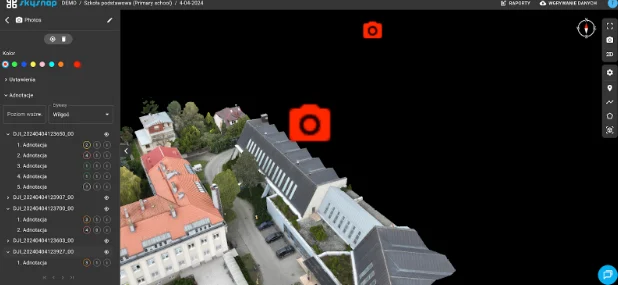
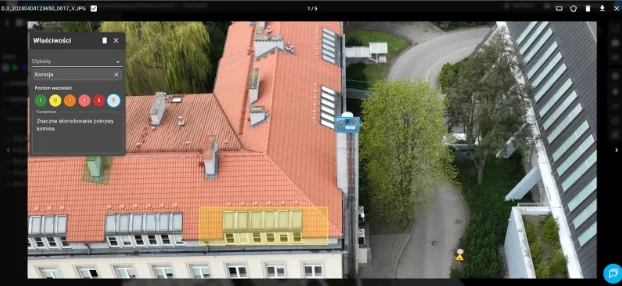
Support for drone photography and 360 panoramas
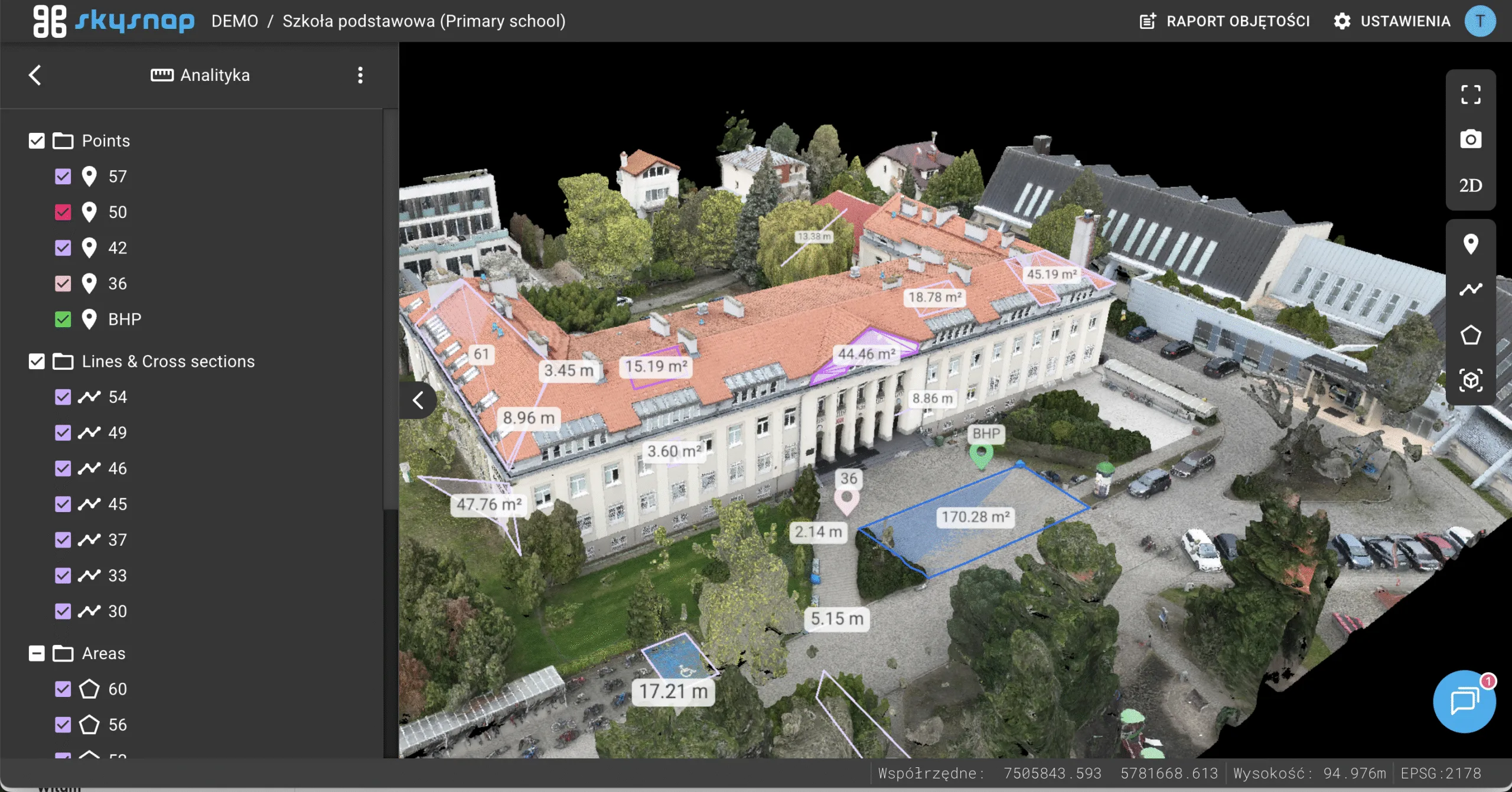
The portal now allows users to view drone photos and interactive 360° panoramas directly on a map. Icons indicating the location of the images are visible in both 2D and 3D point-cloud views, making it easier to orient oneself in the field and view the visual material.
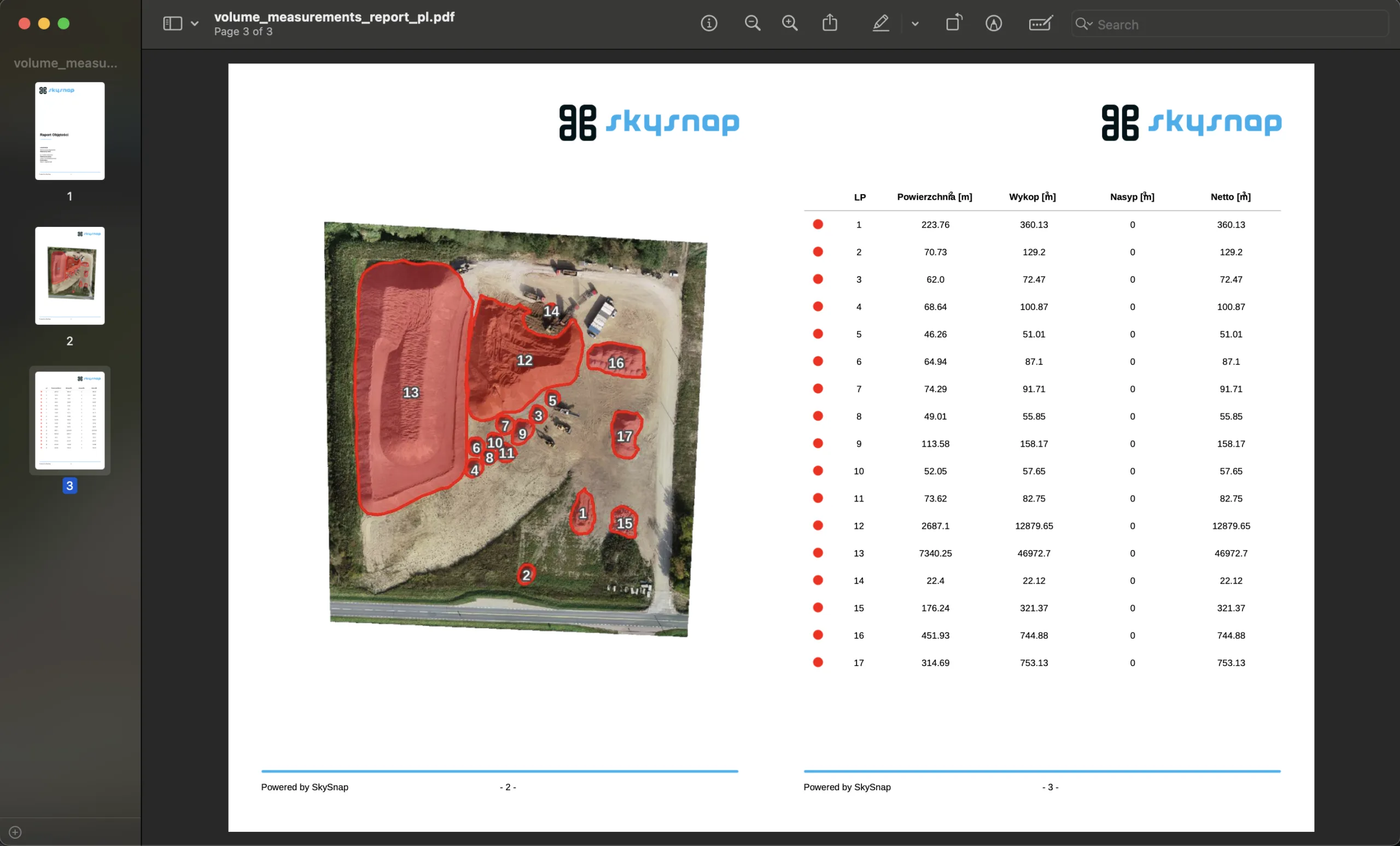
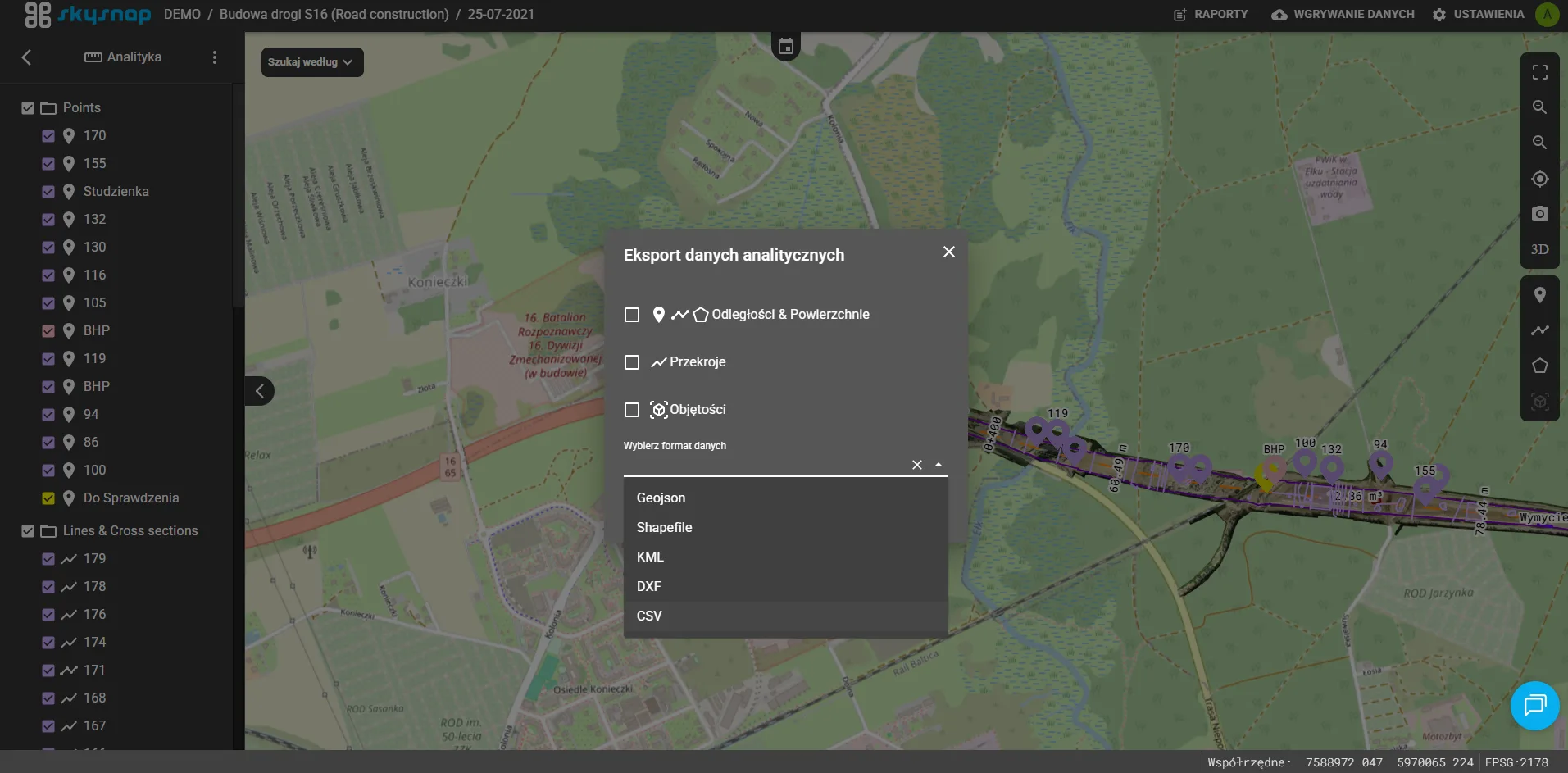
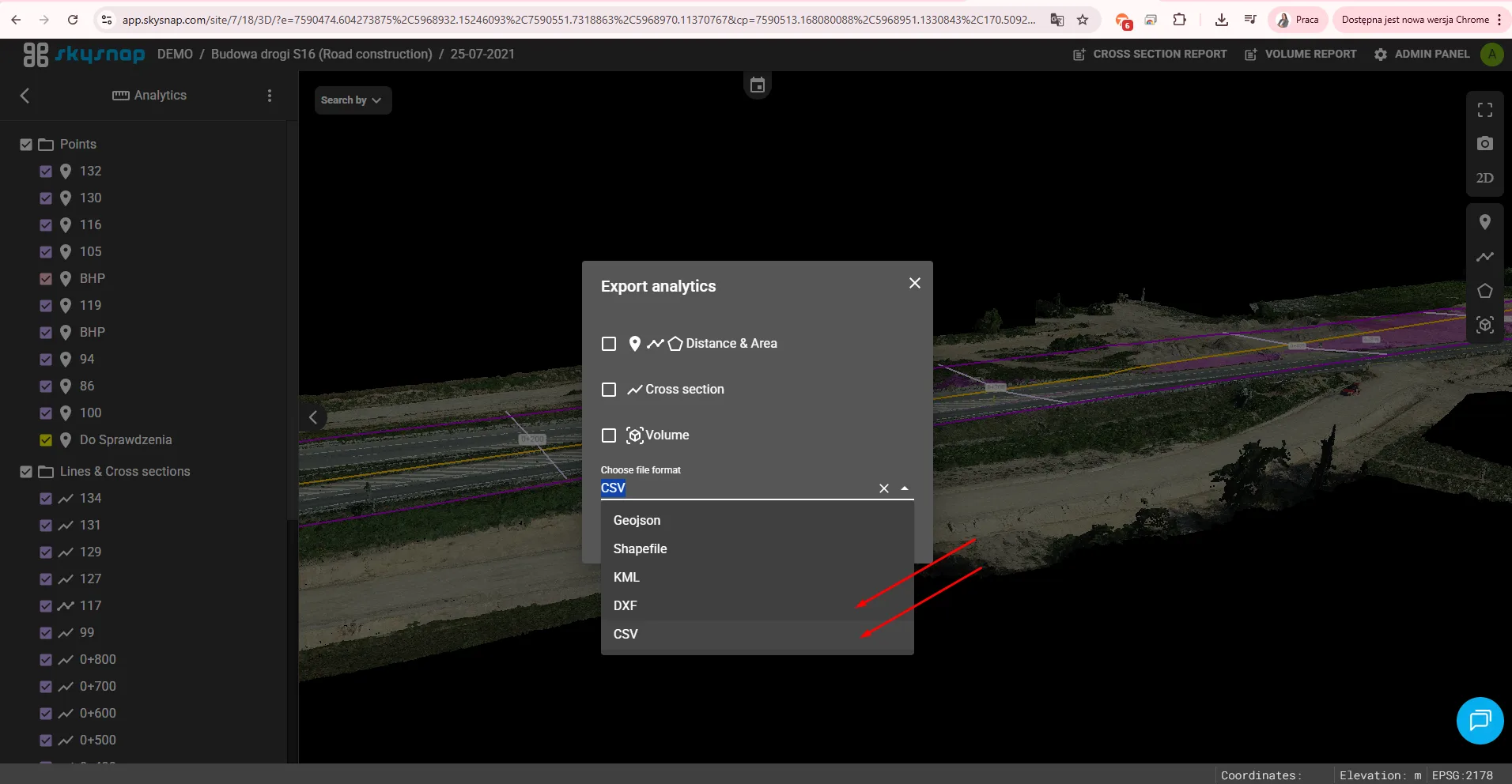
Adding export of measurement data to DXF and CSV files
The ability to export measurement data in DXF and CSV formats directly from the application has been made available.
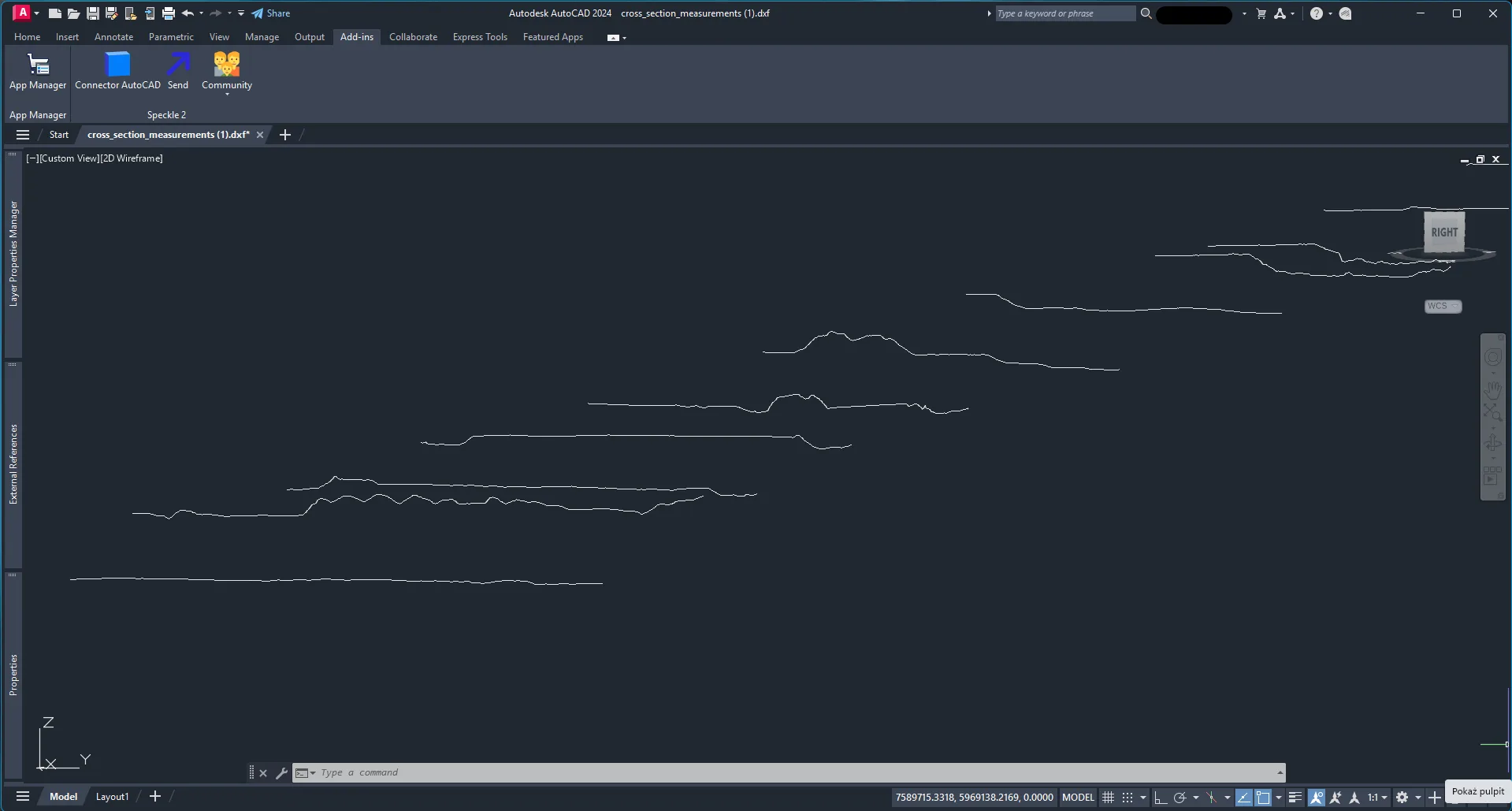
Adding support for DXF files in 3D vector format
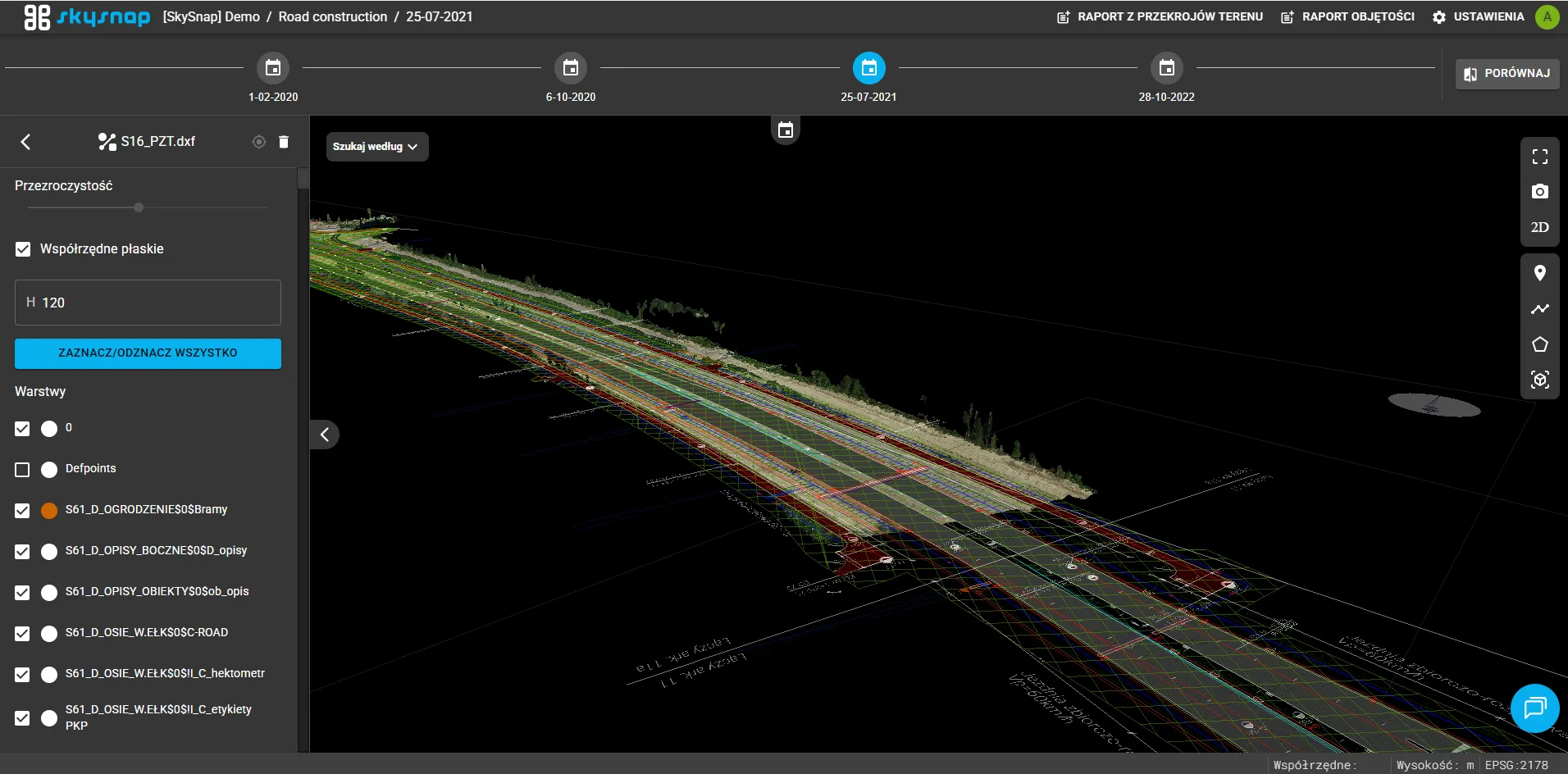
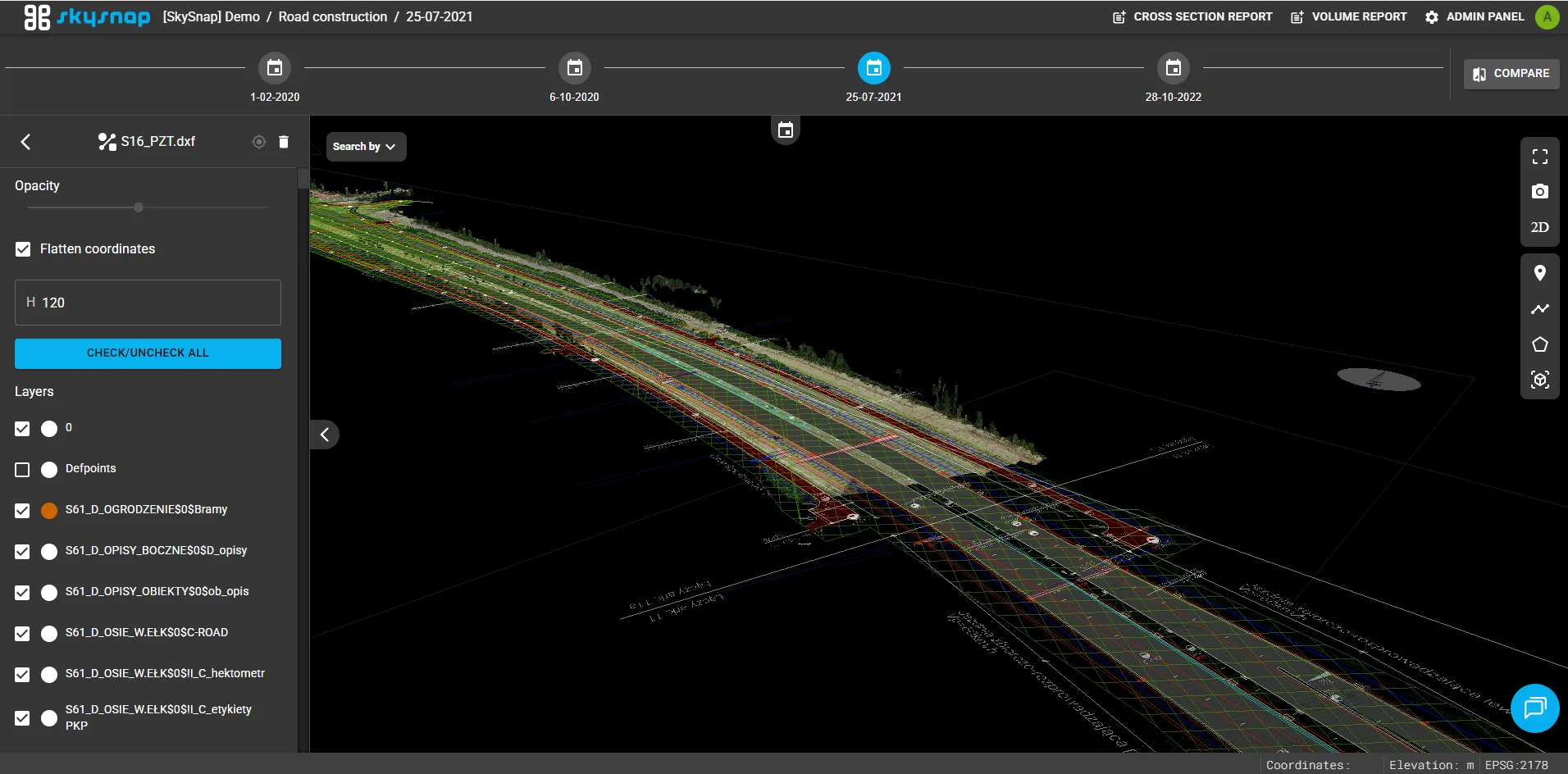
The ability to import and display DXF files in 3D vector format in the application has been introduced. The user can turn on and off individual layers of the uploaded file, as well as flatten the model or move it by a selected height, making it easier to analyze and adjust spatial data.
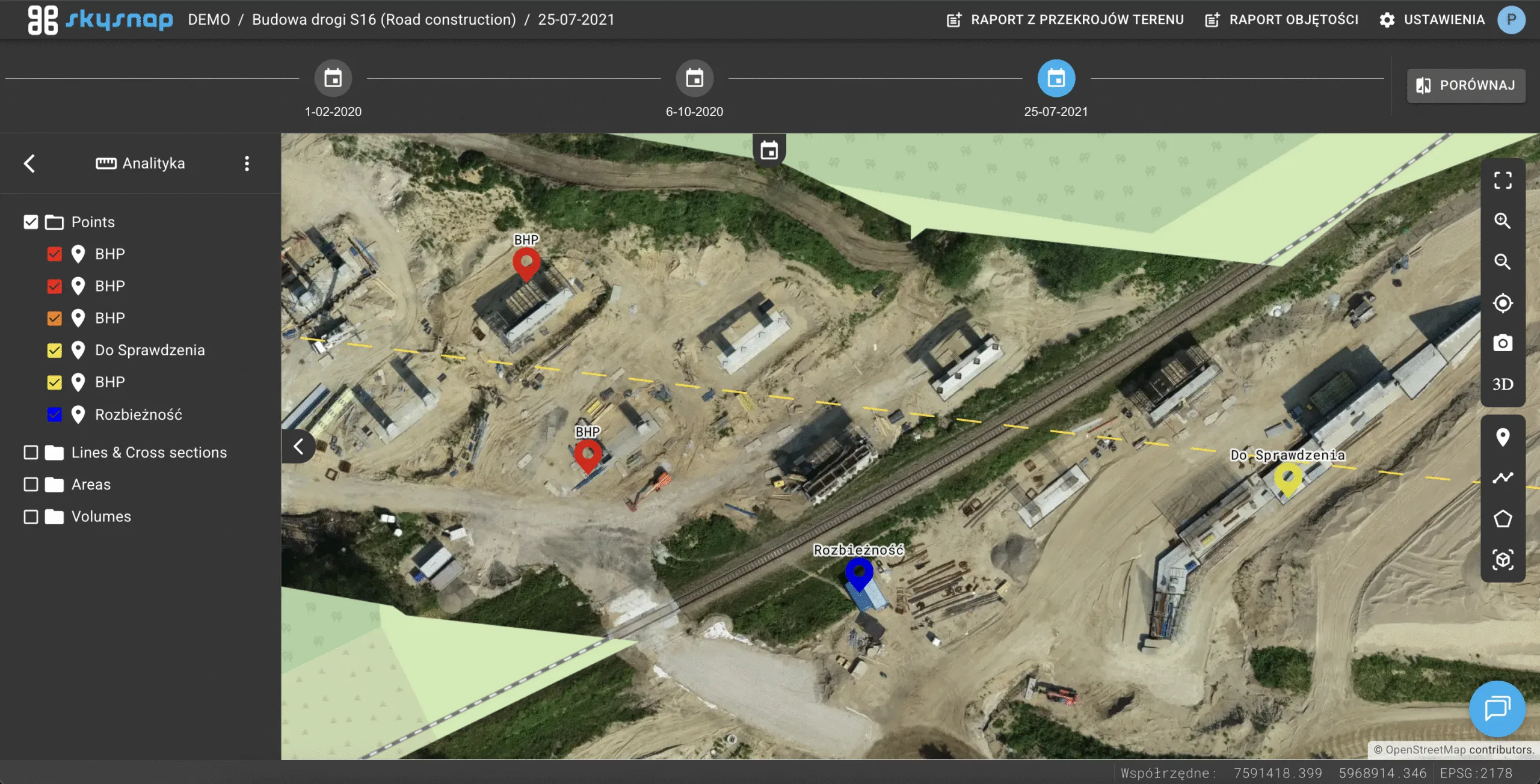
Adding a navigation bar for vector layers
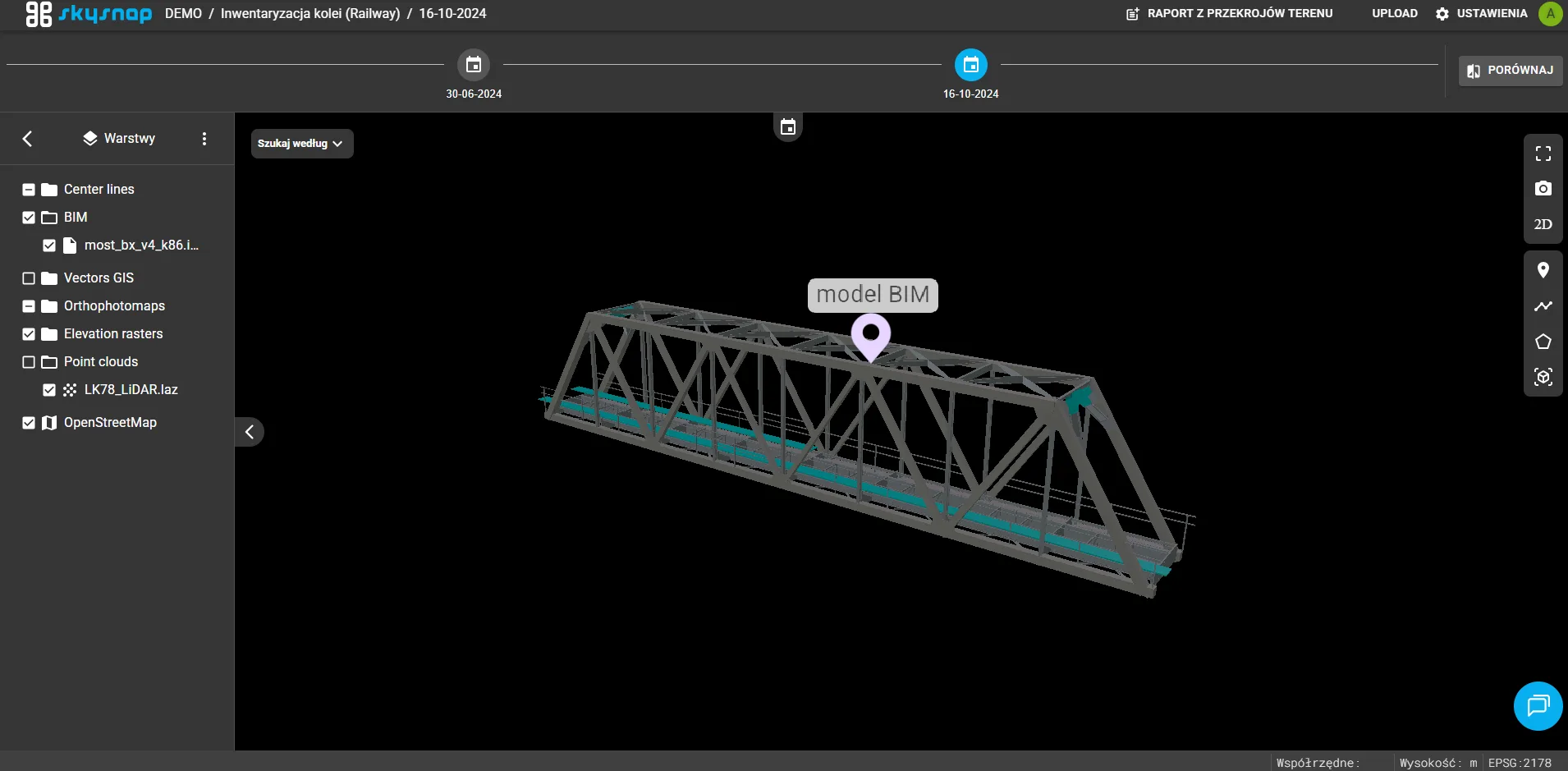
A navigation bar has been added to the application to make it easier to search for elements on the map according to the selected layer and its attributes.
Transferring map coverage in a link in 3D
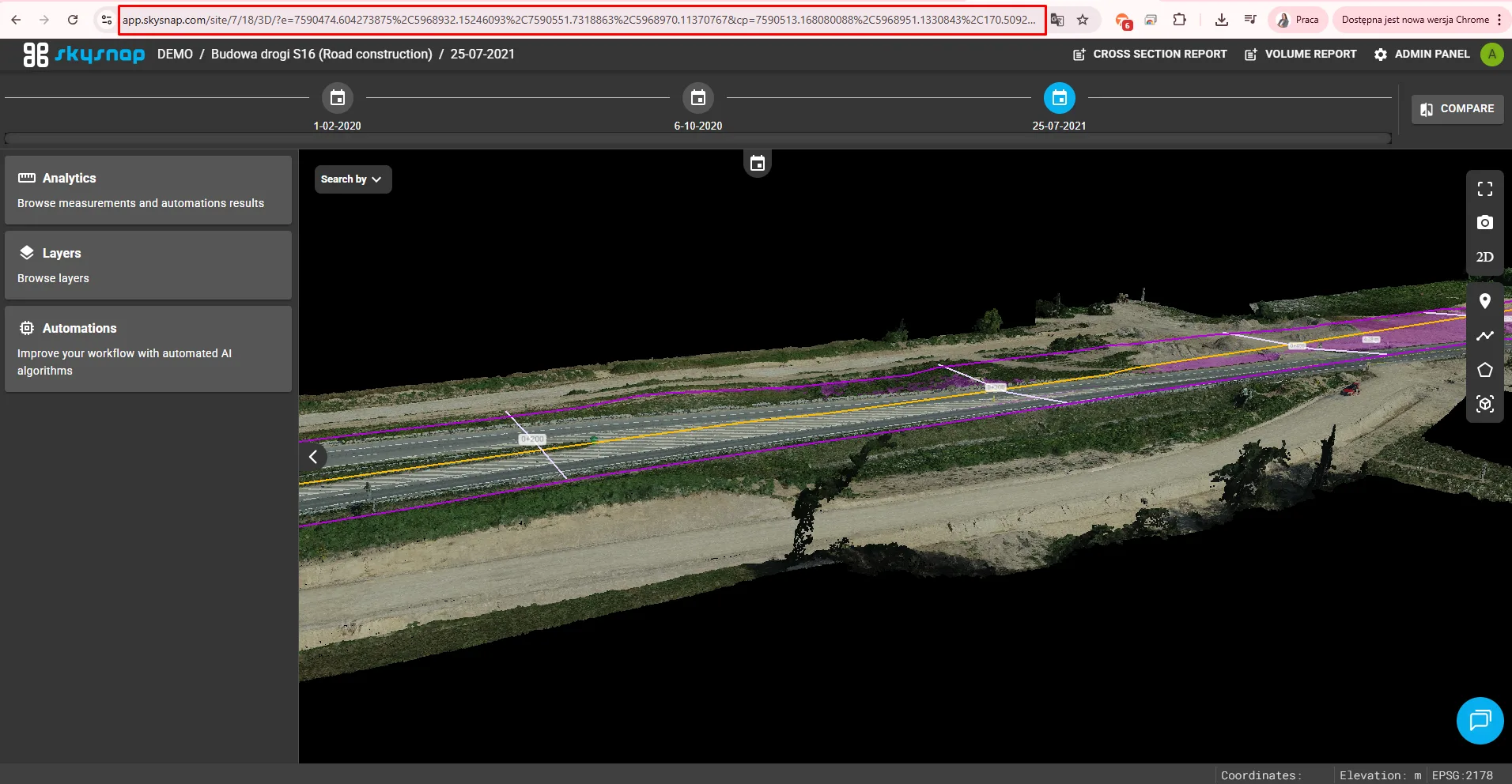
Users can now share links to a 3D view that maintains the current map coverage and camera position. This allows the recipient to open the exact same spatial view as the sender, making it easier to collaborate and present data in the Portal.
Changes
Preserve map coverage by changing Portal views
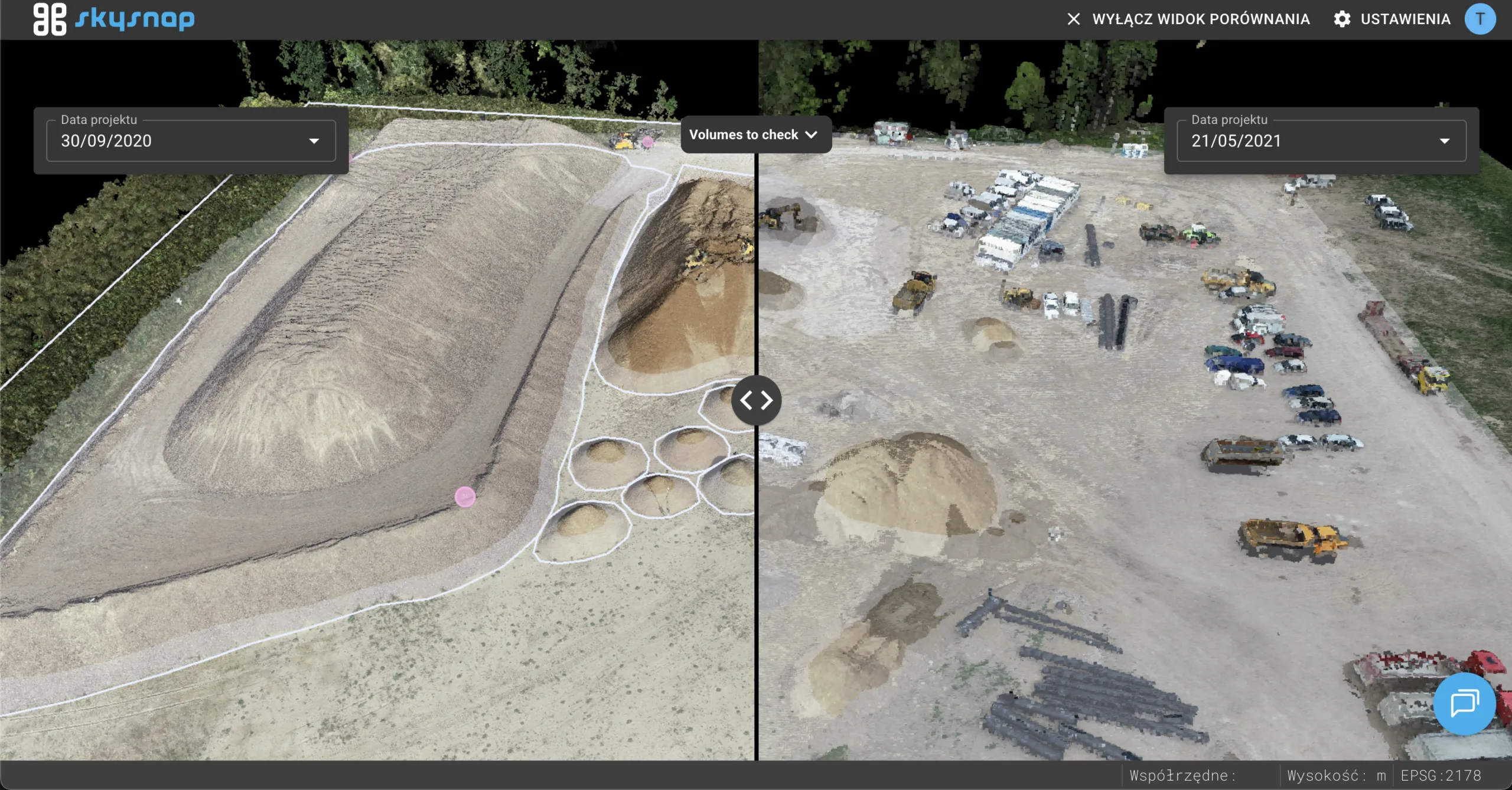
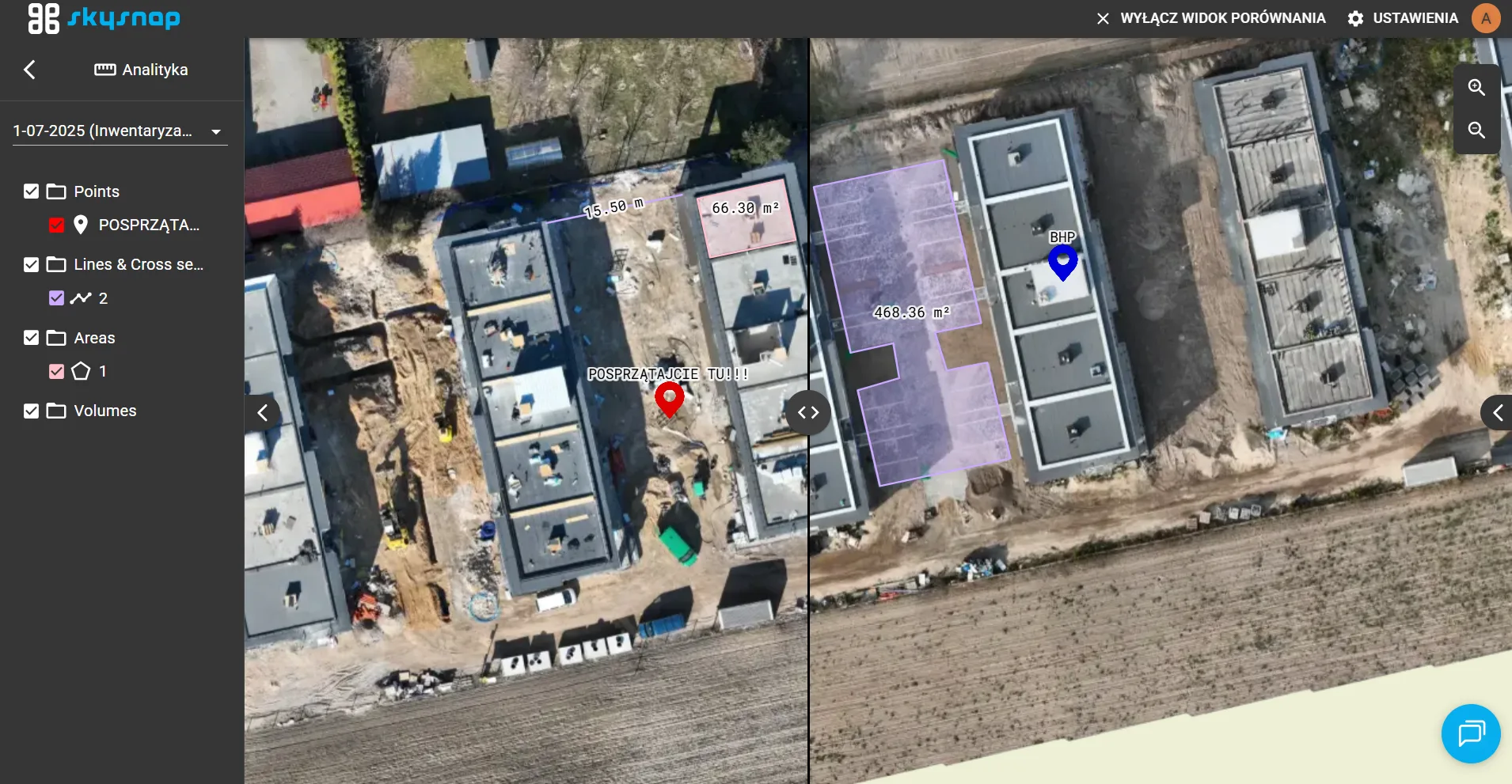
When switching between different views of Portal – for example, between a 2D map and a comparison or 3D view – the application automatically keeps the same area of the map. This makes using Portal smoother and more intuitive, without having to search for a place on the map again.
Changing the sort order of projects and investments in the main panel
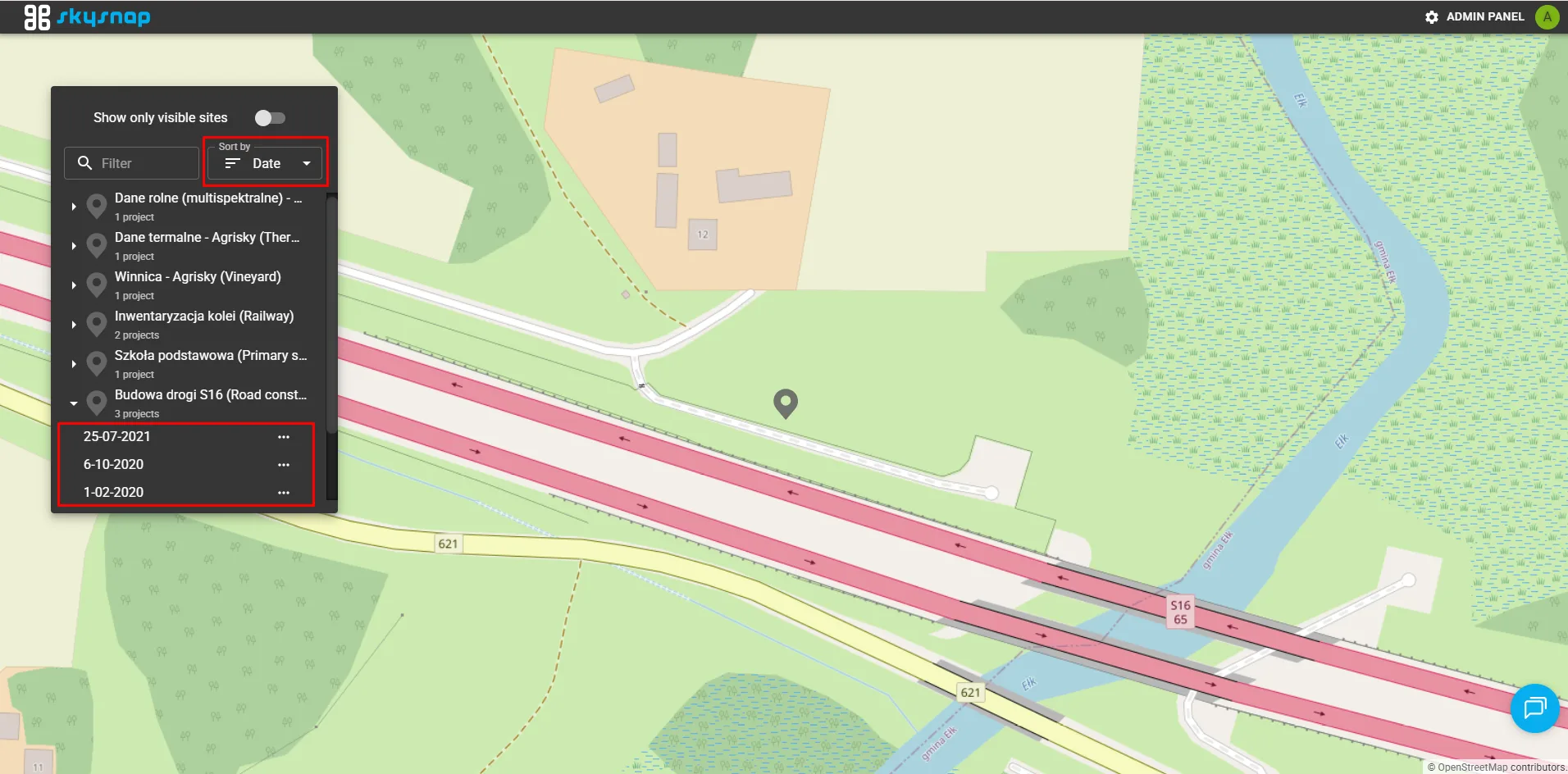
A default sorting method has been introduced so that investments with the most recent projects display at the top of the list. Projects inside investments are also now sorted from newest to oldest, making it easier to quickly access up-to-date information.
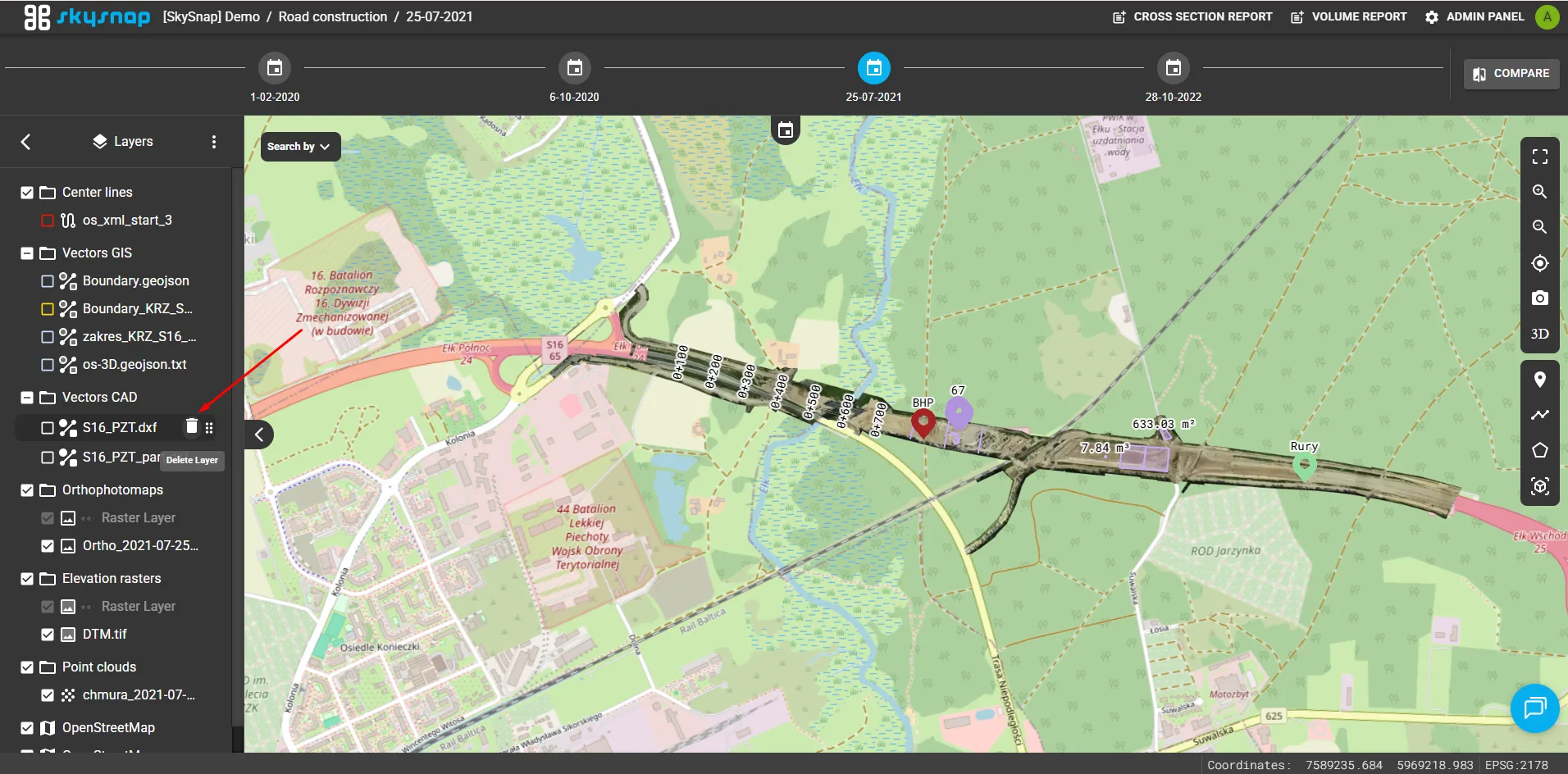
Ability to remove layers directly in the application
Deleting layers is now available directly in the application – the function in the management panel has been disabled.